Filterable list
Filter tickets by category, priority, status, and due date, including upcoming and overdue work.
Internal support
Classify internal requests by category and priority, assign owners and dates, and keep status changes, comments, and attachments in the same ticket.
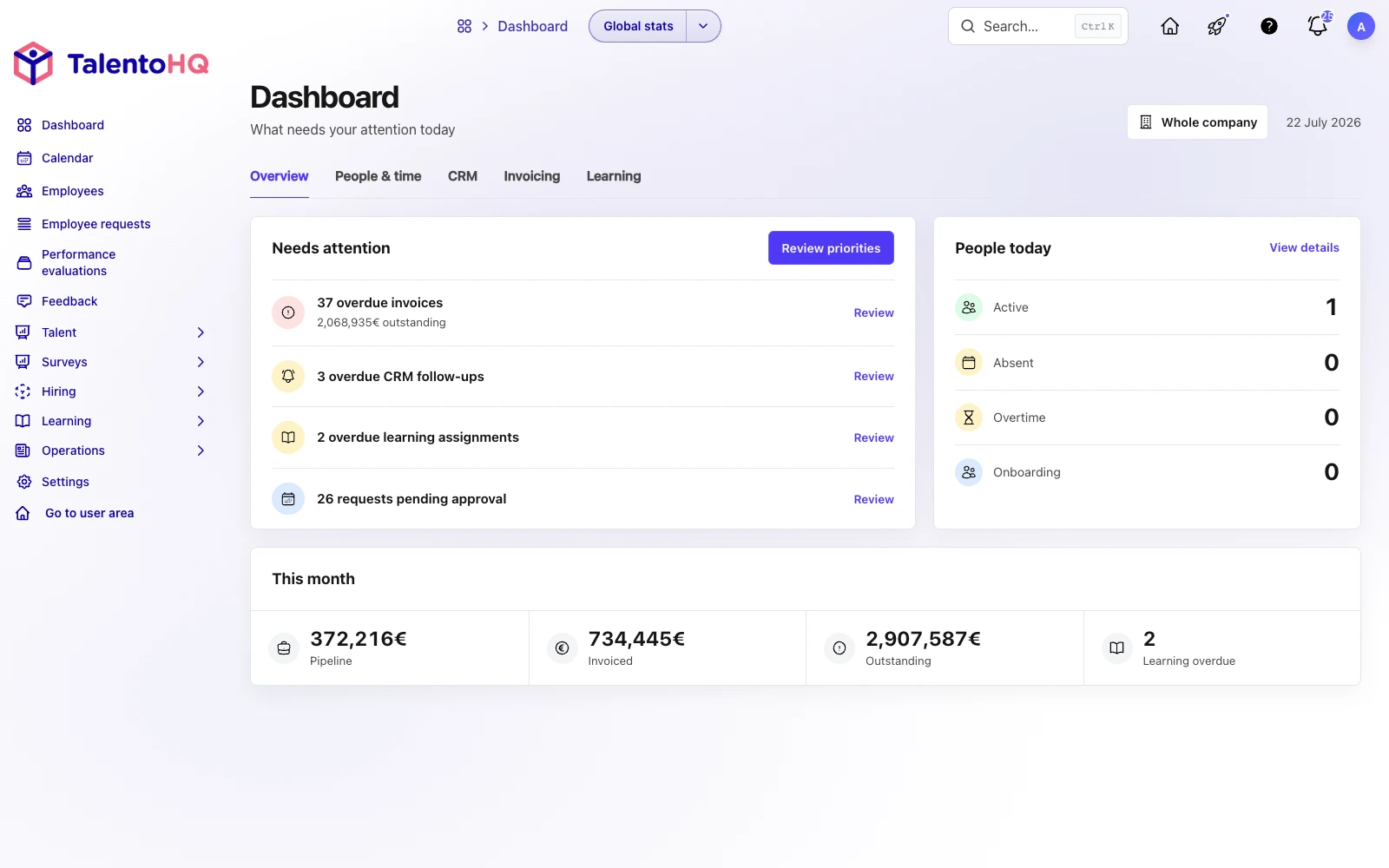
From request to follow-up
Create and filter tickets, review the detail, update status, priority, or category, add comments, and configure categories with default owners.
Create the ticket with a title, description, priority, deadline, optional reminder, and files.
Use categories and default owners to route the review.
Filter by status, priority, category, or due date and keep comments in the ticket detail.
The feature combines employee-facing tickets with administrative setup for categories and default owners.
Filter tickets by category, priority, status, and due date, including upcoming and overdue work.
Provide a title, description, priority, due date, optional reminder, and attachments.
Review description, category, priority, status, owner, requester, tags, and files.
Add discussion and files so the follow-up remains in the same ticket.
Configure a name, description, color, and default owners.
Send reminders for open tickets when a due date has been configured.
The employee submits a ticket and the responsible team manages its category, priority, status, due date, comments, and attachments.
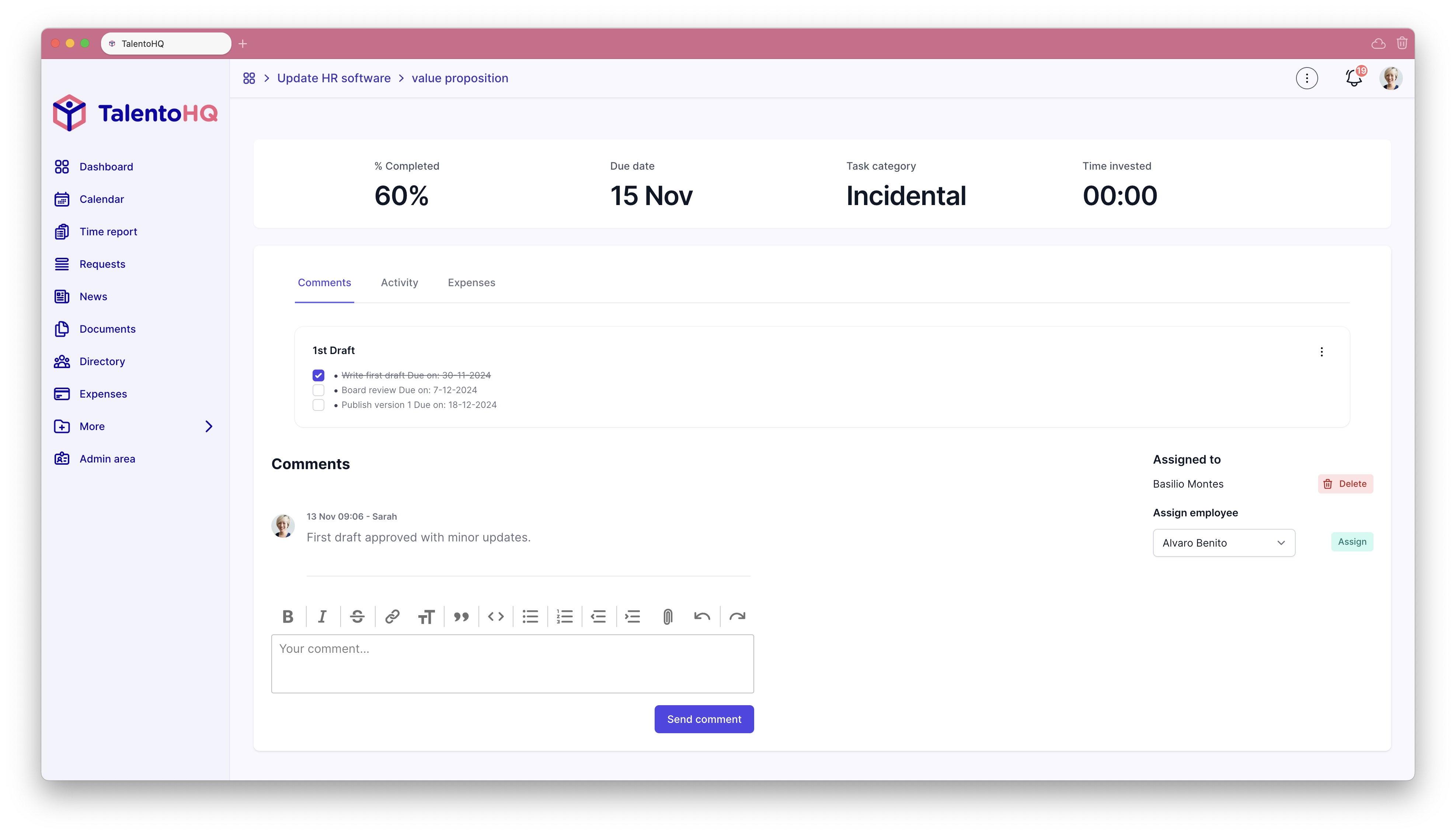
Traceable internal support
Tickets give internal requests a consistent shape, a responsible person, and a conversation history that can be reviewed later.
Explore resource managementFrequently asked questions
This feature handles internal support and operational requests. Contact tickets belong to a separate workflow and are not mixed into this page.
Yes. Categories can have default owners and office-specific owners.
No. Each person sees only the tickets available under their permissions and access rules.
Internal tickets are included in All-Inclusive: €3 per user per month when billed monthly, or €2 per user per month when billed annually.
Yes. You can try TalentoHQ for 14 days with a guided demo.
Try TalentoHQ with your team or request a demo to see how categories, owners, and follow-up fit together.