Onboarding and offboarding
Turn a successful hire into a clear, repeatable onboarding process.
Create a public page for each role, receive applications, and record stages, skills, assessments, and communications through the end of the hiring process.
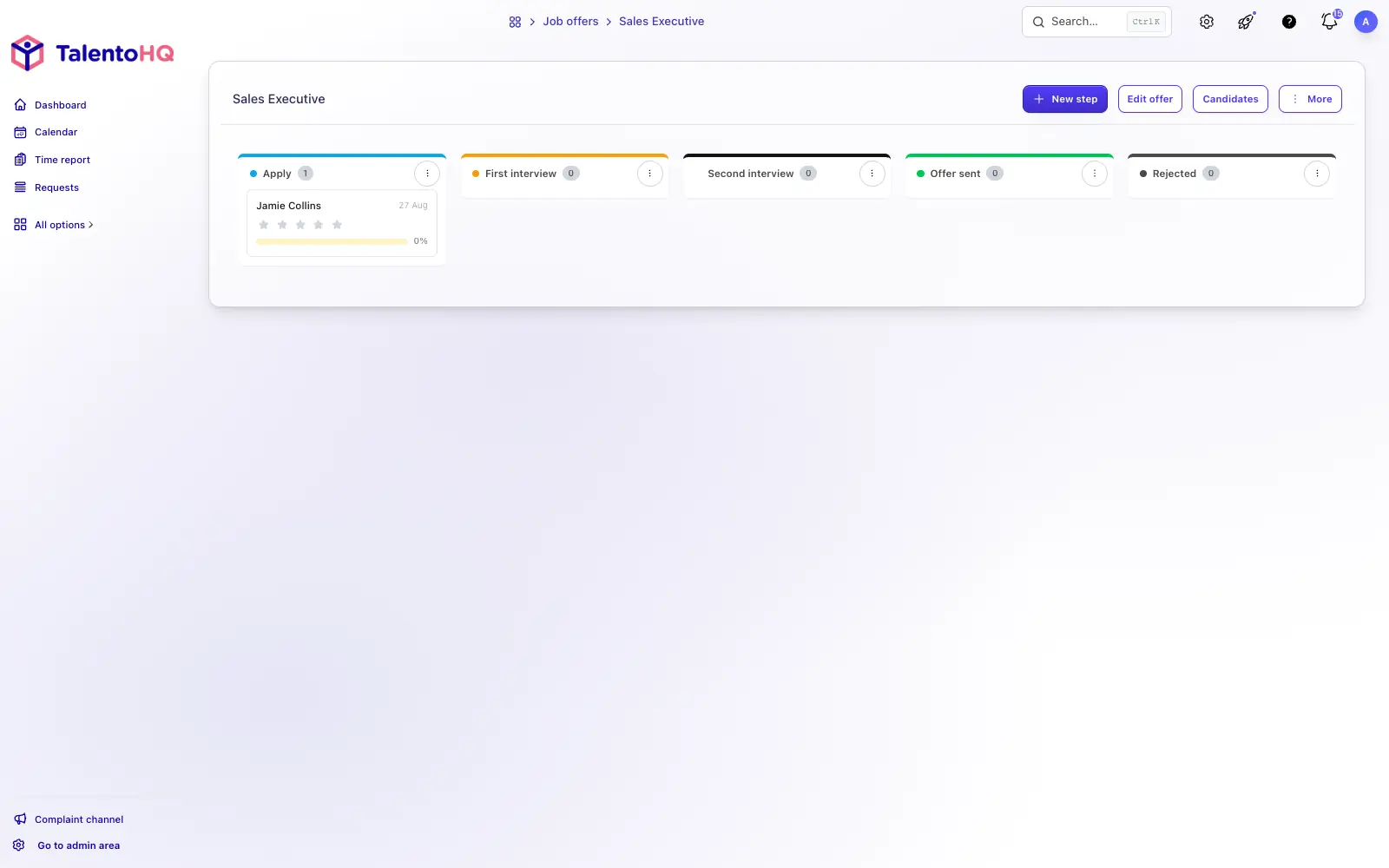
There is no limit on the number of job postings you can publish.
If you have more than five open roles, the careers page can show a search bar so candidates can find the right posting.
Create emails to send to candidates at each stage of the process.
Team members can rate candidates and leave comments to support hiring decisions.
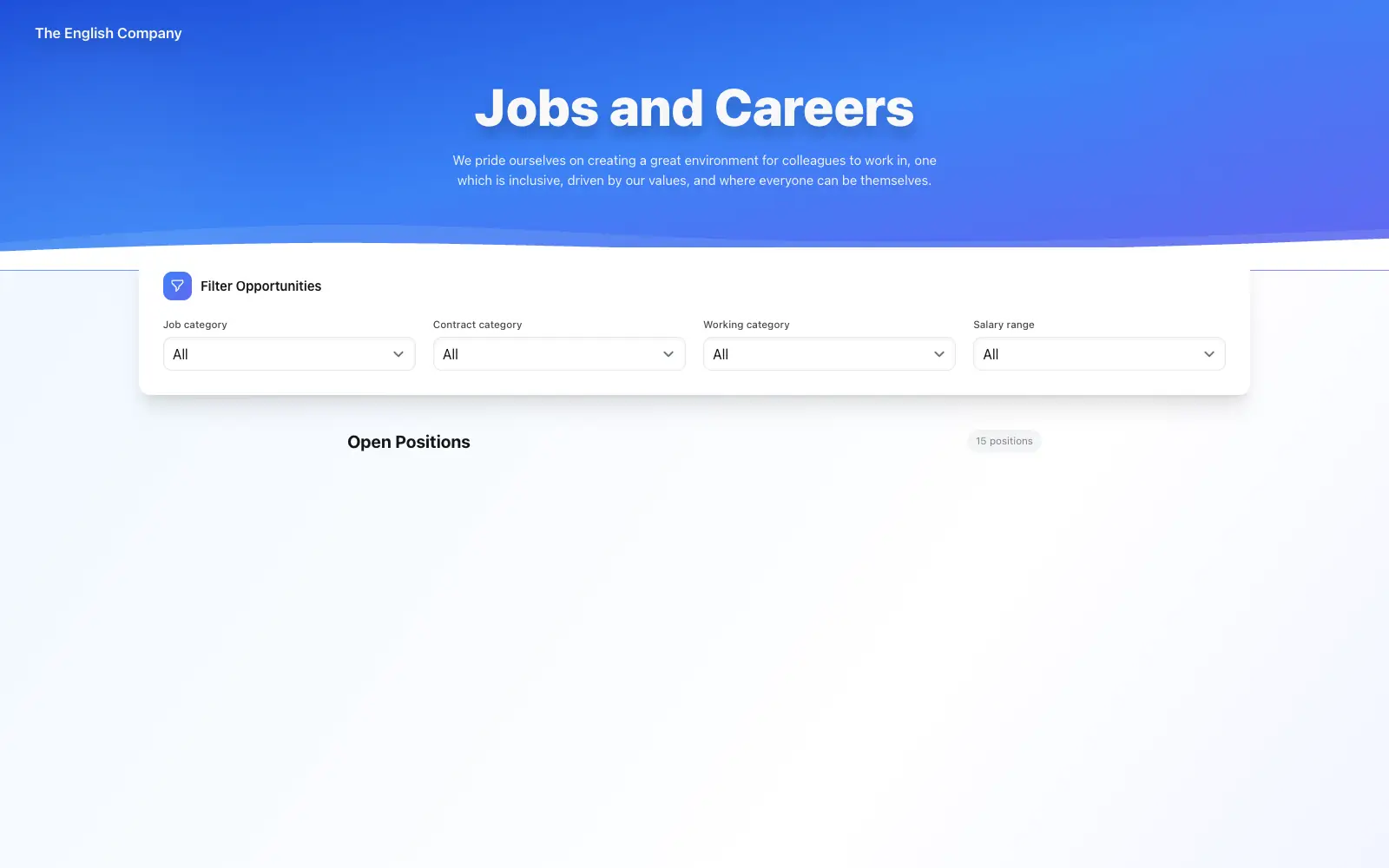
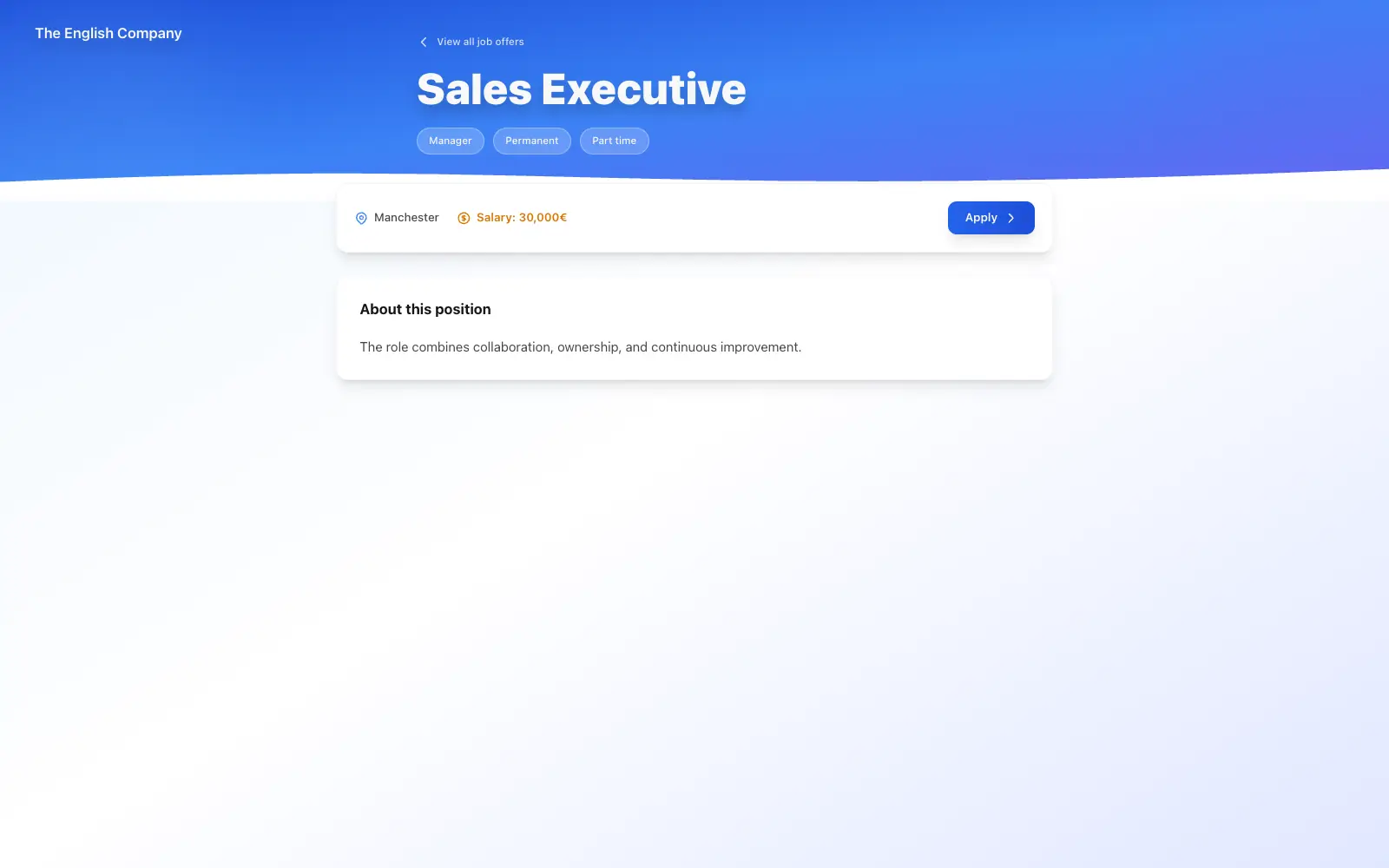
Create a careers page that matches your company branding.
Customize the header image and text so candidates see how you present the company.
Candidates land on a public page that lists your open roles.
Candidates can apply from that page.
Update a posting when the role changes.
Archive closed roles so the careers page stays current.
Duplicate a posting when you need a similar role without starting from scratch.
Each posting automatically generates a unique QR code. Add it to flyers, social media, or promotional materials to give candidates direct access to the job details.
List required skills for each role and filter candidates by those skills.
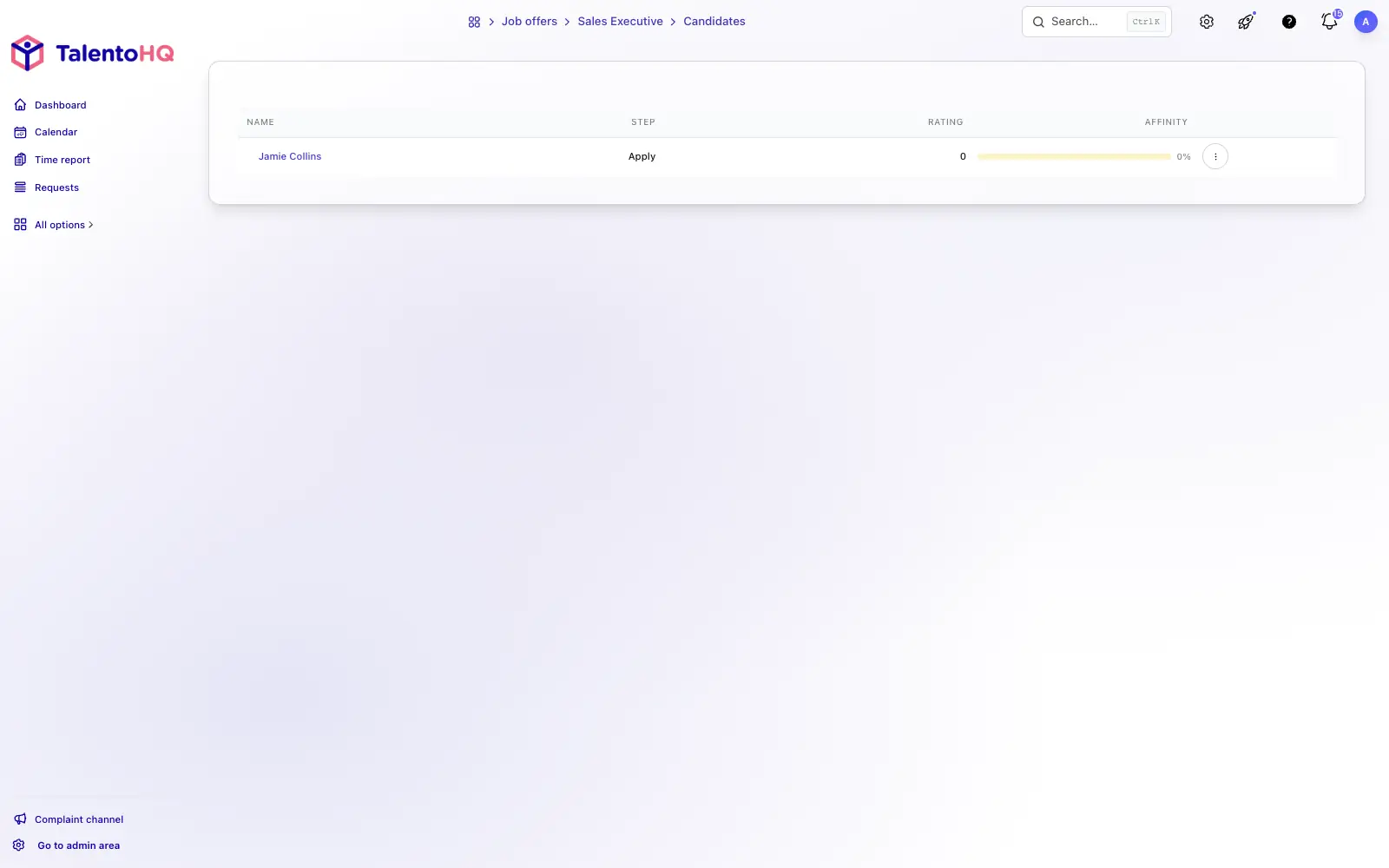
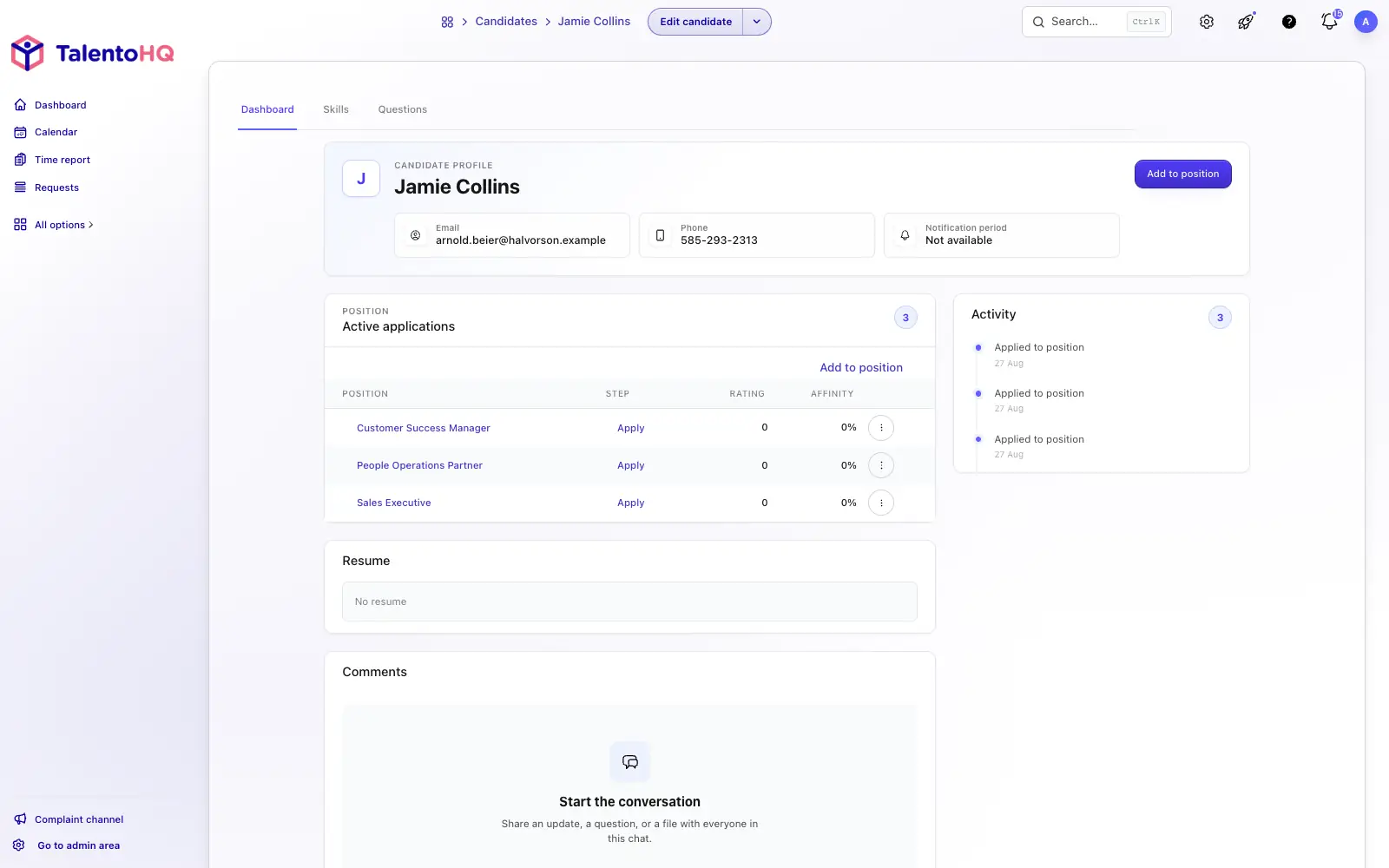
Assign owners for each hiring process. Each posting can involve different people in the decision.
Set hiring stages from a template, or adjust them for each type of posting, from first interview through contract signing.
Send emails to candidates at each step so they know where they stand.
Team members can rate candidates and leave comments to support hiring decisions.
Teams already using TalentoHQ for day-to-day people and operations work. Read the stories.
Applicant tracking software keeps job postings, applications and candidates in one place. In TalentoHQ you create a public page for each role, receive applications, and record stages, skills, assessments and communications through the end of the hiring process, so even a small team can follow every candidate without separate spreadsheets.
Job postings and candidate management are included in the All-Inclusive plan, with no separate recruitment fee: €2 per user a month billed annually or €3 billed monthly, with a 5-user minimum. For 5 users that is €10 a month billed annually; from the sixth user, each one adds €2 a month billed annually. You can try it free for 14 days without a credit card.
No. There is no limit on the number of job postings you can publish. If you have more than five open roles, the careers page can show a search bar so candidates can find the right posting. You can edit a posting when the role changes, archive closed roles and duplicate a posting for a similar role.
Yes. You create a public careers page that matches your company branding, with your own header image and text. Candidates see your open roles and apply from that page, and each posting automatically generates a unique QR code you can add to flyers, social media or promotional materials.
Yes. You set hiring stages from a template or adjust them for each type of posting, from first interview through contract signing. You assign owners for each hiring process, so each posting can involve different people in the decision, and you can send emails to candidates at each step so they know where they stand.
Team members can rate candidates and leave comments to support hiring decisions. You can also list the required skills for each role and filter candidates by those skills.
Discover how other TalentoHQ features work together to offer you complete people management.