Organize rotations, cover and notifications for on-call shifts.
Set up rotations, assign participants by team or office, identify conflicts with leave, record cover and send reminders before each on-call period.
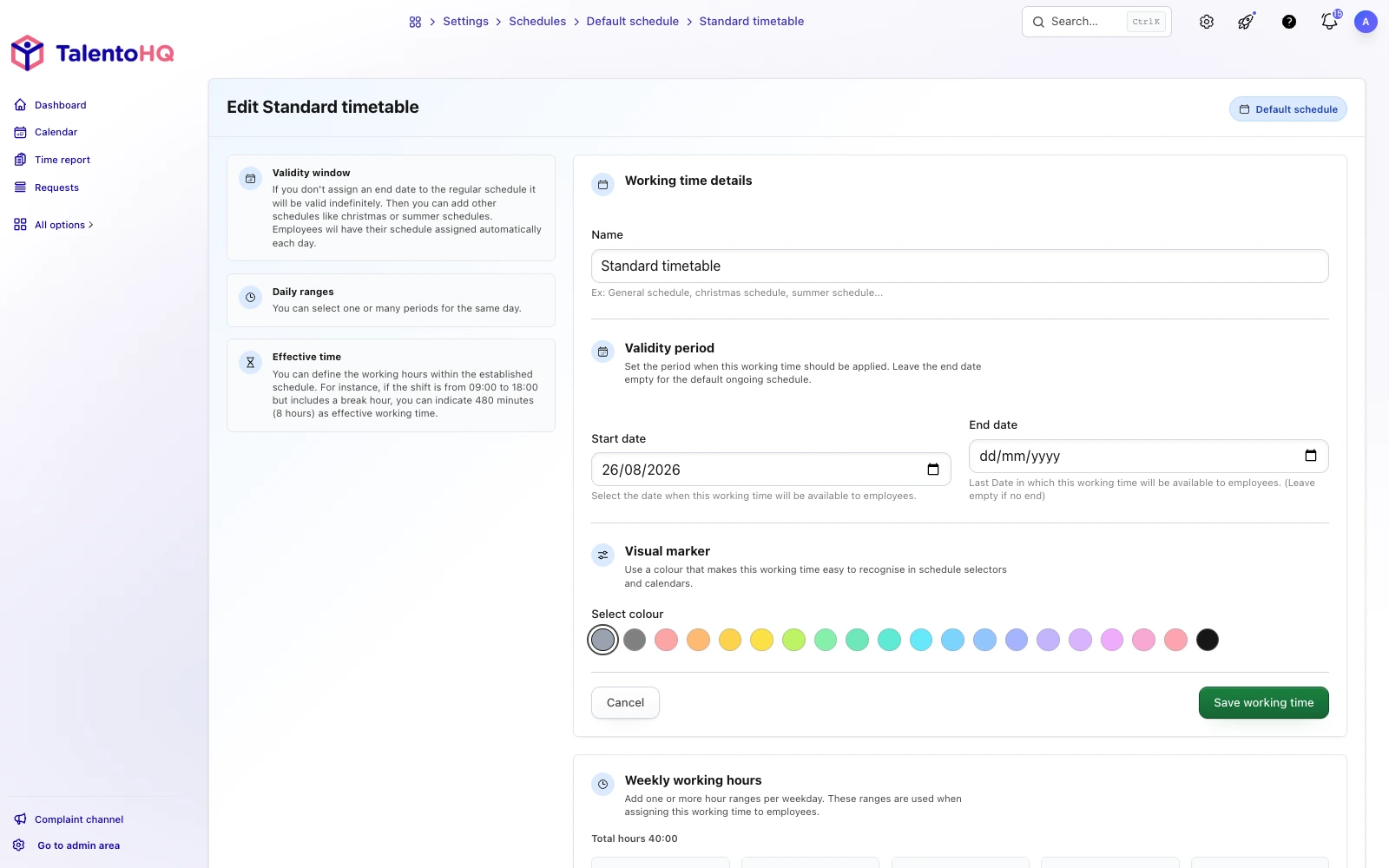
Bring on-call duties, leave and availability into one workflow.
- Rotas in spreadsheets become unreliable as soon as someone changes
- Approved leave can overlap with out-of-hours availability
- Cover and swaps agreed in messages have little operational history
- The response team needs a clear view of who is currently available
TalentoHQ connects that coordination with the people, schedules and absences you already manage.
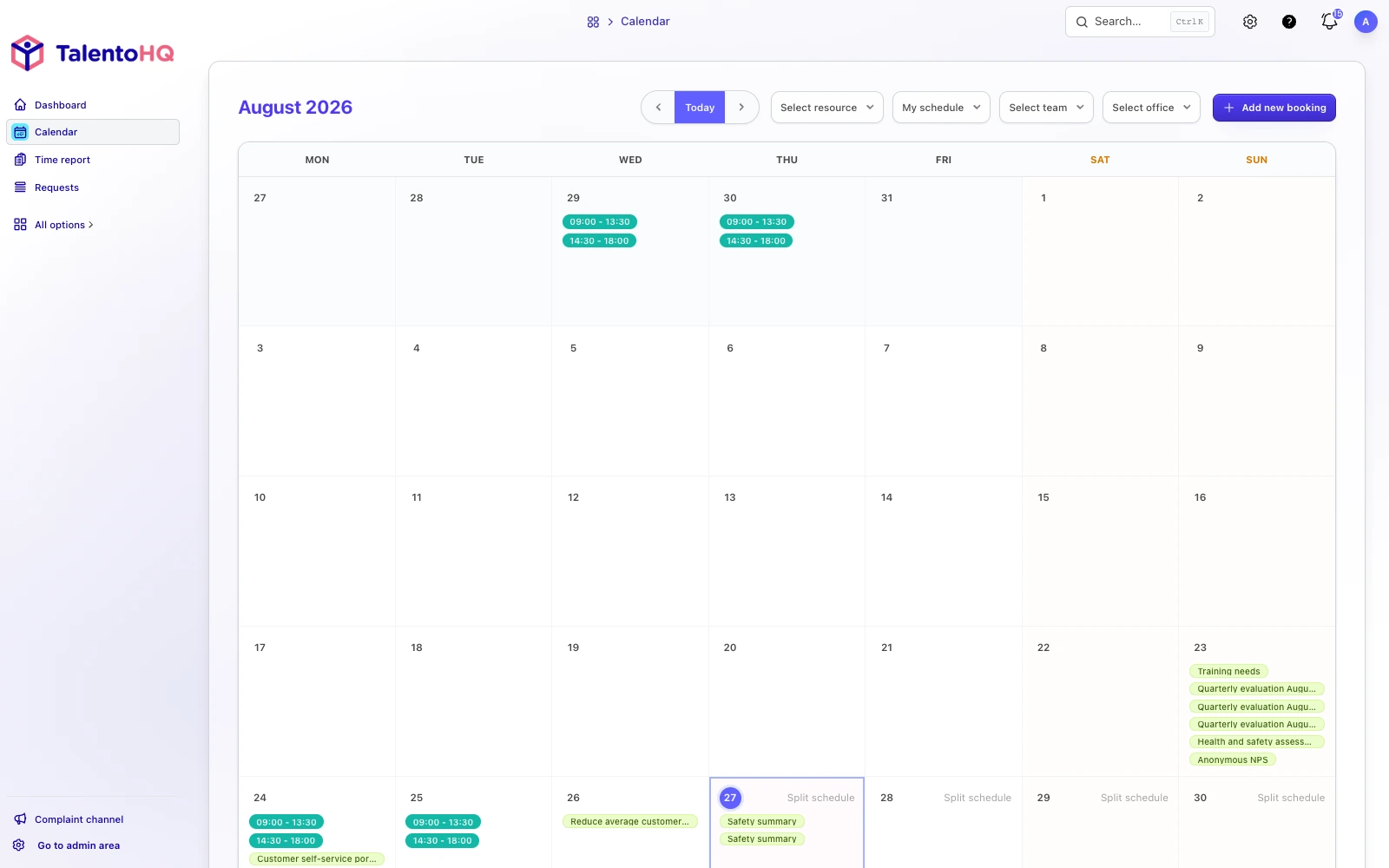
Show each on-call assignment in the calendar and time record.
Every assignment has context: who participates, which period is covered, whether leave creates a conflict and which approved change preserves cover.
Daily or weekly rules with clear dates and hours.
Leave and public holidays visible before they affect cover.
Changes record the original assignee, replacement and covered period.
Set rotations, participants, cover and reminders.
On-call work becomes part of team planning. Rotas, absences, cover, notifications and time records share the same operational context.
Clear rotations
Define daily or weekly rotation rules, start and finish times, participants and the applicable team or office.
Connected leave
Approved leave and public holidays provide context before the manager who owns the rota confirms it.
Traceable cover
Record replacements and swaps with dates, responsibility and the period covered.
Plan on-call work alongside the team’s existing schedule.
The calendar shows the published plan in English and gives authorized managers the context needed to review cover.
From rota setup to the right notification.
- 1
Set the on-call period
Set the dates, hours and recurrence that apply.
- 2
Choose who participates
Assign the relevant people, team or office with the right access.
- 3
Check the connected calendar
Review leave, public holidays and schedule conflicts before publishing.
- 4
Resolve changes and cover
Record the original assignment, replacement and covered window.
- 5
Notify the right person
Send the relevant reminder before the on-call period begins.
See leave and availability before confirming cover.
TalentoHQ makes conflicts visible; the authorized manager still decides how to resolve them and confirms the resulting assignment.
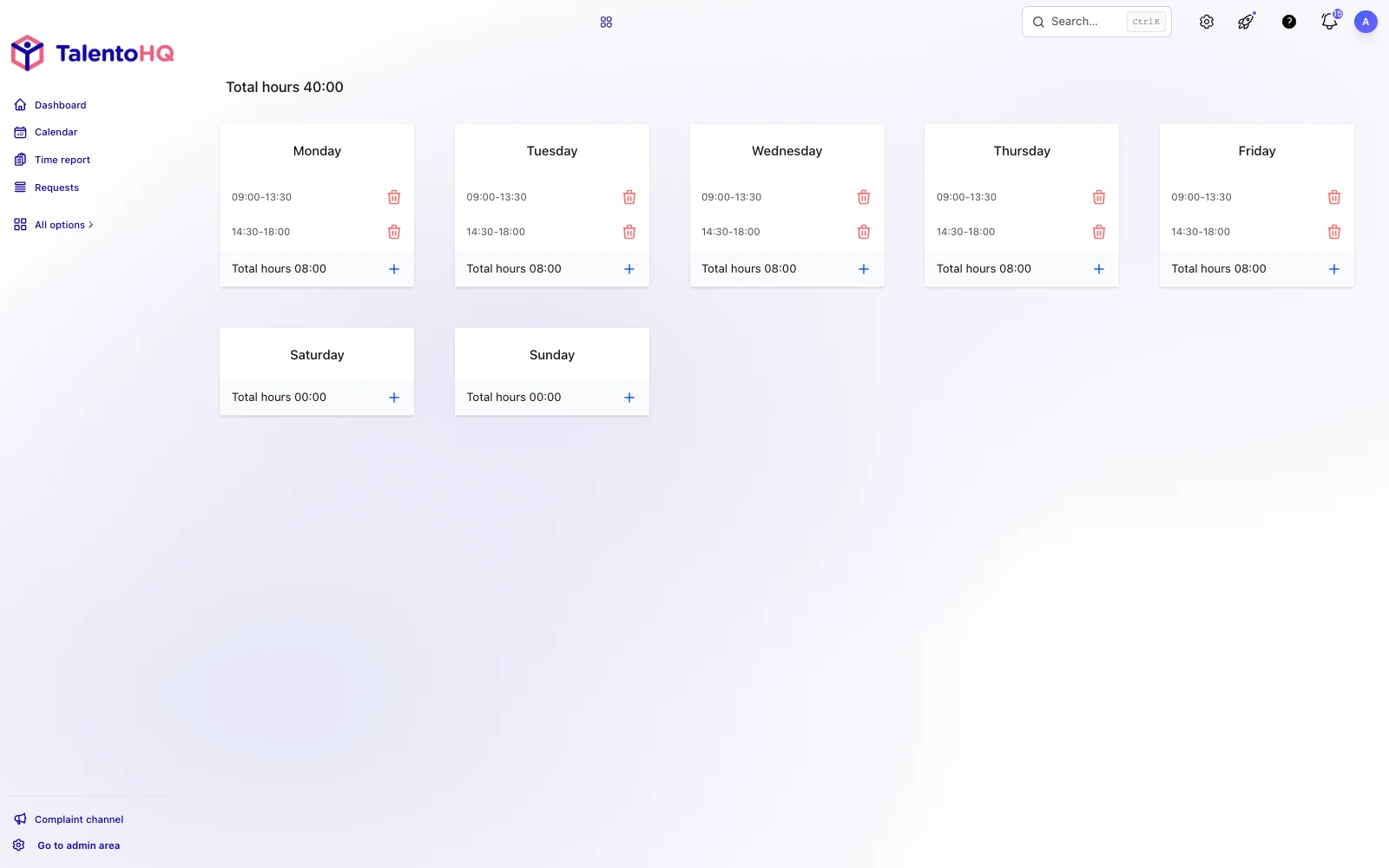
Keep the rota, changes and recorded time connected.
Less duplicate work
Use the people, offices, schedules and absences already maintained in TalentoHQ.
Clearer cover
See who was originally assigned, who replaced them and the affected period.
Better coordination
Give HR and operations a shared record while preserving role-based access.
Connected time records
Review recorded time with the planned on-call duty and approved changes in context.
Give each person their current on-call information.
Employees can check the published schedule and relevant updates without access to restricted management data.
AI integration
Check cover in on-call shift planning software with AI.
Ask who is covering a period, check availability, or prepare a change for review. Artificial intelligence for HR works with the schedules and permissions already in place; it does not create on-call rotations on its own.
- Cover is checked against the same permission rules.
- Changes follow the usual review process.
-
Example
“Who is covering the Saturday night on-call shift?”
-
Example
“Check Ana's availability on Friday.”
-
Example
“Prepare a cover change with Luis if we can both take it.”
Questions about on-call shift planning.
TalentoHQ records the rota and updates. The organization remains responsible for staffing decisions, working-time rules, compensation and any collective or contractual requirements.
Can I create daily and weekly rotations?
Yes. You can configure daily or weekly on-call rotations and define the interval that fits your team.
Can I select participants by team or office?
Yes. Choose participants by office, team, or individual employee using the company structure already set up in TalentoHQ.
What happens when an on-call shift overlaps with leave?
TalentoHQ can surface the overlap as a conflict for an authorized manager to resolve. If the leave is approved and no cover is assigned, the team can act before the on-call period begins.
Can we manage cover and swaps?
Yes. Changes, cover, and on-call swaps can be recorded. Once approved, the replacement appears on the relevant assignment.
Do employees receive reminders?
TalentoHQ can send reminders before an on-call shift according to each employee's settings and the available channels. When a replacement covers the start, the reminder can go to that person.
Does it work for overnight on-call shifts?
Yes. You can configure periods that cross midnight, such as 10:00 p.m. to 6:00 a.m., as well as overnight or weekend availability windows.
Do on-call shifts connect with time records?
Yes. When activity linked to an on-call period is recorded, TalentoHQ can associate it with that assignment so the records stay connected.
Can AI create on-call rotations?
No. You can ask who is covering a period, check availability, or prepare a change for review. AI works with the schedules and permissions already in place; it does not create on-call rotations on its own.
Features connected with on-call planning
Discover how other TalentoHQ features work together to offer you complete people management.