Use AI to find information and prepare HR tasks with controlled permissions.
Ask about schedules, absences, activity, and goals, or prepare requests and records in natural language. Every interaction follows TalentoHQ's existing permissions, roles, and approval workflows.
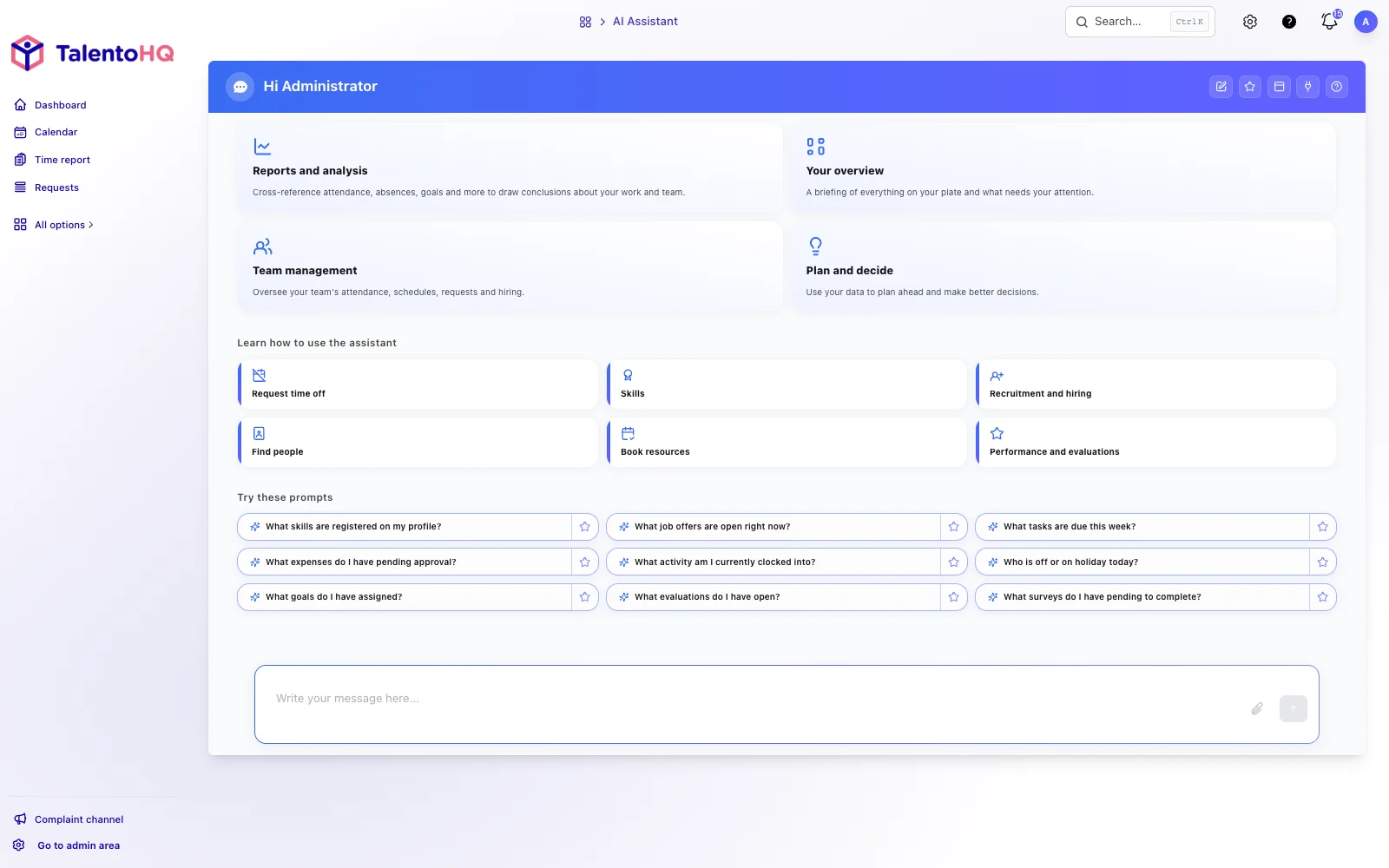
Use TalentoHQ from assistants that support MCP.
 ChatGPT
 Anthropic
 Cursor
 OpenClaw
 Hermes
HR actions without hunting for a form
Describe a routine task in natural language, review the prepared information, and continue through the normal workflow. AI makes the entry point easier without hiding the process.
Prepare vacation and absence requests, then review the details before submitting.
Record expenses, check schedules, or create goals through a guided conversation.
Keep each action inside the normal approval, permission, and follow-up process.
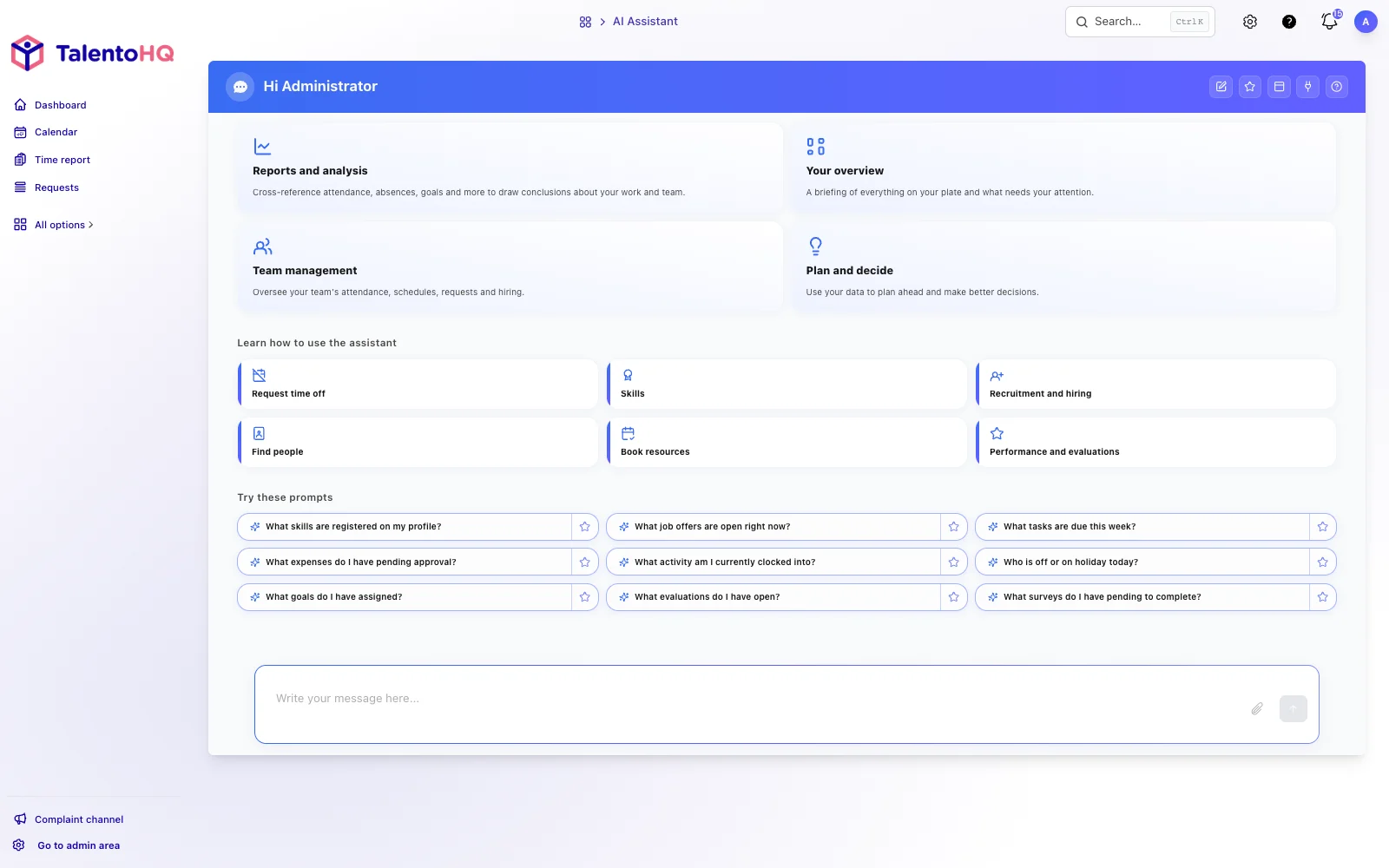
Questions and reports with context
Ask about team information, availability, leave, activity, or goals and receive answers based only on data you are authorized to access.
Check who is working, which absences are planned, or which shifts are scheduled.
Get a concise summary without navigating several screens.
Work with current information connected to the rest of TalentoHQ.
Controlled integration with AI tools
Connect compatible assistants through MCP so AI can work with the correct context. Every query remains subject to user permissions, roles, and access limits.
Connect time tracking, leave, expenses, goals, projects, and tasks.
Use compatible assistants without manually exporting or duplicating operational data.
Apply user permissions so each person accesses only authorized information.
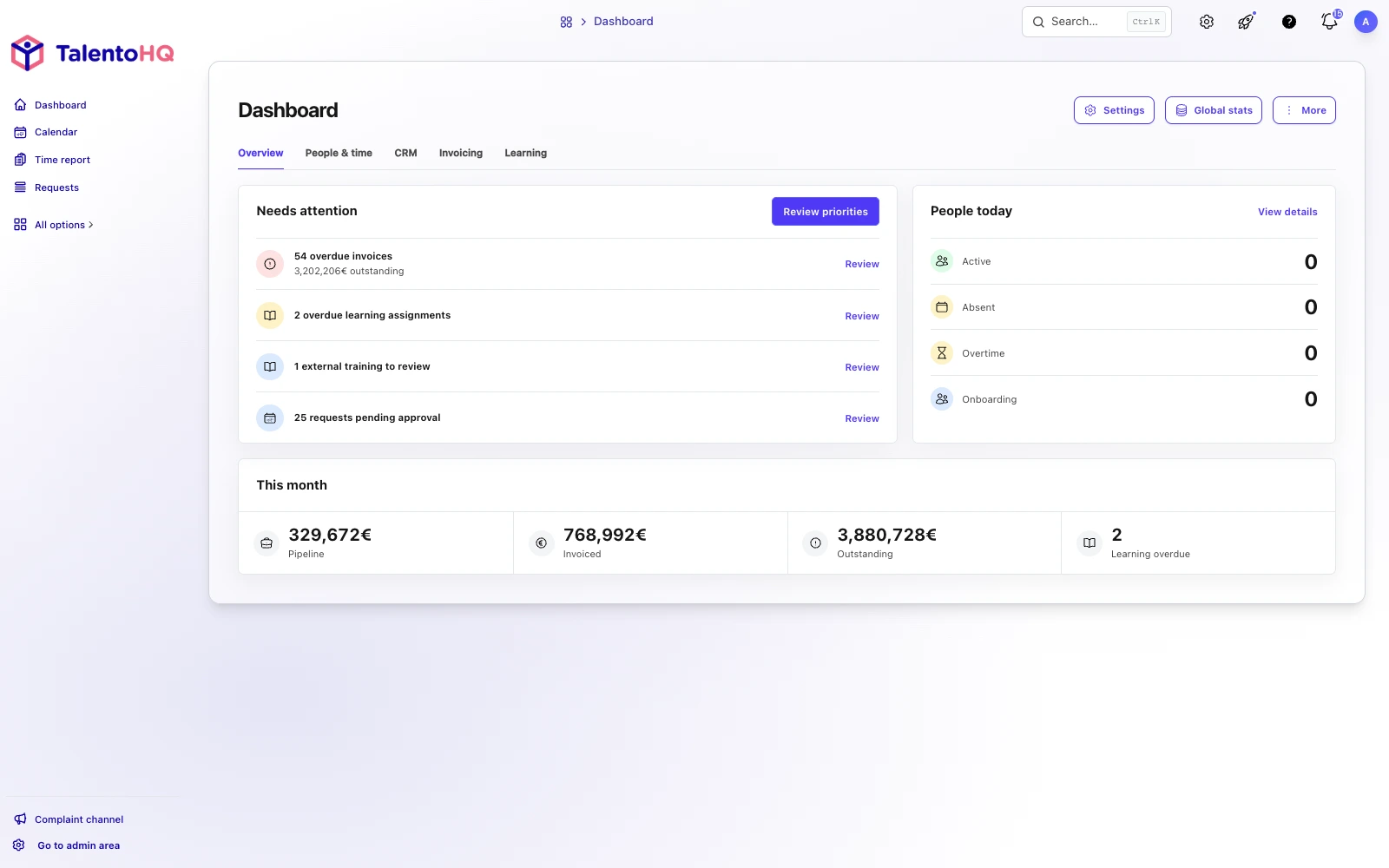
AI integration
Try artificial intelligence for HR with examples.
With artificial intelligence for HR, check schedules, leave, and other information you already have access to, and prepare selected requests in natural language. Every action stays subject to your permissions and to your review.
- Queries stay within existing permissions.
- Requests are prepared for review.
-
Example
“Request vacation for Laura from August 12 to 16 and leave the request ready for review.”
-
Example
“Record Tuesday's €18.40 taxi fare in the Transport category, including VAT.”
-
Example
“Check Ana's availability on Friday and prepare a shift swap with Luis if they can both cover it.”