Manage stock, sales, customers and your retail team in one place.
Track products and stock movements, record sales, organize customers and invoices, and coordinate staff schedules without rebuilding the day from separate tools.

Products, people and billing share the same operational context.
Stock moves, schedules change and each sale creates administrative follow-up. TalentoHQ helps those workflows stay connected.
- Stock. Keep products, categories and stock movements in a shared view.
- People. Connect schedules, attendance, leave and availability with the operation.
- Customers. Keep commercial details and billing follow-up together.
- Management. Use current information without rebuilding it by hand.
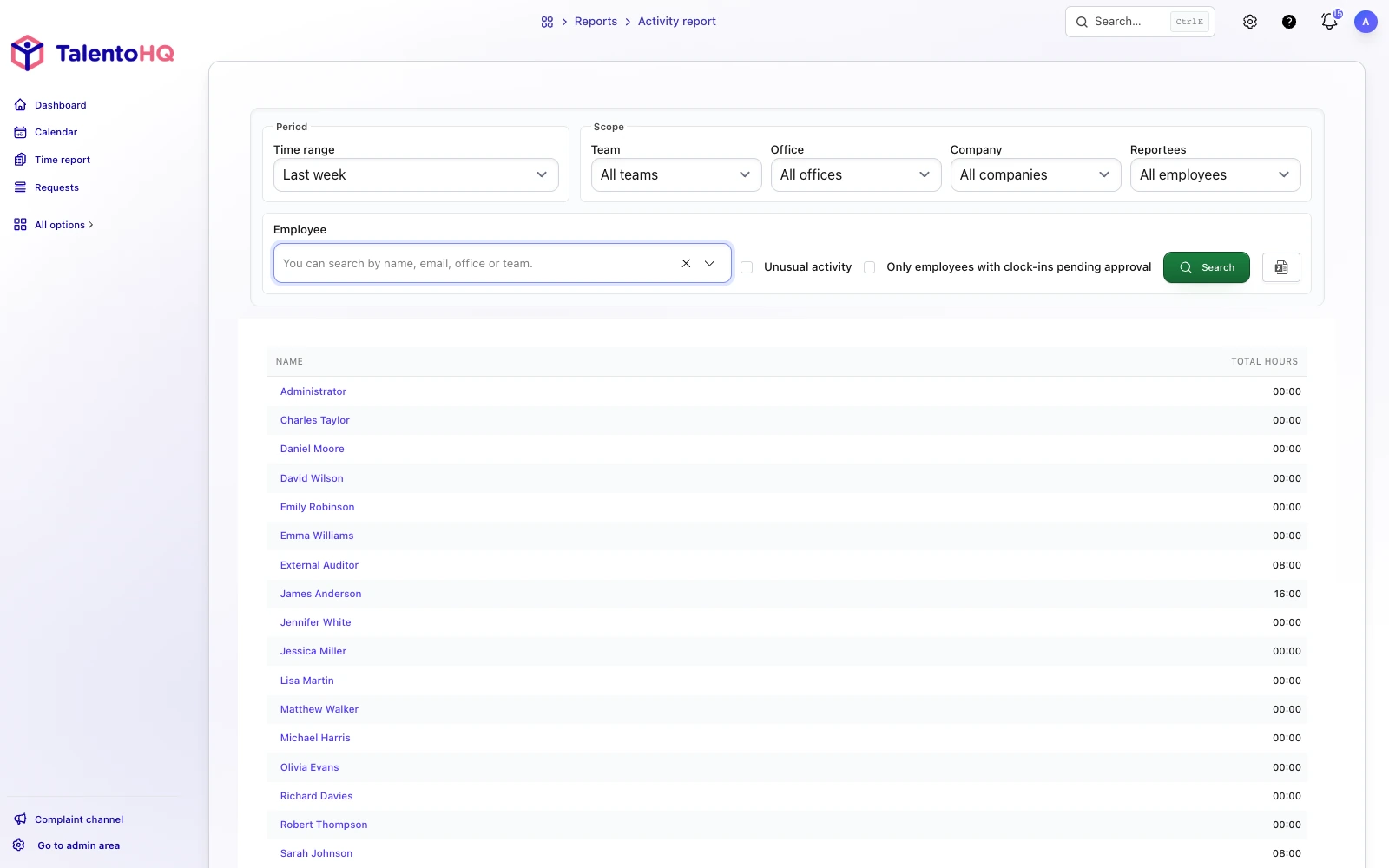
Stock, sales, customers, schedules and tasks for retail.
Start with the areas that create the most friction and expand the configuration as the shop needs it.
People, schedules and leave
Coordinate attendance, rotas, holidays and availability with shared records and clear permissions.
Products, stock and sales
Centralize products, categories, stock movements, sales and replenishment in one operational flow.
Customers, billing and administration
Connect customer details, invoices, payments and administrative follow-up with the activity that produced them.
Configure TalentoHQ around the way your shop works.
Product types, suppliers, permissions and reporting needs differ from one retailer to another. Begin with staff and schedules, stock and sales, administration, or a combination of them.
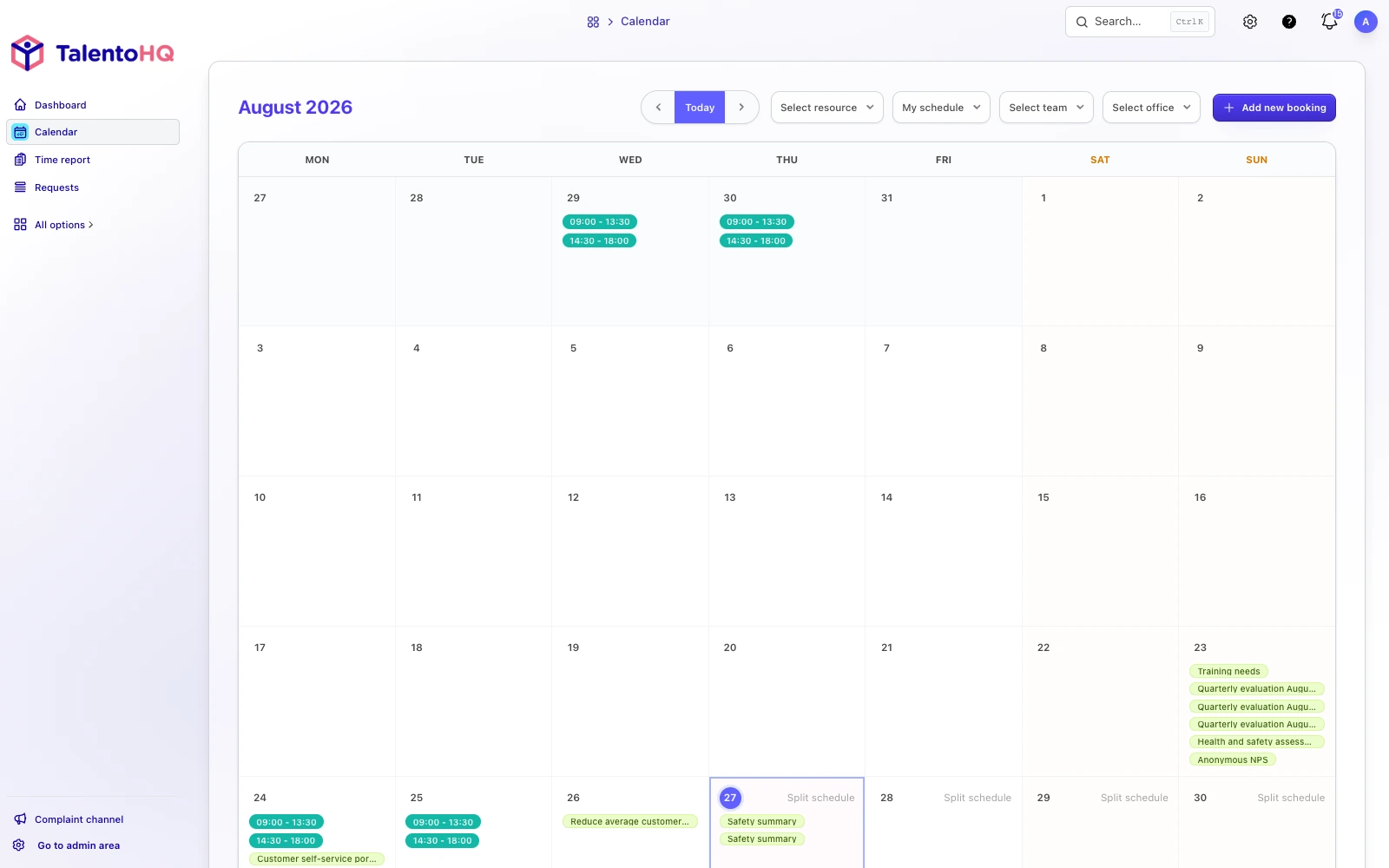
Connect sales and stock with administration and schedules.
- 1
Choose the priority areas
Decide whether to begin with stock, sales, customers, people, billing or a connected combination.
- 2
Set products, people and access
Set categories, roles, schedules, suppliers and internal access around the shop.
- 3
Connect operations and administration
Give inventory, people, sales and billing a common source of context.
Features for retail teams, schedules and leave
Discover how other TalentoHQ features work together to offer you complete people management.