
Manage resources, projects, tasks, time, and expenses in one place.
Book rooms, vehicles, or equipment, plan projects and tasks, record time, and connect expenses to the work they support.
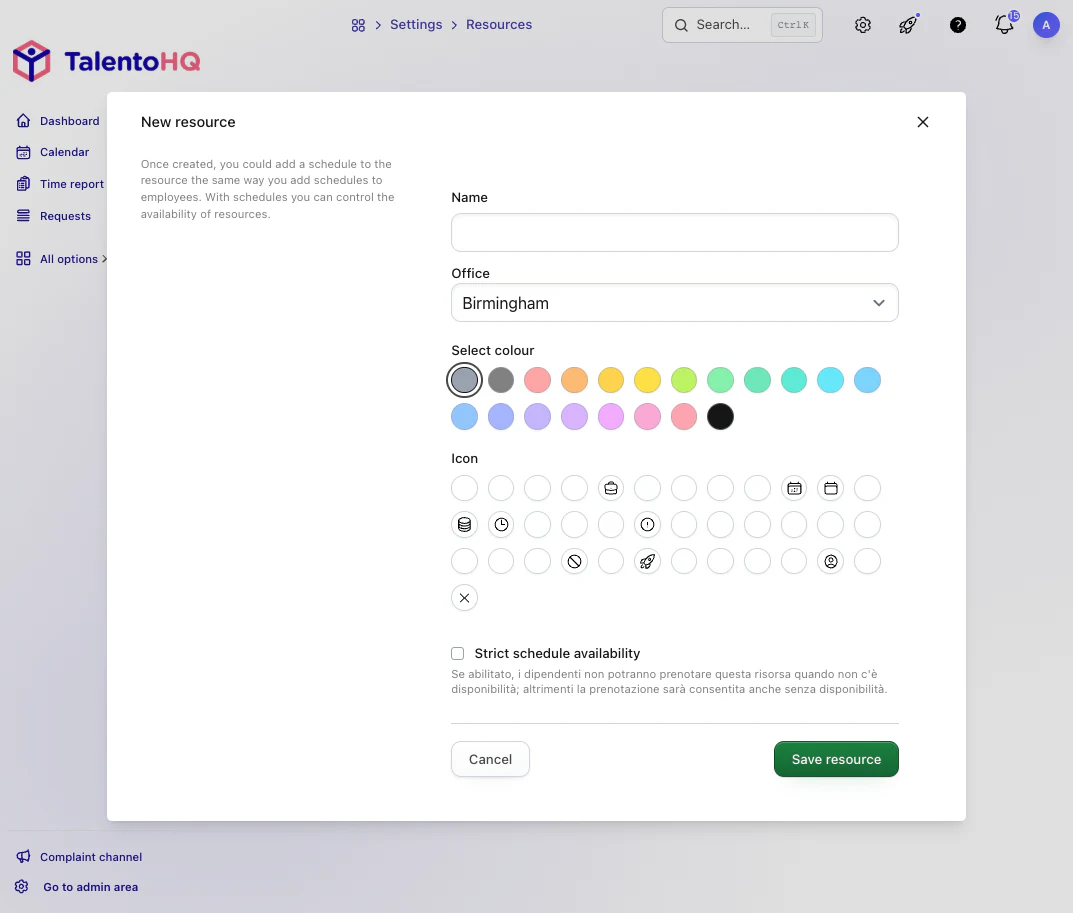
Shared resources with visible availability
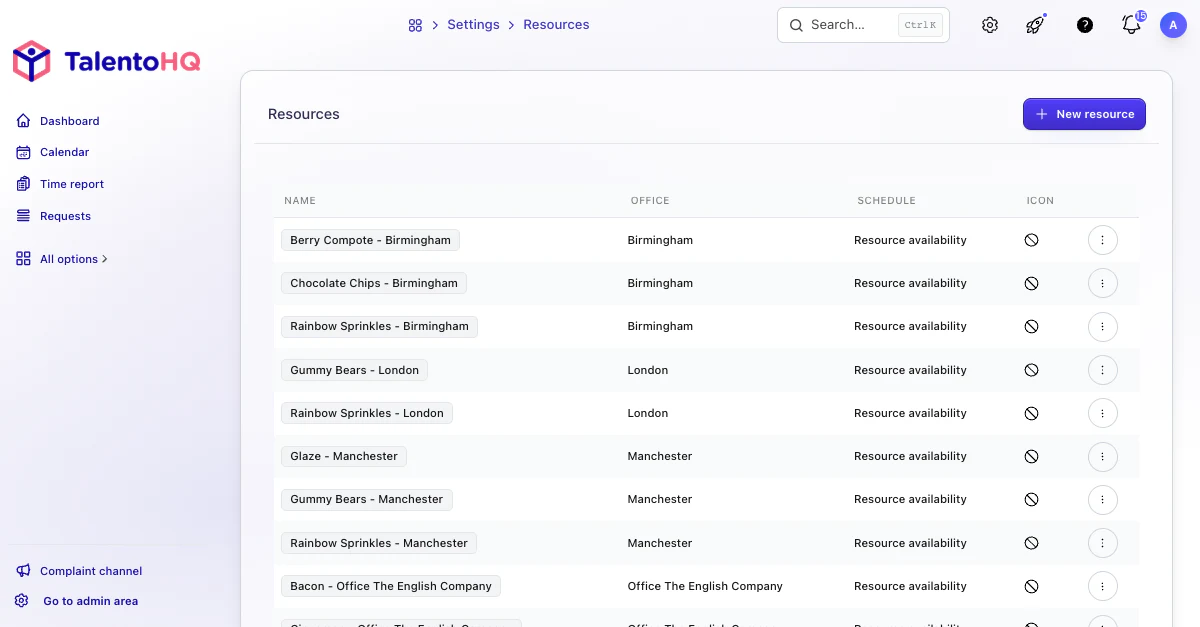
Manage rooms, vehicles, equipment, materials, or other internal resources with clear rules. Each reservation appears in the calendar so permitted users can see what is available and when.
Define resources, available hours, visibility, and people responsible.
Review reservations and occupancy in a shared calendar.
Check overlaps before confirming who will use each resource.
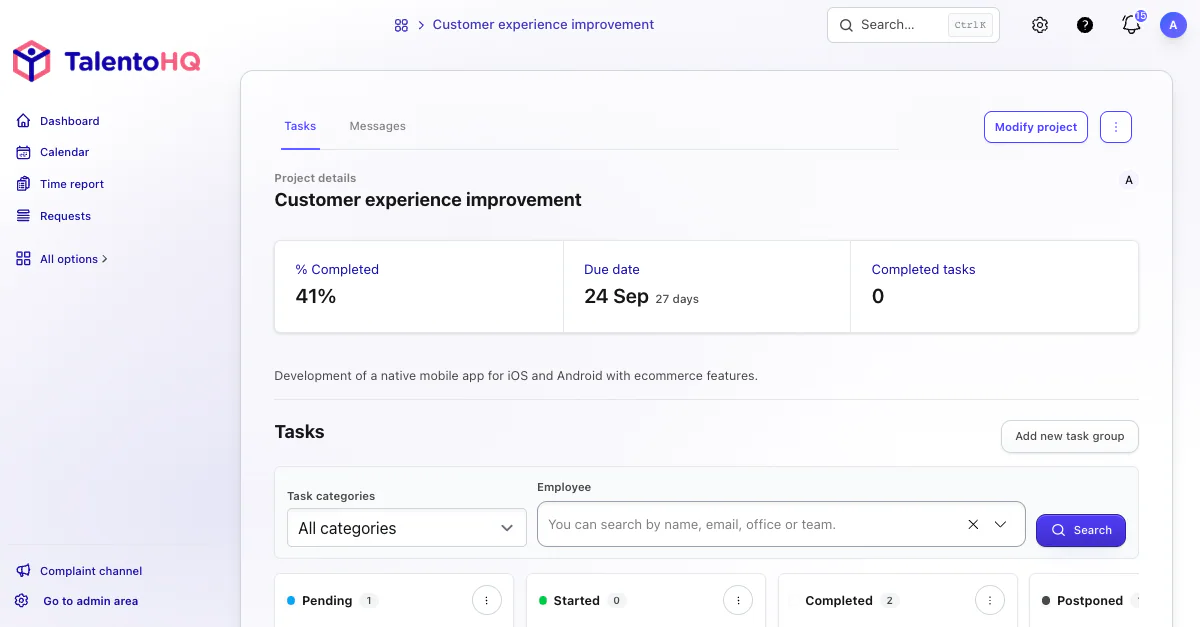
Projects and tasks with practical follow-up
Organize projects by stages, tasks, and owners. Link recorded activity with planned work to understand time, progress, and team workload.
Create projects, phases, tasks, action lists, owners, and due dates.
Relate recorded time to tasks when analyzing work by project.
Review progress from a view shared by permitted managers and team members.
Employee expenses connected to projects
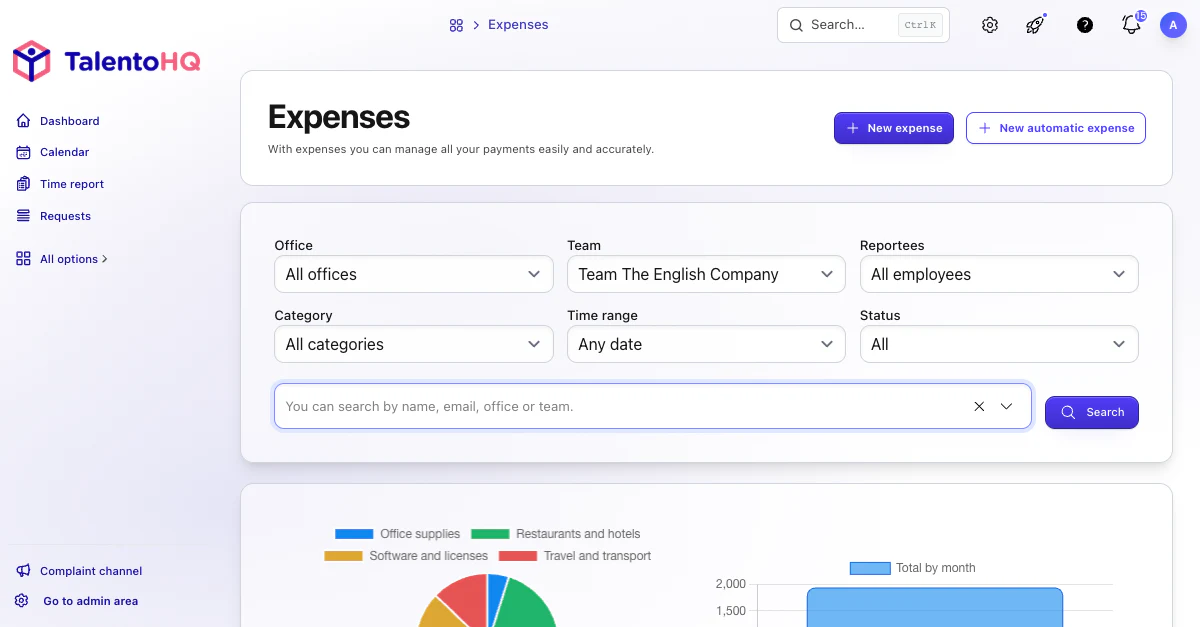
Keep employee expenses in one place and relate them to tasks when you need project costs. Approval workflows maintain review without separating the cost from the work.
Define expense categories and approval criteria.
Employees submit claims and attach them to the relevant task.
Review reports by user, category, project, or period.
AI integration
Check tasks, time, and expenses with AI assistance.
Use everyday instructions to review assigned tasks, check outstanding actions, prepare expenses, and monitor today's activity without losing the context between operational records.
- Resources, projects, and expenses retain shared context.
- Operational records remain complete and ordered.
- Example
“Show Laura's outstanding tasks and the remaining items in each checklist.”
- Example
“Record an €18.40 taxi expense in the Transport category.”
- Example
“Start tracking my activity for today's shift and tell me whether I already have an active record.”