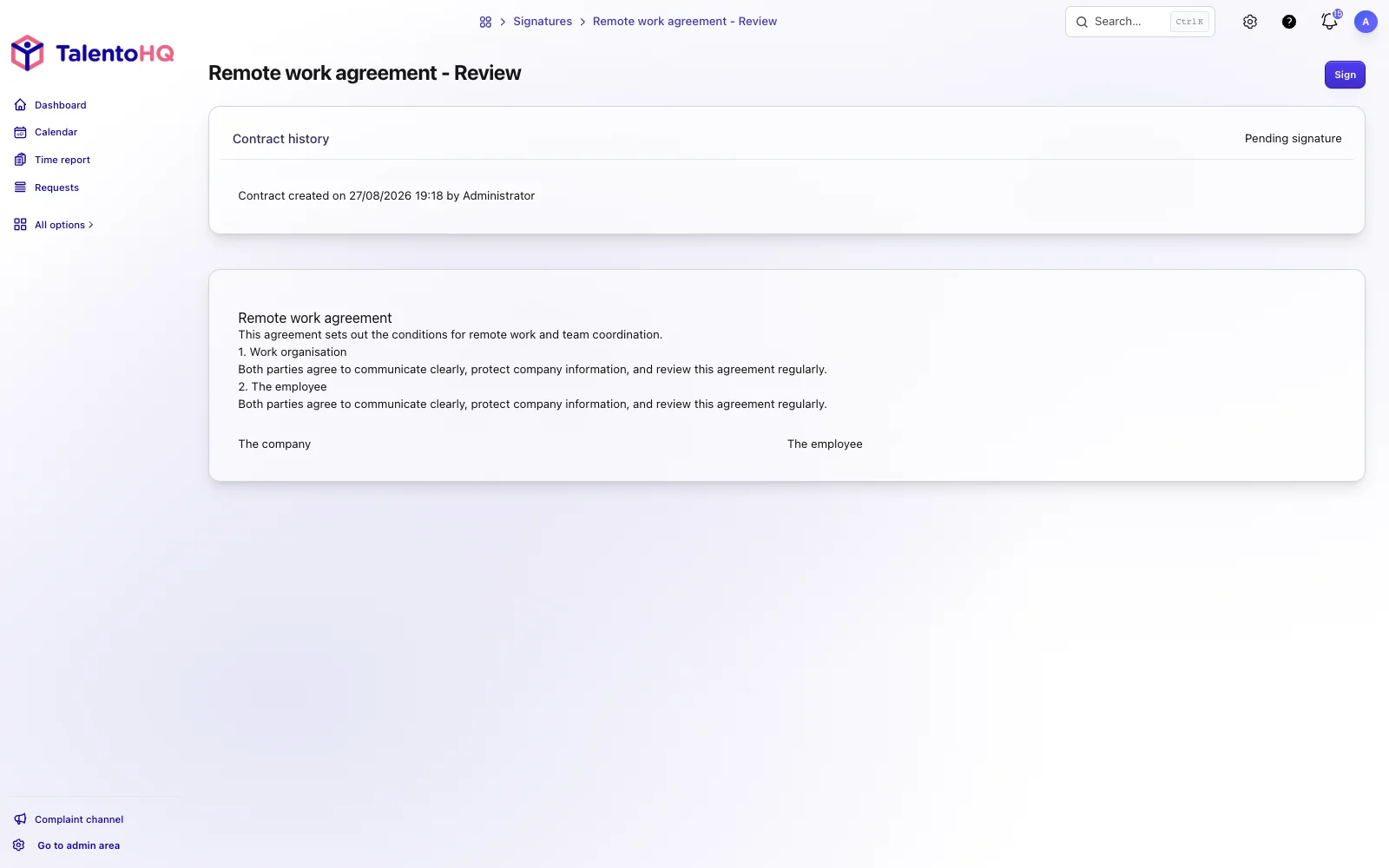
In TalentoHQ, the company creates or uploads a contract, sends it to the employee and retains the signed PDF together with the available signature record, dates, times and traceability metadata. The employee opens and signs the document from a computer, tablet or mobile device.
Signing can be added as an onboarding task. The process owner can then see whether the employment contract, confidentiality agreement or other initial document remains pending, while the employee receives one coherent set of instructions.
Legal validity of electronic signatures
Under the eIDAS Regulation, a signature cannot be rejected as evidence solely because it is electronic. That does not mean every electronic signature has the same effect or every document requires the same level. Express equivalence with a handwritten signature applies to a qualified electronic signature. Confirm the appropriate type for each document with legal advisers before choosing the workflow.
Legal framework for electronic signatures
The European Union's eIDAS Regulation (910/2014) establishes the legal framework for electronic signatures across member states. In Spain, Law 6/2020 complements the regulation for certain aspects of electronic trust services.
There are three types of electronic signatures with different levels of legal certainty:
- Simple electronic signature: Any data in electronic format that identifies the signer (such as drawing with your finger on a touchscreen).
- Advanced electronic signature: Uniquely linked to the signer, allows identification and detection of any subsequent changes to the signed data.
- Qualified electronic signature: Based on digital certificates issued by qualified providers, it offers the highest level of legal certainty.
An advanced electronic signature can provide strong evidence of identity and integrity, but it should not be described as sufficient for every contract without reviewing the document and process. The company needs to choose the appropriate signature level with legal advice and retain evidence of authentication, consent and integrity.
Which contracts can be signed digitally
Virtually all HR documents can be signed electronically:
- Employment contracts (permanent, temporary, internships)
- Confidentiality and data protection agreements
- Onboarding documents and internal policies
- Contract modifications
- Company certificates
- Remote work agreements
Many employment documents can be managed electronically, but some acts have specific formal or evidential requirements. Before digitizing the whole process, review the applicable law, collective agreement and document-retention policy.
The challenges of manual contract management
Managing contracts on paper or through PDF documents sent by email may seem functional when your company is small, but this approach hides significant problems that get worse as you grow.
Time and productivity loss
The traditional contract signing process is surprisingly inefficient:
- HR prepares the contract in Word or a template
- Prints the document (sometimes multiple copies)
- Locates the employee for signing
- If the employee works remotely, sends the document by postal mail
- Waits days or weeks for the signed document to come back
- Scans the signed document
- Files the physical copy
- Tries to organize scattered digital versions
This process can take between 3 and 10 business days for a single contract. Multiply that by every new hire, contract modification, or additional document, and we're talking about weeks of administrative work per year.
Compliance and traceability risks
Without a centralized document management system, significant risks arise:
- Lost contracts: Physical documents that go missing or are filed incorrectly.
- Incorrect versions: Confusion about which contract version is current.
- Lack of traceability: Inability to prove who signed what and when.
- Difficulty during inspections: Finding specific contracts can take hours when a labor inspection requests them.
In regulated sectors like healthcare, pharmaceuticals, or legal services, where contractual documentation is especially critical, these risks can have significant legal consequences.
Poor experience for new employees
The onboarding process shapes a new employee's first impression of your company. If their first day involves signing stacks of papers for hours, that's hardly a motivating welcome.
Today's employees, especially younger generations, expect digital, fast processes accessible from any device. A manual signing process feels outdated and unprofessional.
How TalentoHQ simplifies contract management
TalentoHQ brings contract creation or import, signer assignment, status tracking and completed-document storage into the employee record.
Create contracts in minutes, not hours
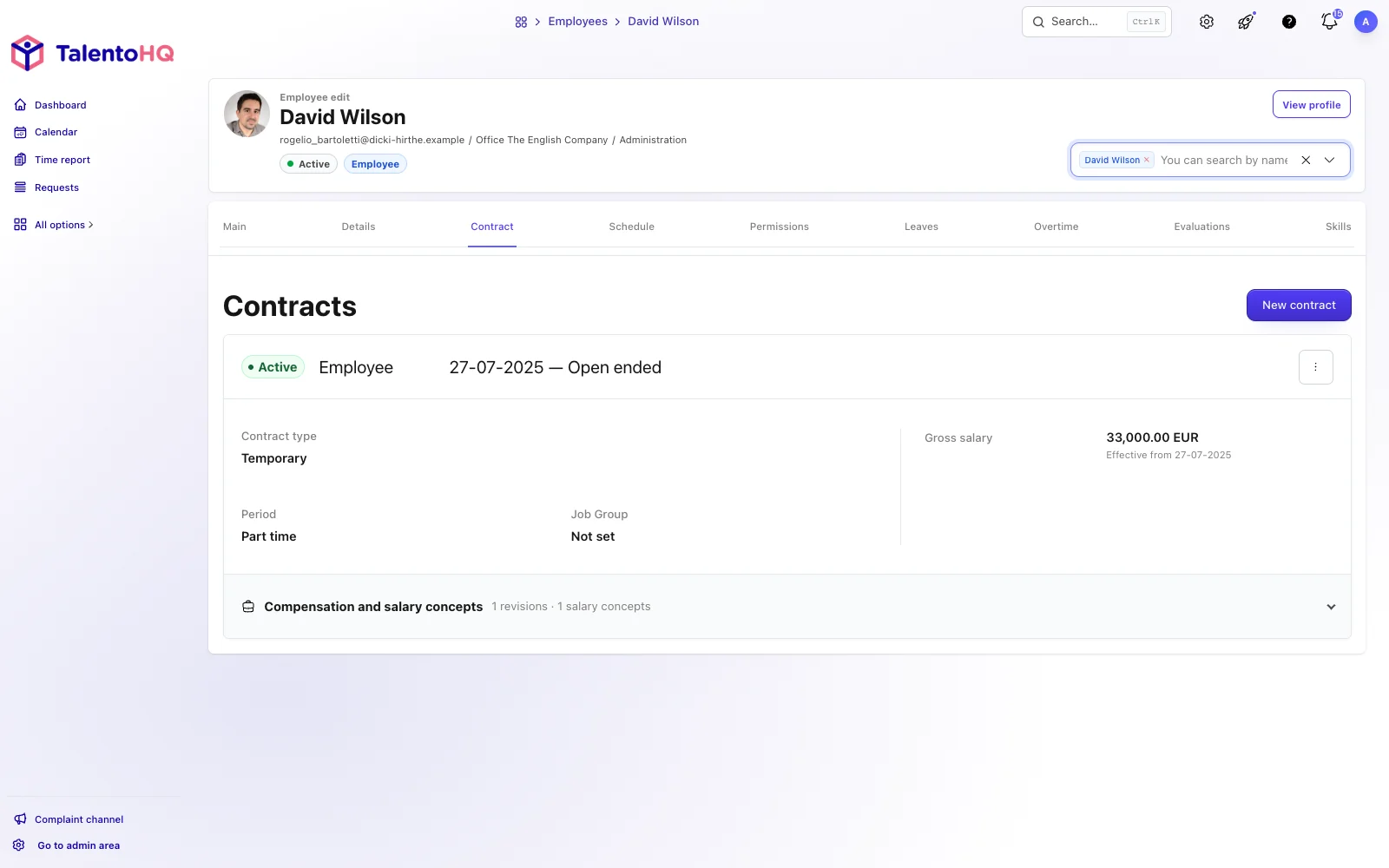
With TalentoHQ, you have two ways to manage your contracts:
Customizable templates
Create templates with fields that use employee information such as name, ID number, start date, salary or position. Once the template has been reviewed, it can be reused for the next contract.
Templates are ideal for standard contracts you use repeatedly: permanent contracts, internship contracts, confidentiality agreements, or remote work policies.
PDF contract import
Already have contracts prepared externally or customized by your legal department? No problem. You can import any PDF document directly into TalentoHQ and send it for digital signature without needing to recreate it.
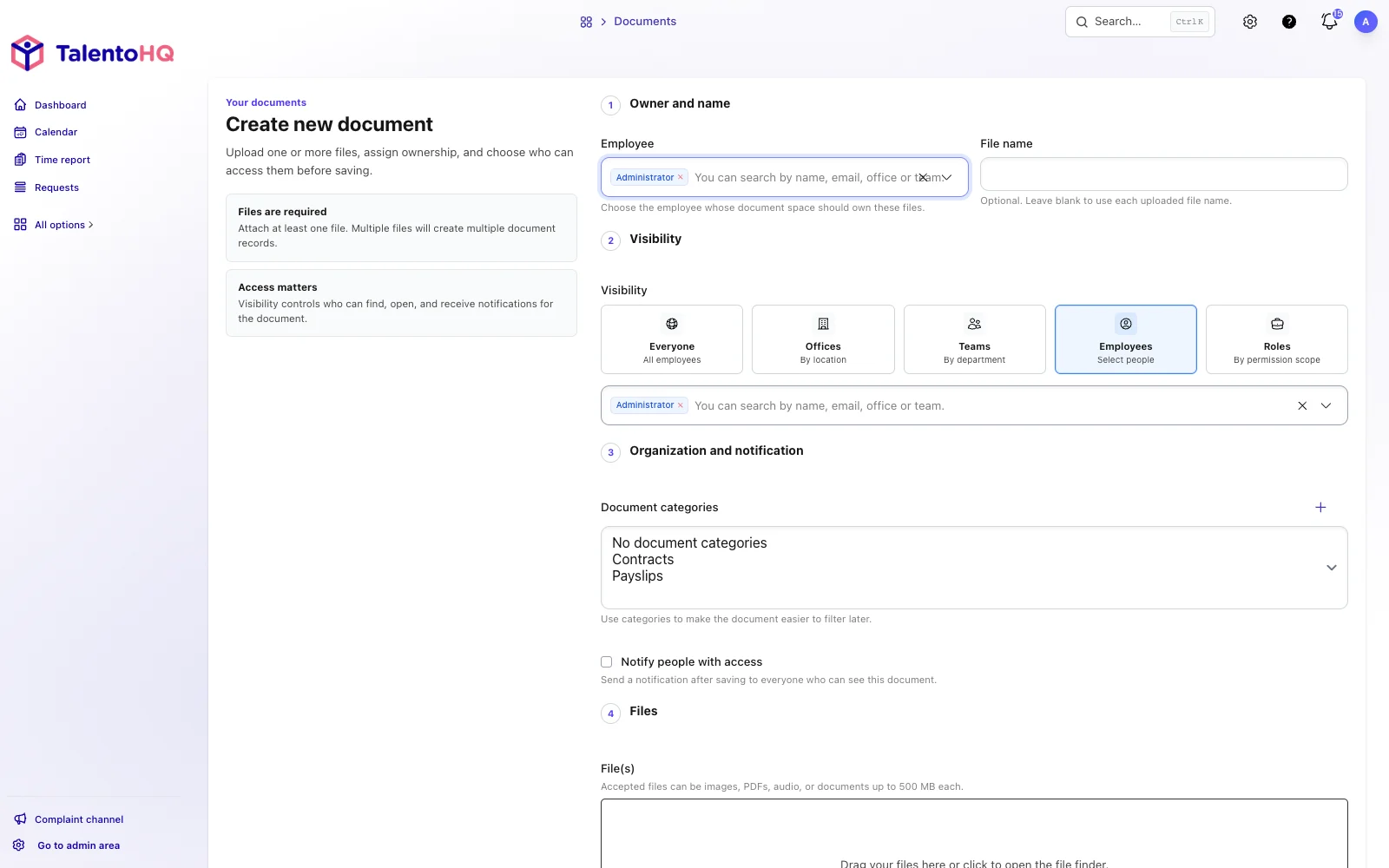
Importing a PDF is useful for one-off documents, individually negotiated contracts or files prepared by an external adviser.
Assign signers and manage the entire process
Once the contract is created, you assign the required signers: the employee, the HR manager, the CEO, or any combination your internal process requires.
The system sends automatic notifications to each signer when it's their turn. Each person can sign from their computer, tablet, or phone with just a few clicks. No need to download, print, scan, or send anything.
Real-time tracking
From the contracts dashboard, you can see the status of each document:
- Pending signature
- Partially signed (who's missing)
- Fully signed
- Archived
You no longer need to chase people by email asking "Did you sign the contract?" The system shows you exactly who has signed and who hasn't, with automatic reminders for those who are pending.
Digital signature from any device
The signing experience is incredibly simple. The employee receives a notification, opens the contract, reviews it, and signs directly on screen:
- On desktop: Sign with the mouse or trackpad
- On tablet: Sign naturally with your finger or stylus
- On phone: Sign with your finger on the touchscreen
The signature record includes the available timestamp, IP address and device information so the company can retain evidence for later review.
Signing as an onboarding task
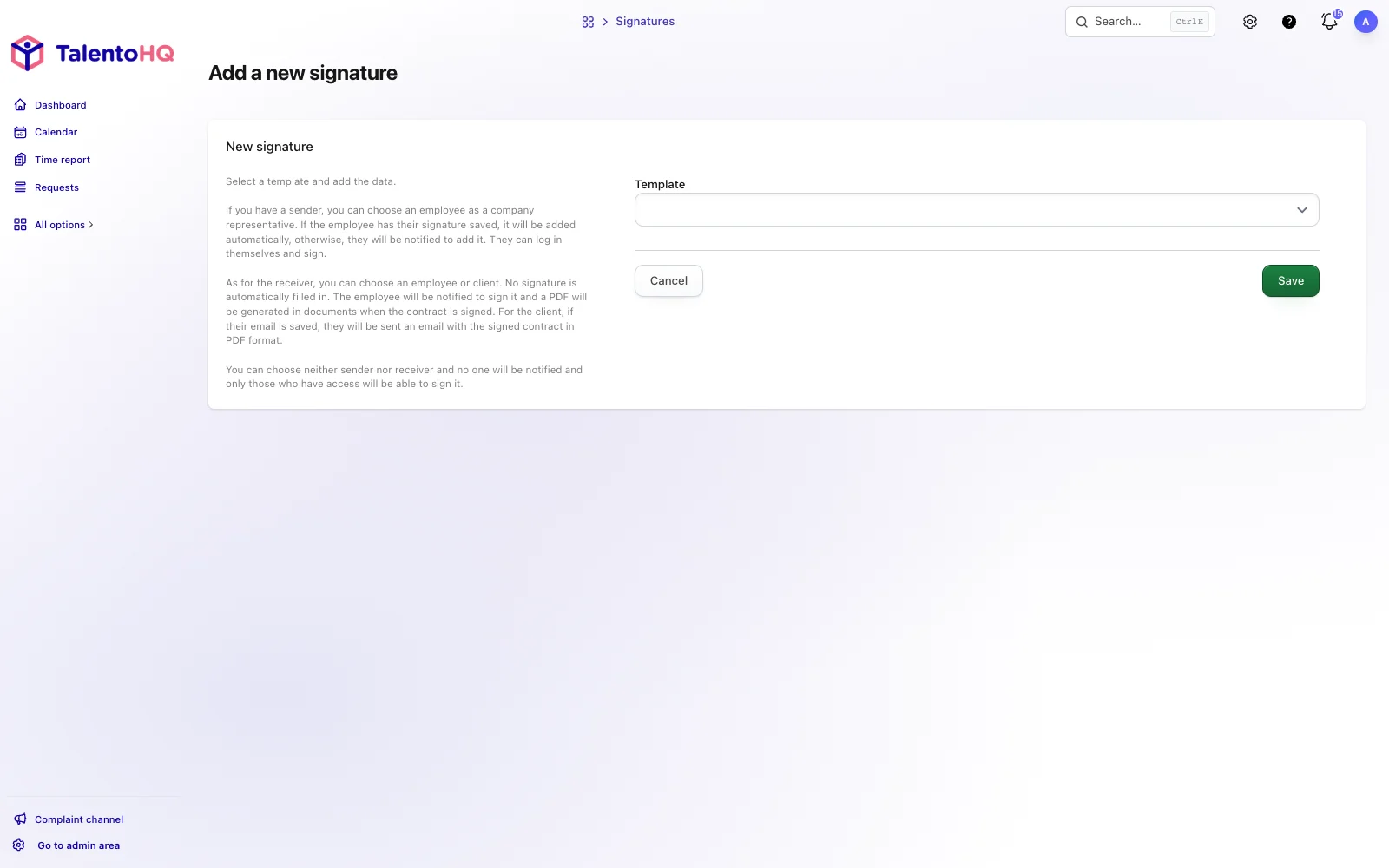
Instead of running contract signing as a separate process, TalentoHQ can include document signing in the employee onboarding workflow.
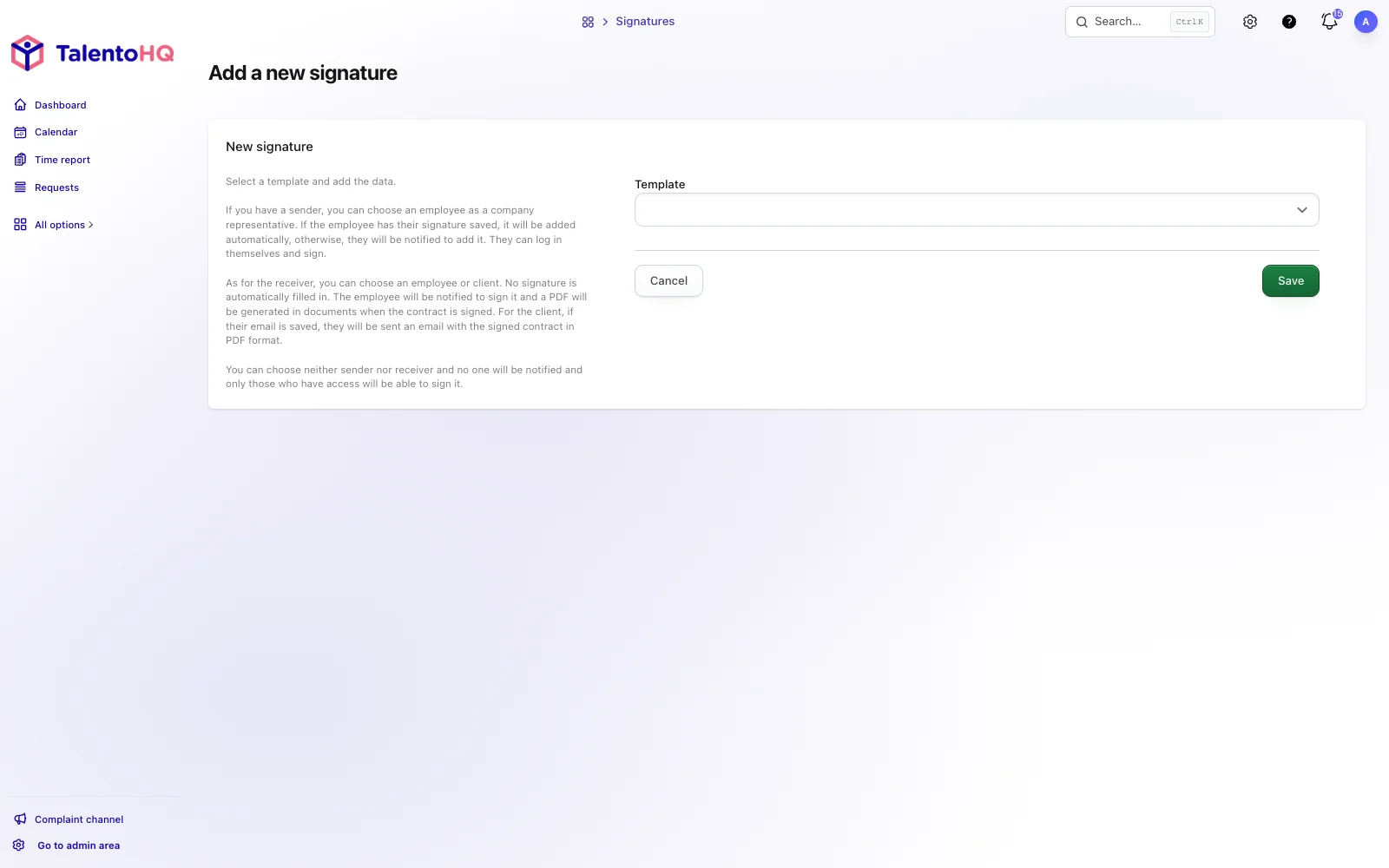
When you create an onboarding process for a new employee, you can include contract signing as one of the steps:
Generate contract in employee onboarding process
- Welcome and team introduction
- Employment contract signing
- Confidentiality agreement signing
- Initial training and system access
- Equipment assignment
The new employee can see the assigned onboarding steps and sign the relevant documents. The process owner reviews each task's status, and completed files remain in the employee record.
This integration is especially valuable for companies that hire frequently: medical clinics requiring patient consent, law firms hiring associates, retail chains with high turnover, or any growing organization.
Secure and accessible storage
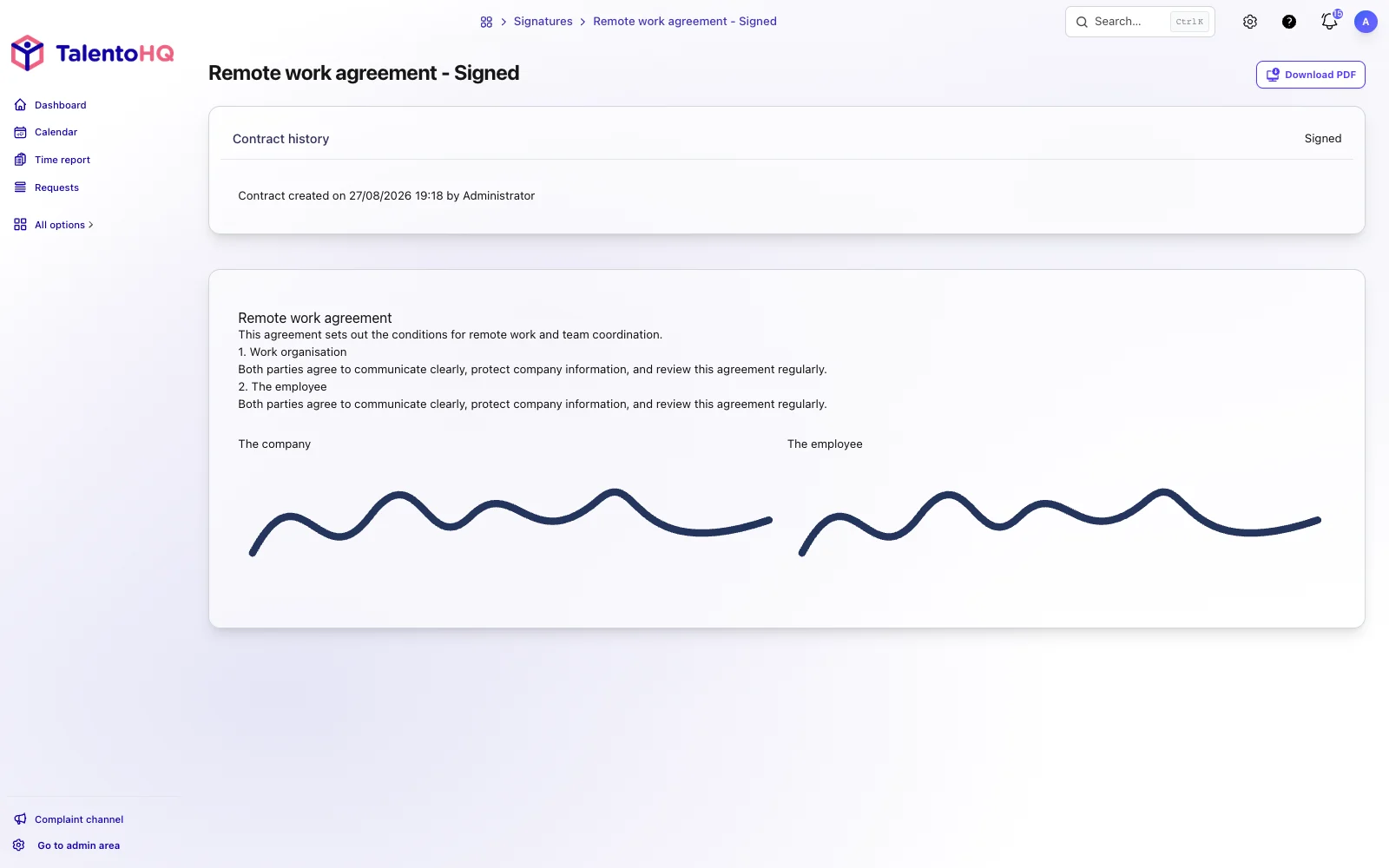
Once signed, all contracts are automatically archived in the employee's file. Each document includes:
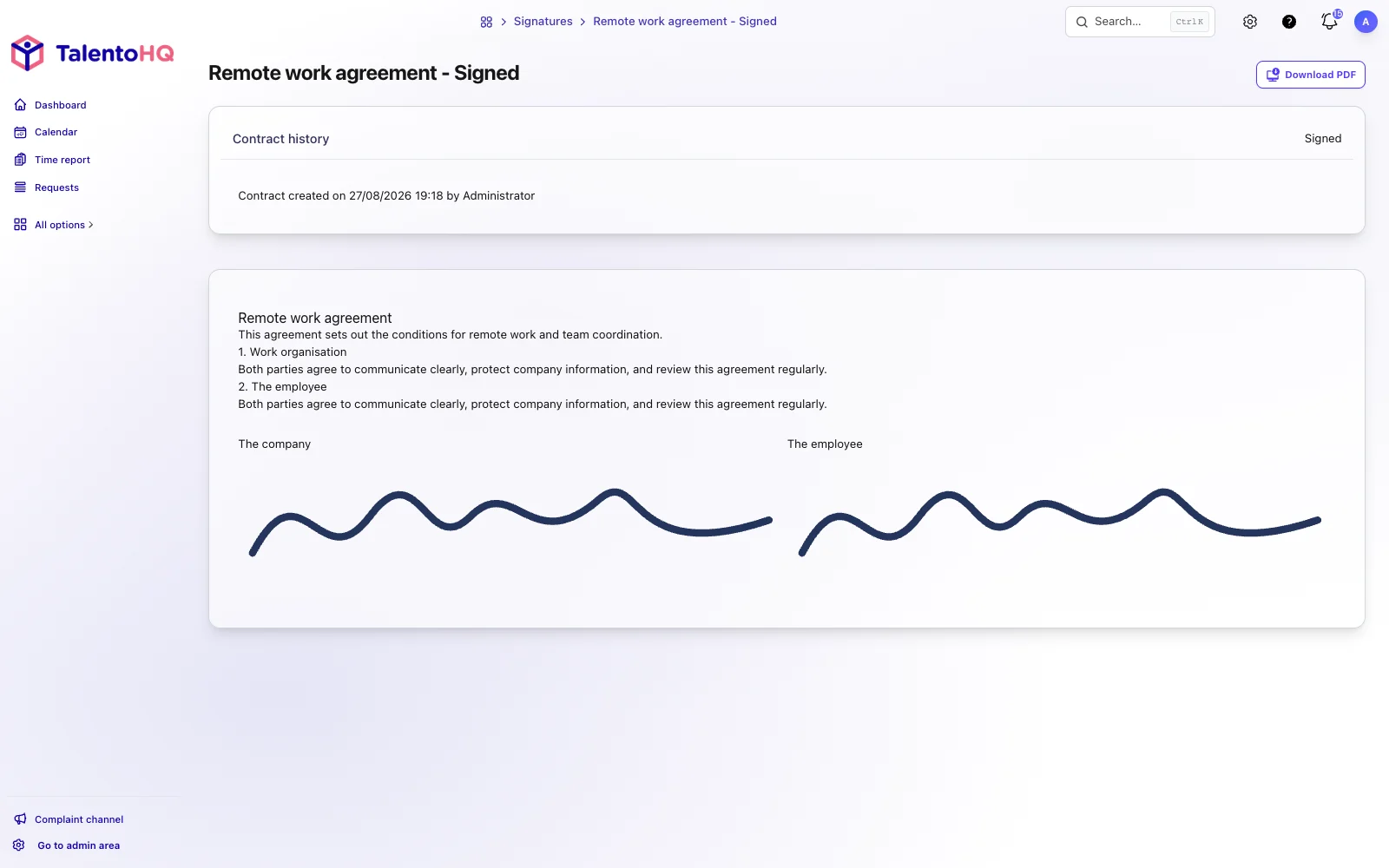
- PDF version of the signed contract
- Signature log with exact dates and times
- Change and version history
- Full traceability metadata
You can download any contract at any time, export an employee's complete documentation for audits, or search for specific contracts by date, type, or employee in seconds.
The company remains responsible for configuring access permissions, providing the necessary information to employees and applying retention periods appropriate to its data processing.
Benefits for different sectors
download signed contract in PDF
Digital contract management adds value in any sector, but some benefit especially:
Clinics and medical centers
Clinics handle documents with specific access and retention requirements. A digital workflow can send the relevant employment documents to on-call staff or temporary cover and let an authorized manager check their status before the person starts.
Law firms
Law firms manage confidentiality agreements, associate contracts and internal documents. A signature log, dates and completed files provide traceability, while the firm remains responsible for choosing the appropriate signature type.
Retail and hospitality chains
In sectors with several locations and frequent hiring, the company can send documents to people starting at different stores or venues and review which signatures remain pending.
Companies with remote teams
For remote or distributed teams, documents can be sent and signed without arranging physical delivery or postal returns.
Conclusion
Test the complete workflow with a sample document: send it, open it, sign it, download the completed PDF and review the signature record. The recommendation should rest on that observable traceability, not on a general promise to transform HR.