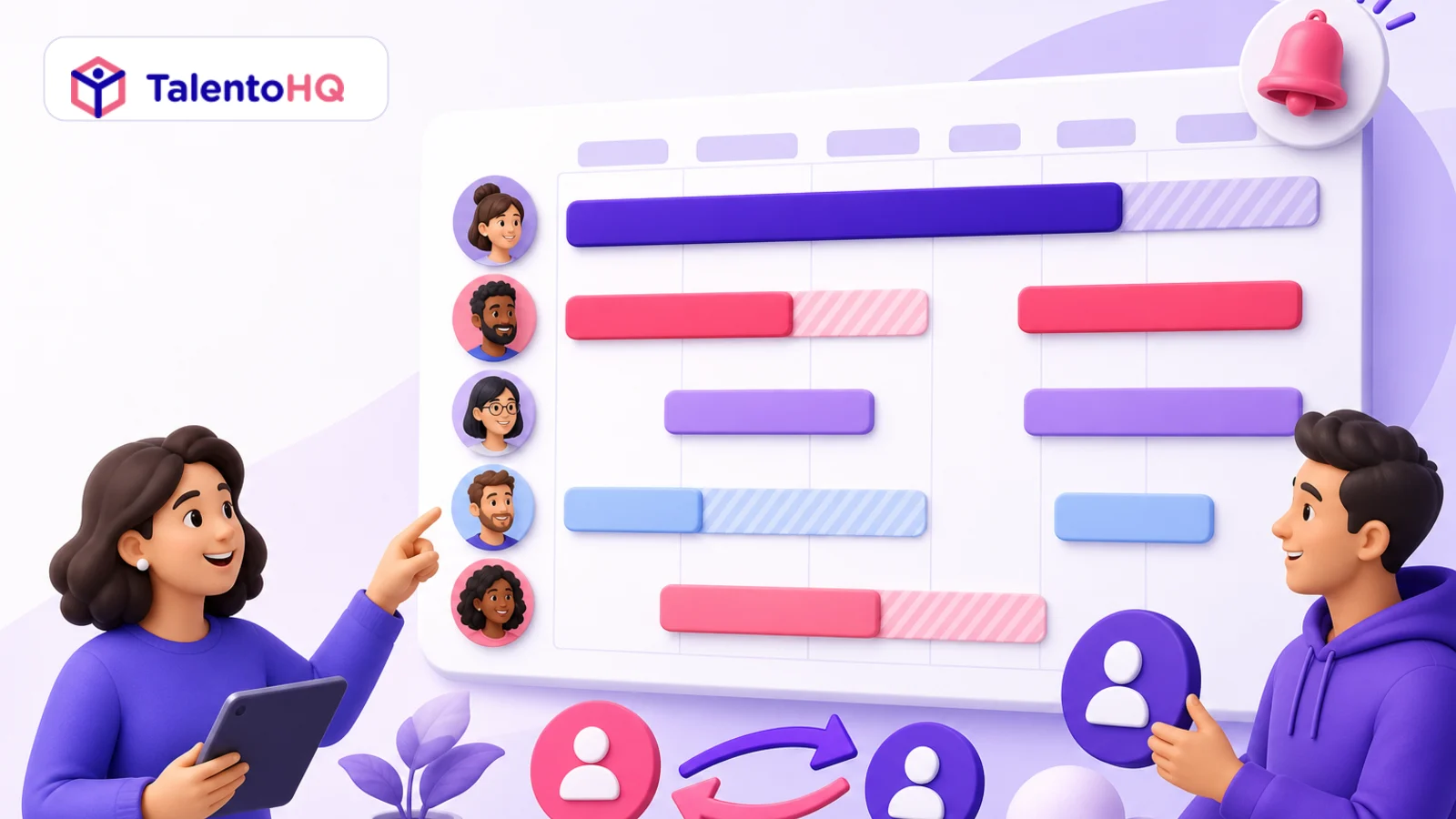
An on-call rotation may look simple on a spreadsheet: one name per night or weekend. It becomes fragile when someone takes leave, a swap is agreed in chat, a public holiday changes the sequence, or the person covering the shift never receives the reminder.
TalentoHQ connects on-call assignments with the employee structure, absences, schedules, notifications, coverage changes, and related activity. It does not create operational capacity by itself; it makes responsibility and change history clearer.
What an on-call shift is
An on-call shift is a defined period in which an employee is assigned to provide availability or respond to incidents outside the team's ordinary arrangement. Depending on the company, it may cover a night, a weekend, a full week, or a shorter critical window.
The exact employment, compensation, rest, and working-time treatment depends on the applicable rules and agreements. A scheduling tool records the operational assignment; it does not decide those legal terms.
Why on-call schedules become complicated so quickly
Rotations can become unfair
Manual changes may repeatedly move difficult nights or holidays to the same people. Without history, that imbalance is hard to see.
Absences create hidden gaps
A leave request may be approved without anyone noticing that the employee was assigned to be on call.
Changes disappear into conversation
A chat message can arrange a swap, but the calendar, reminder, and activity record may still point to the original person.
Reminders depend on memory
If one coordinator sends every reminder manually, coverage becomes vulnerable whenever that person is busy or away.
Managers lack one current view
Spreadsheets show the planned name, but often not the absence conflict, approved substitute, time zone, or later activity.
The difference between a calendar and real on-call management
A calendar answers who was originally assigned. A connected process also answers: Which rotation produced the assignment? Is the person available? Has coverage changed? Who approved the change? Who receives the reminder? Did recorded activity fall within the on-call window?
Those questions matter even in a five-person technical team. Complexity comes from exceptions, not only headcount.
How TalentoHQ supports on-call planning
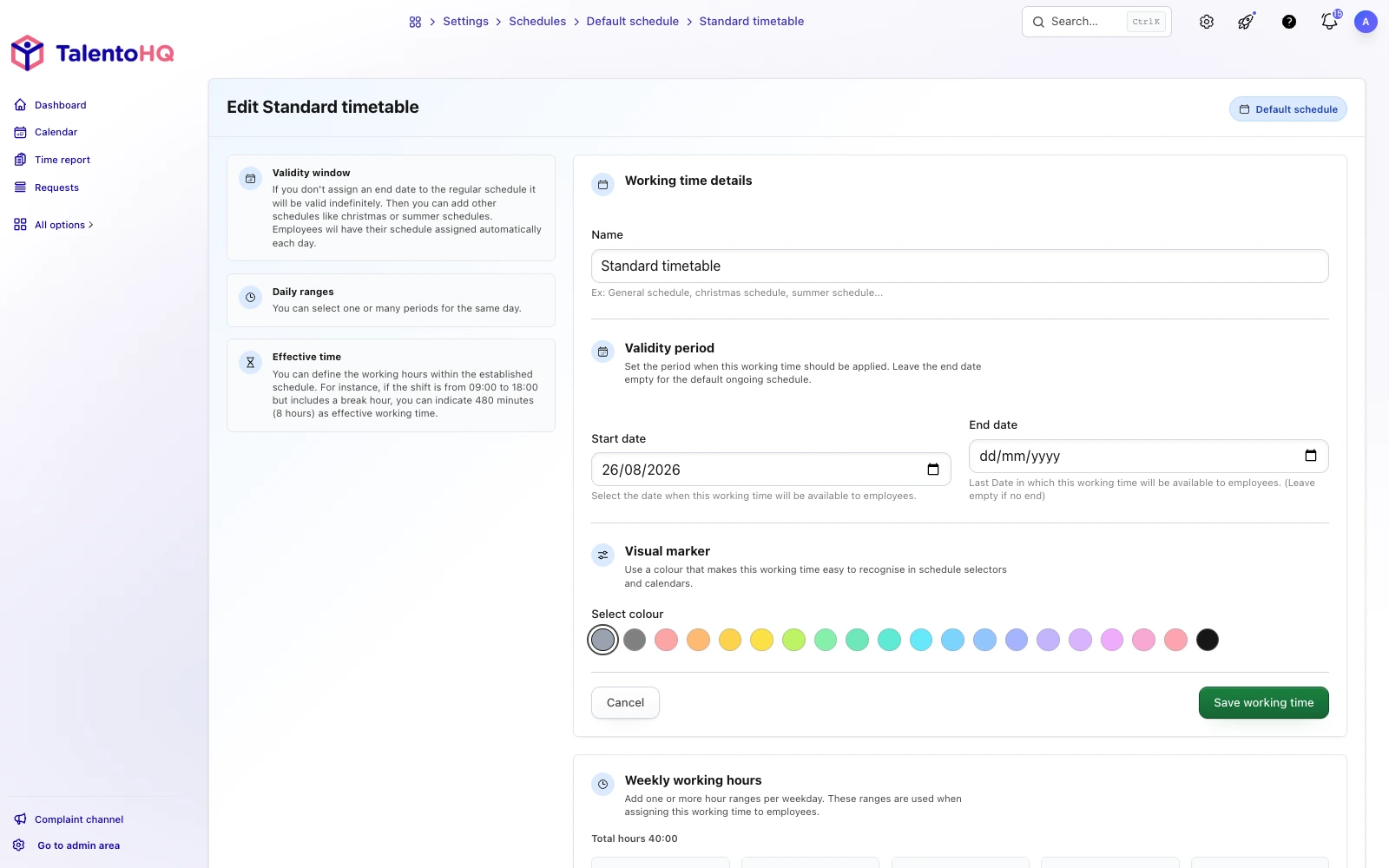
An administrator can define the on-call arrangement's name, active period, covered days, start and end times, rotation type, and interval. Participants can be selected from offices, teams, or specific employees already represented in the company structure.
Rotations can be daily or weekly, with an interval adapted to the service. Time zones are relevant when people or coverage windows cross regions. Before launch, the company should verify the generated assignments rather than assume the rotation expresses every local rule.
Night, weekend and special-period cover
Coverage often crosses midnight. A Saturday 8:00 p.m. to Sunday 8:00 a.m. window must remain one operational assignment even though reporting may split activity by local calendar date. Public holidays, shutdown periods, and seasonal hours also need explicit treatment.
When the underlying rotation changes, historical assignments should remain understandable. Editing the future plan should not make it impossible to establish who had responsibility for an earlier period.
Absence and on-call work in the same workflow
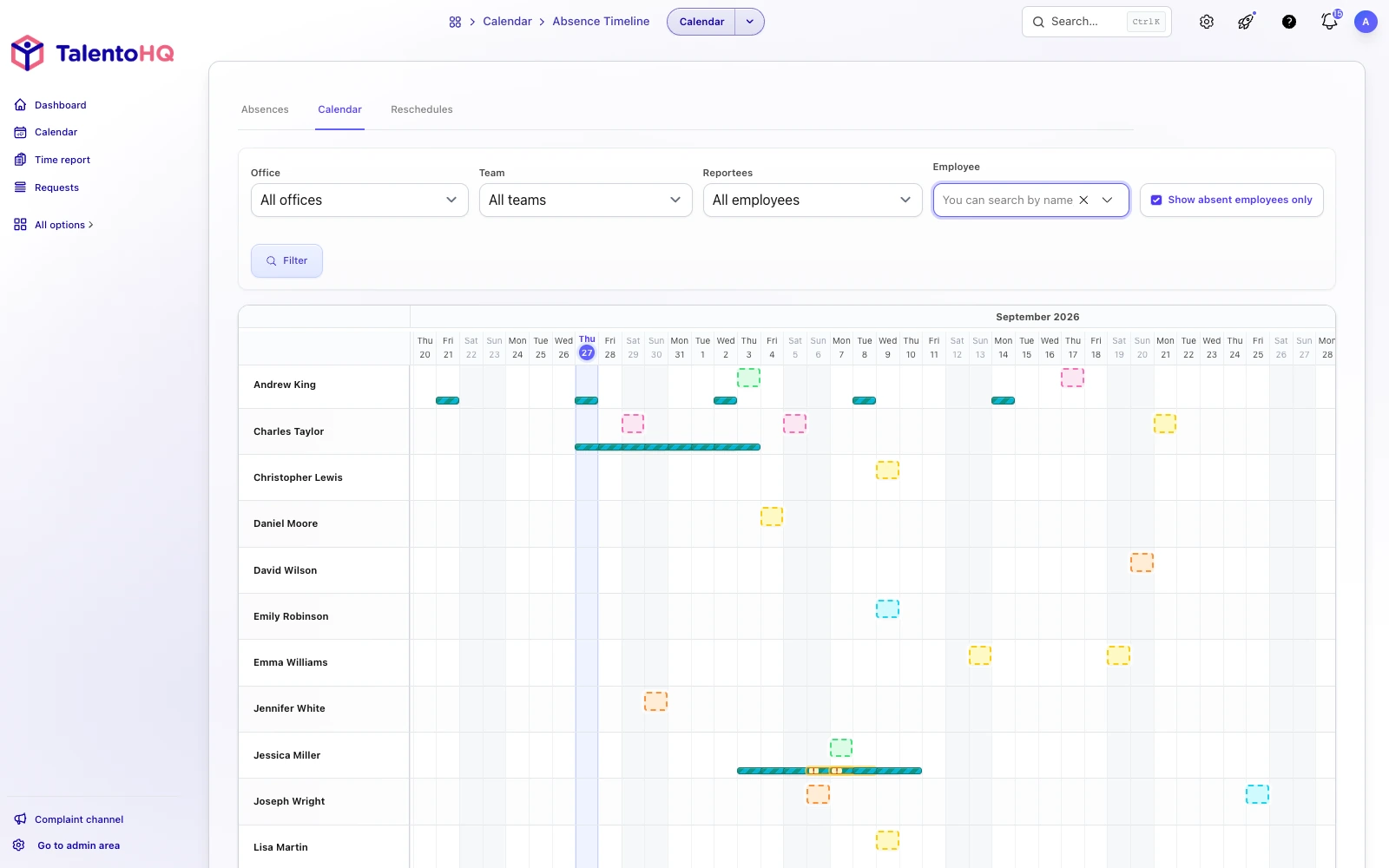
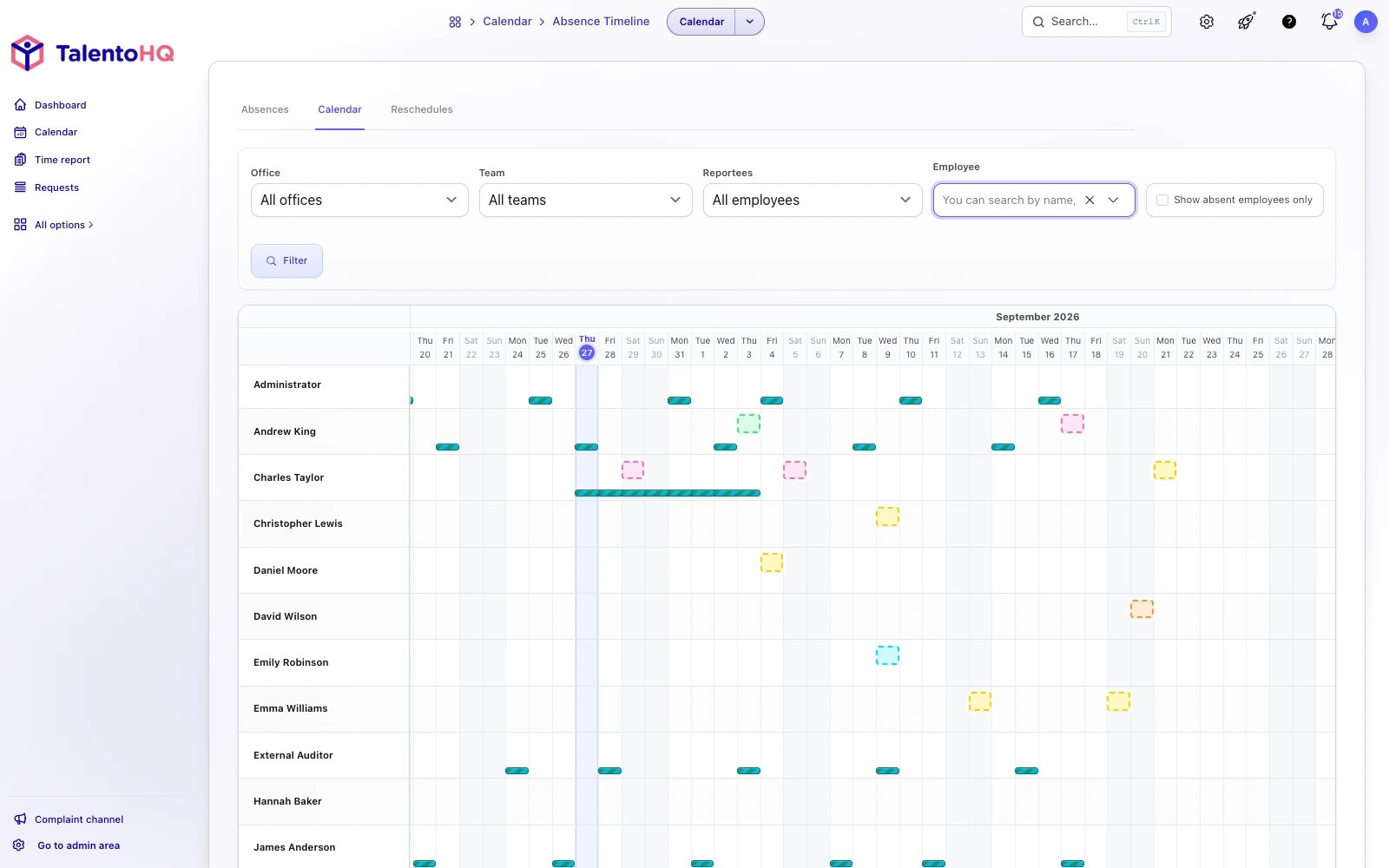
TalentoHQ can compare on-call assignments with absences and expose a conflict. The status should provide useful context:
- Warning: a potentially overlapping absence is still pending.
- Action needed: an approved absence leaves some or all of the on-call window without coverage.
- Resolved: an approved replacement covers the affected period.
This distinction prevents a pending request from being treated as a confirmed gap while ensuring an approved absence is not ignored.
Coverage, changes and swaps with a clear history
Not every adjustment is the same. A manager may change a future assignment, one employee may cover part of another person's window, or two employees may request a swap. Define which actions require approval and who can approve them.
Once approved, the effective assignment should show the substitute and covered interval while retaining the original assignment and decision history. Employees should not have to search chat to know whether a proposed swap became official.
Reminders before the shift begins
TalentoHQ can send advance reminders according to the configuration and available channels, including in-app, email, or push notifications where enabled. Useful lead times may include 30 minutes, one hour, four hours, one day, two days, or three days.
If an approved substitution covers the start, the substitute—not the original assignee—should receive the relevant reminder. Reminders reduce avoidable omissions, but they do not prove that a person saw the message or guarantee service response.
Activity and working-time records
When activity is recorded in relation to an on-call assignment, TalentoHQ can associate it with the relevant window and check that the time falls within that assignment. Depending on company policy, availability and active work may need to be distinguished.
For overnight work, reports may allocate time by local date while maintaining the relationship to the original on-call period. The employer must validate the applicable compensation, rest, and time-record treatment.
A practical on-call example
Imagine a service company whose technical team handles incidents outside normal hours. A coordinator currently maintains weekly coverage in a spreadsheet. Every vacation request triggers a manual check. Changes are sent through chat, and on Saturday the team has to compare the sheet with the latest message.
With TalentoHQ, the company can create a weekly rotation, select the participating team, view assignments alongside leave and public holidays, identify overlaps, process an approved replacement, and send the correct person a reminder before the window begins.
The company still needs enough qualified people and a clear incident process. What changes is the reliability of the coordination.
Which organizations benefit from on-call planning
- Technical teams responding to incidents.
- Service businesses providing client coverage.
- Operations with multiple locations or rotating shifts.
- Maintenance and intervention teams.
- SMEs coordinating nights or weekends through spreadsheets and messages.
- HR teams that need to connect on-call work, absence, and time records.
A company does not need to be large. Five people rotating nights can generate enough exceptions to justify one dependable source.
What on-call management should not promise
Better scheduling does not replace a healthy operational culture or fix the underlying cause of constant incidents. Teams still need realistic staffing, clear escalation, suitable compensation and rest arrangements, and investment in reducing recurring failures.
A good tool can make responsibility clearer, distribute assignments more transparently, reduce uncovered windows, and preserve changes. It reduces coordination chaos; it cannot eliminate every incident.
From a spreadsheet to connected planning
On-call schedules rarely stay simple. Leave, sickness, public holidays, new hires, overnight windows, and follow-up all accumulate. When each piece lives somewhere else, the plan becomes fragile.
TalentoHQ brings the rotation into the environment used for employees, shifts, absence, notifications, time entries, and planning. The benefit is not just a better-looking calendar. It is a shared answer to a critical question: who is responsible and available when the service needs a response?
Frequently asked questions about TalentoHQ on-call shifts
Can I create daily and weekly rotations?
Yes. TalentoHQ supports daily or weekly rotations and configurable rotation intervals.
Can participants be selected by team or office?
Yes. Participants can come from offices, teams, or specific employees in the existing company structure.
What happens when an assignment overlaps an absence?
The system can identify the overlap and distinguish a warning, an actionable uncovered conflict, and a resolved conflict with replacement coverage.
Can coverage and swaps be managed?
Yes. Changes, coverage, and swaps can be recorded, and an approved replacement becomes part of the assignment history.
Do employees receive reminders?
They can receive reminders under their configuration and available notification channels. When a replacement covers the start, the reminder can follow the replacement.
Can on-call work connect to working-time records?
Yes. Related activity can be associated with the assignment and checked against its defined window.