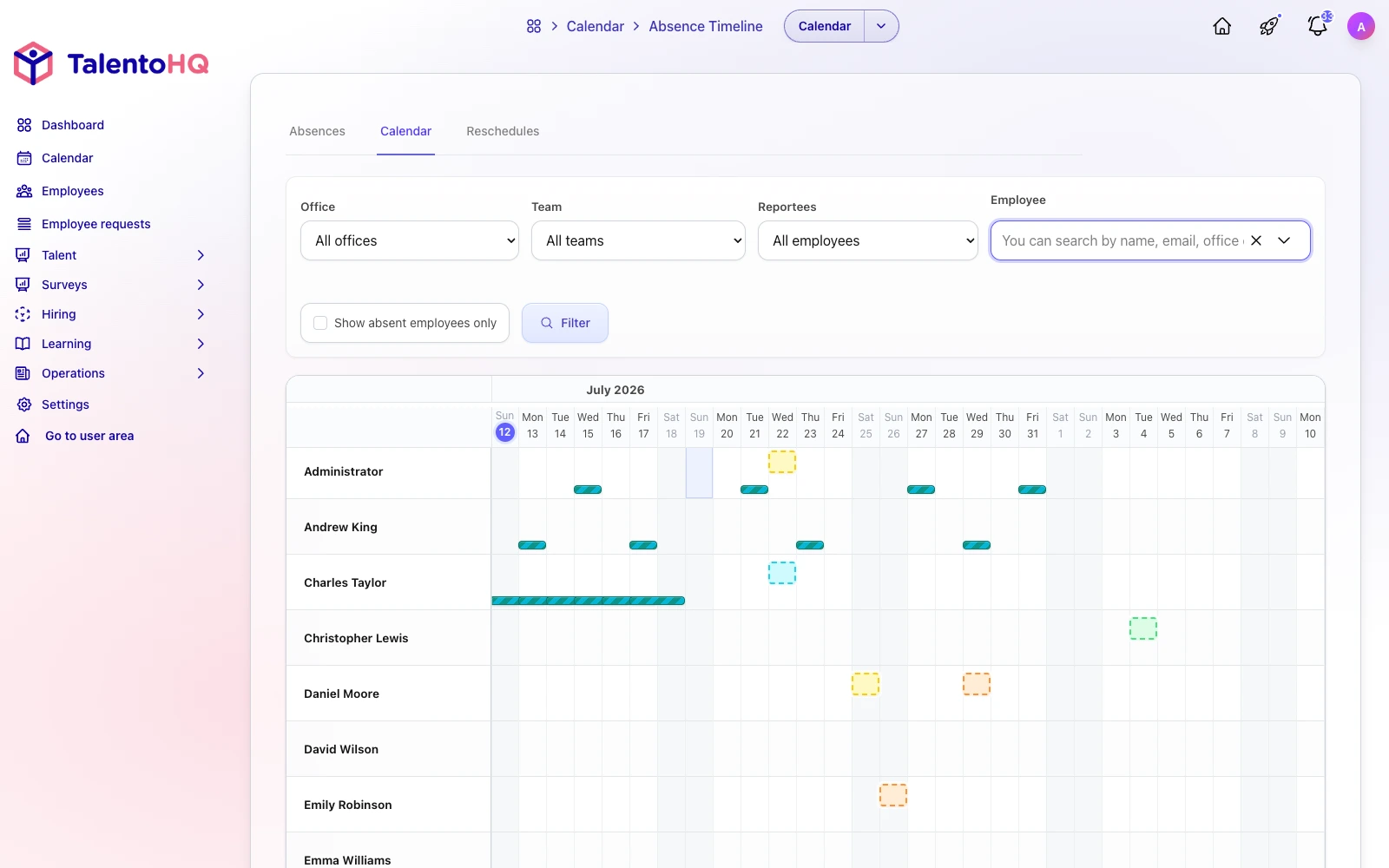
Leave requests, balances, approvals and calendars often sit in different spreadsheets and message threads. TalentoHQ keeps those steps in one workflow: employees submit a request, and managers review it against the current team calendar.
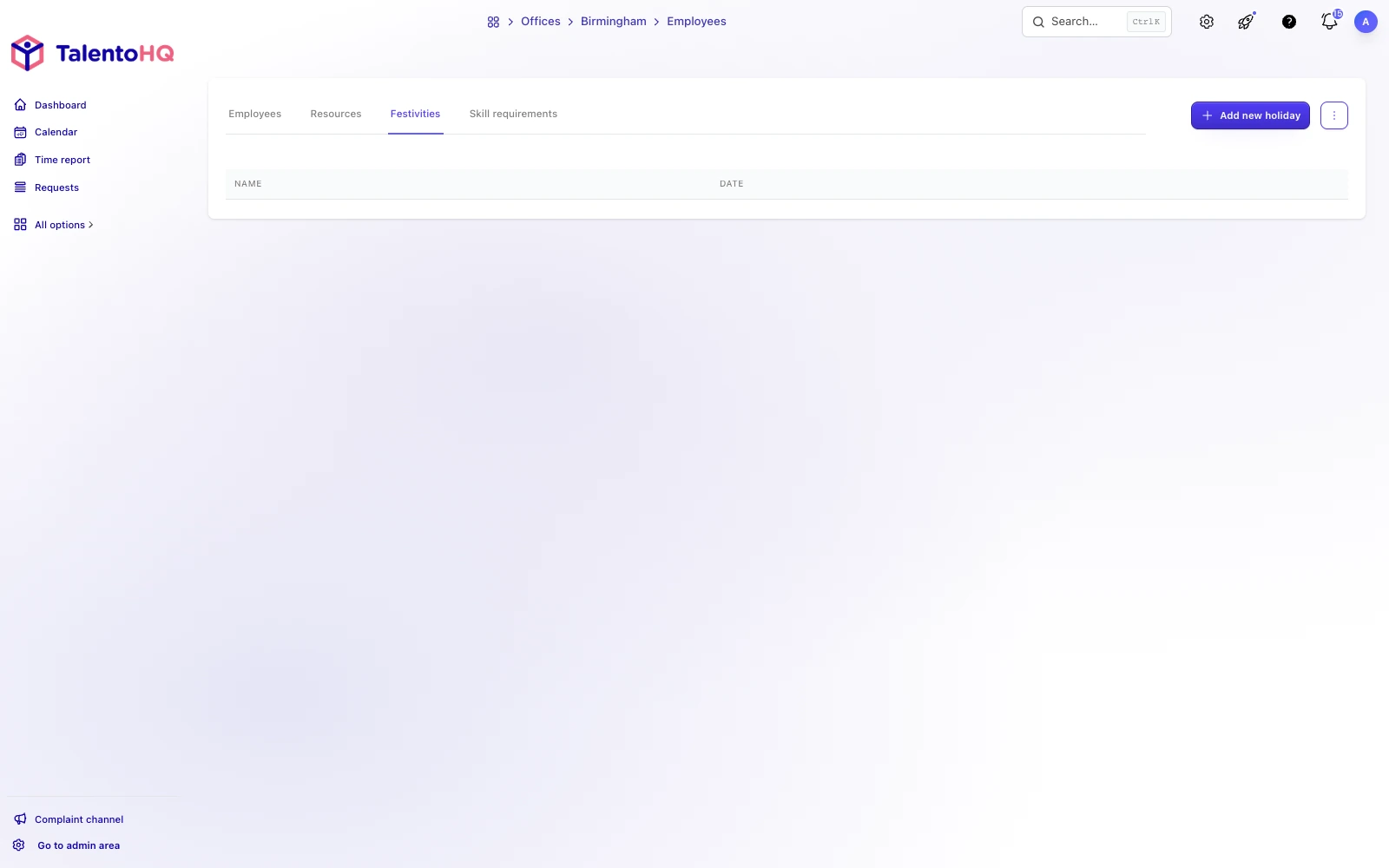
Public holidays
Each office can have its own public holidays. Those dates feed absence balances and work schedules. You can also turn off clock-in on public holidays for a given schedule.
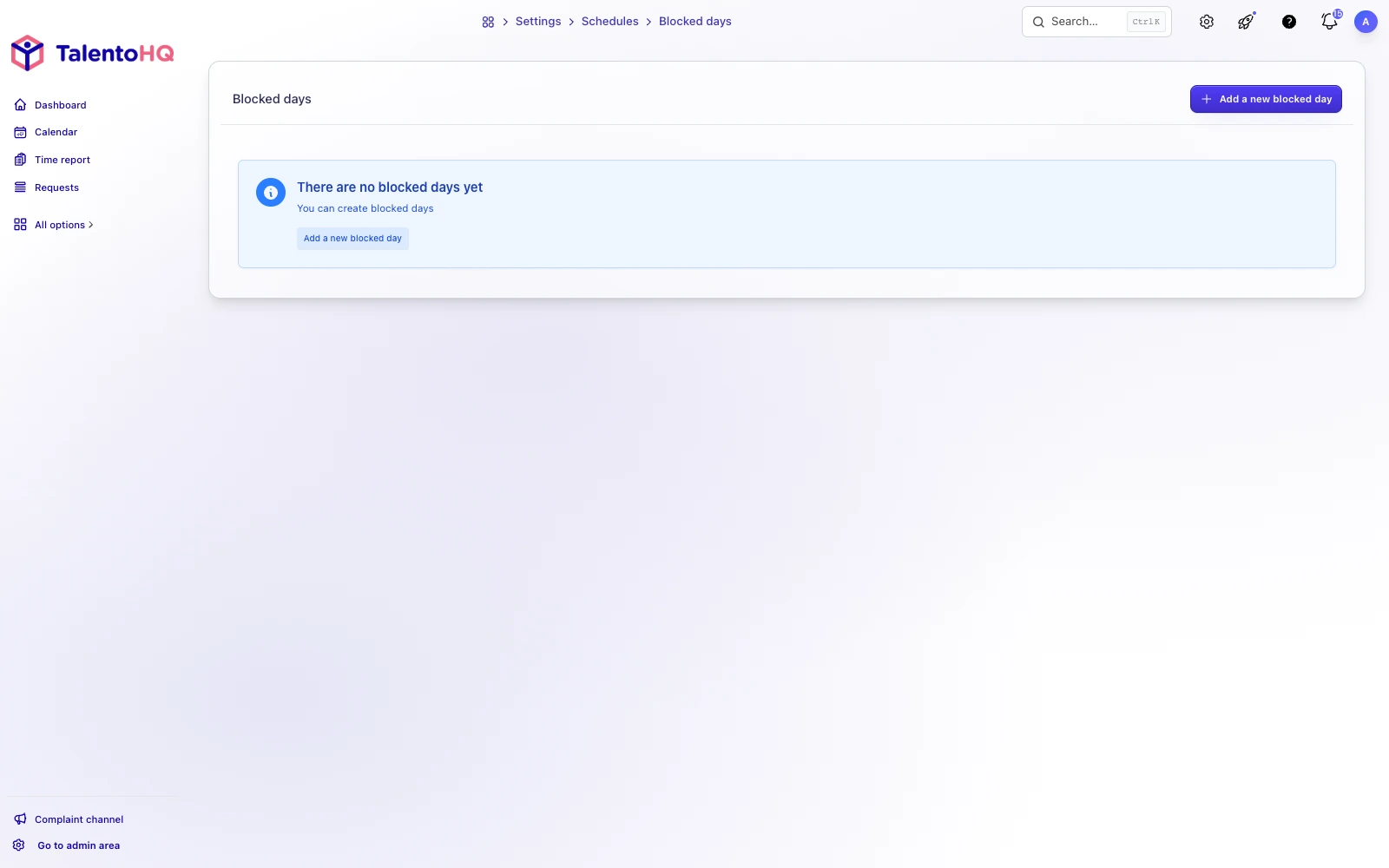
Blocked days
Blocked days stop people from requesting vacation in a chosen period. You can set them by office, team or the whole company.
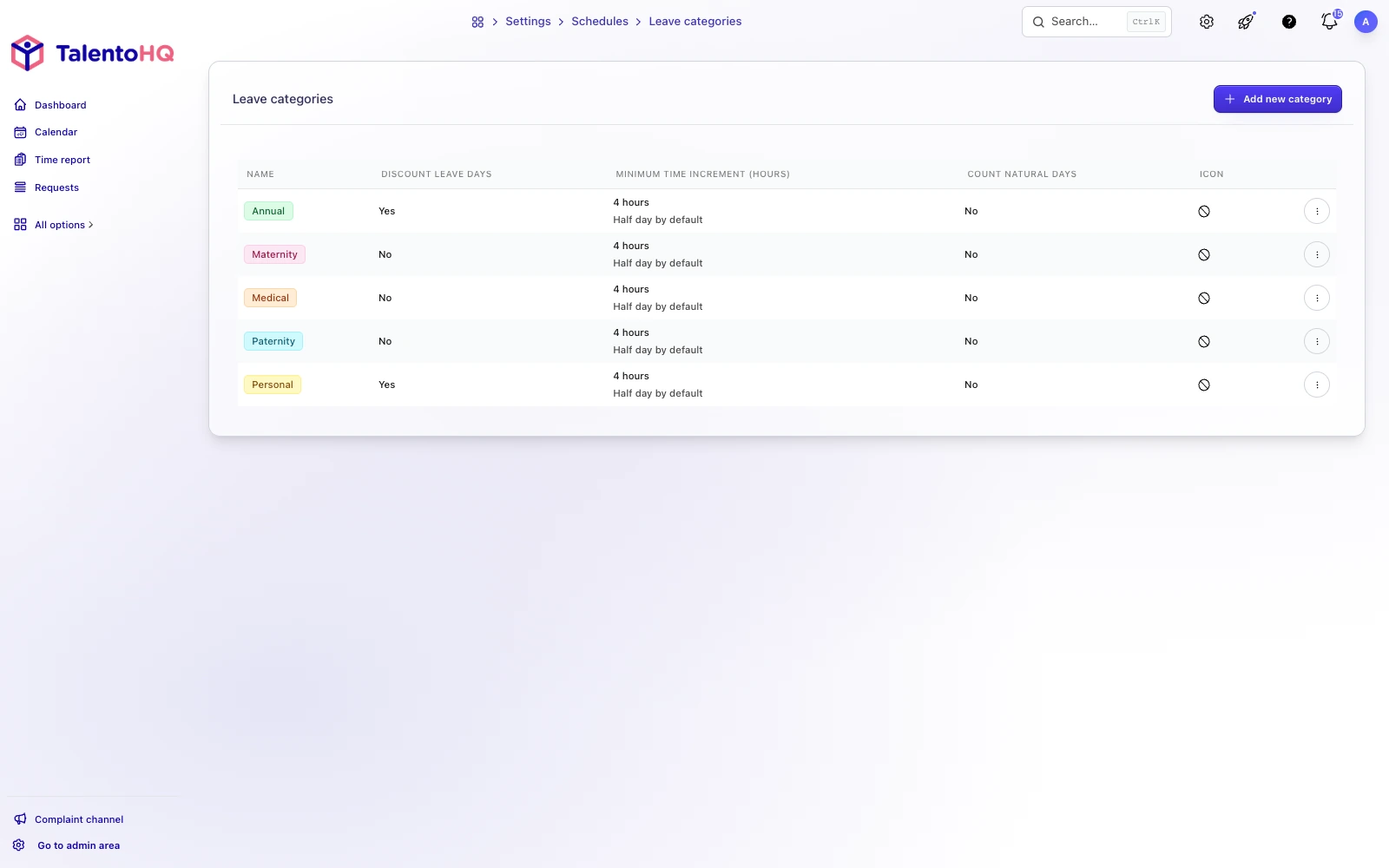
Absence categories
Common categories are already there. You can add, rename or remove them to match how the company records leave.
Each category can have its own colour and icon so calendars and reports stay easy to scan.
Absence requests
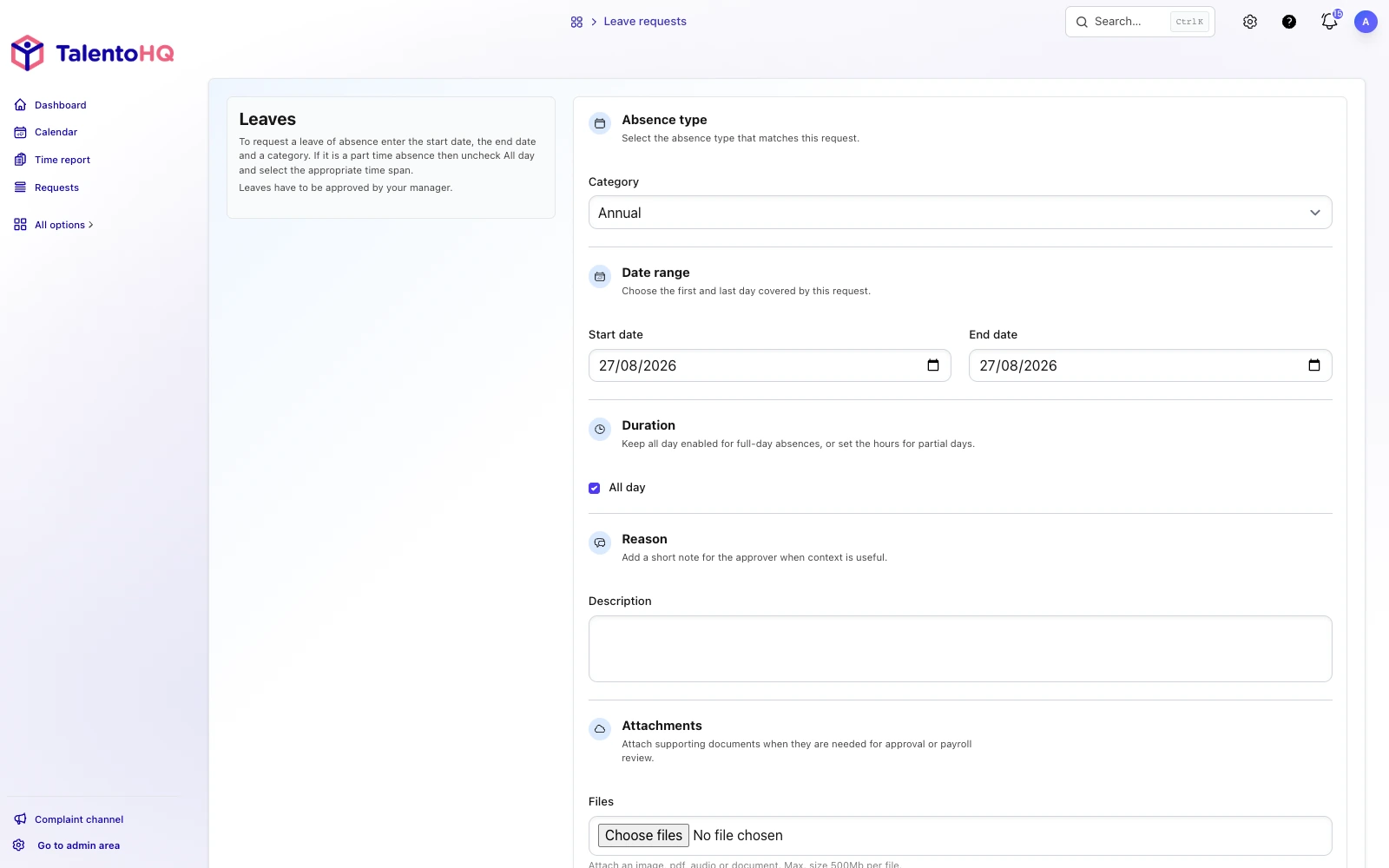
Employees request leave from a phone or a computer. They pick dates and a category, and they can attach a supporting document if the company asks for one.
The manager receives an email with the request.
Approval process
Approval is set up in two steps.
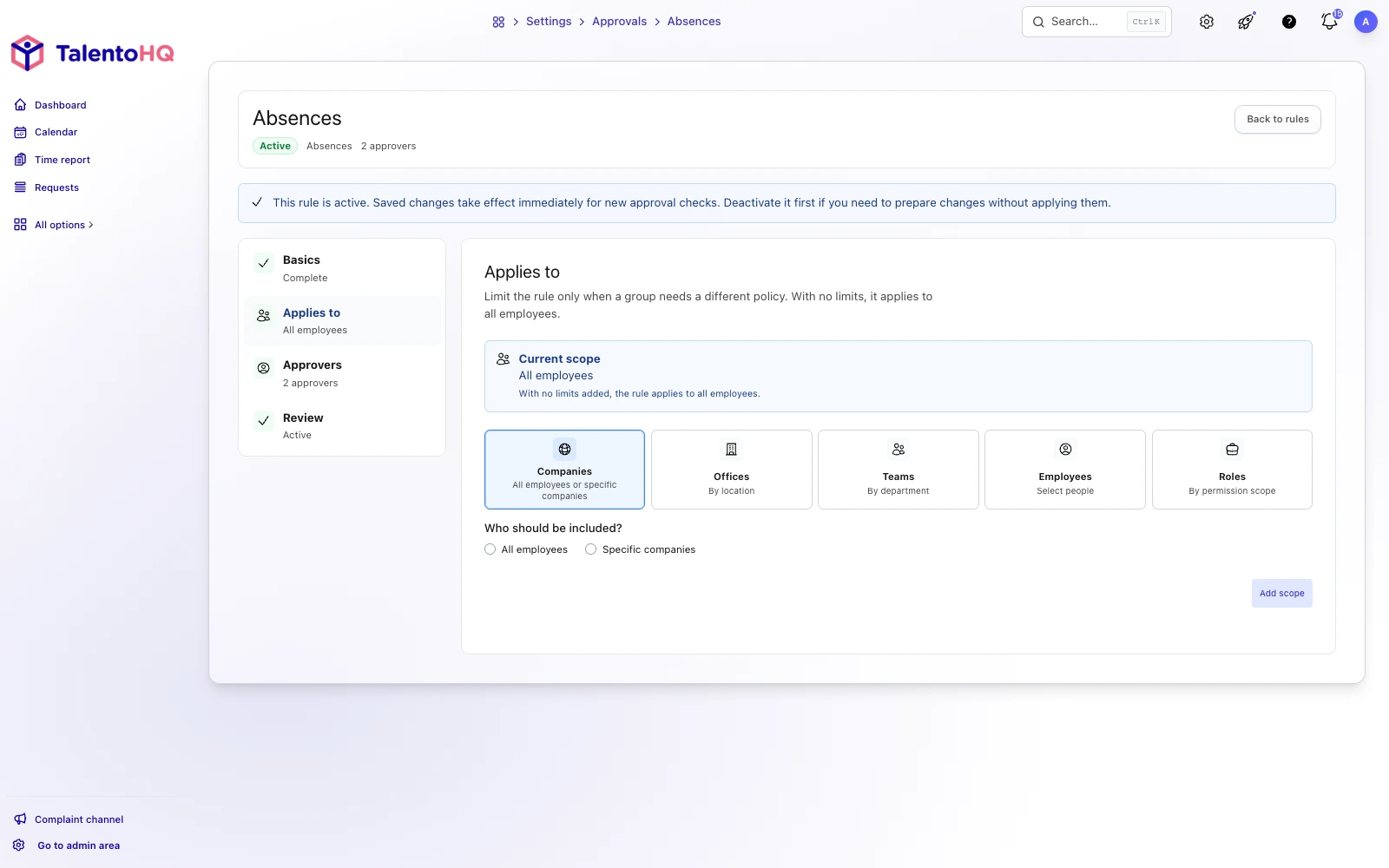
First, decide who the process applies to: a team, an office, a company, named employees, or everyone.
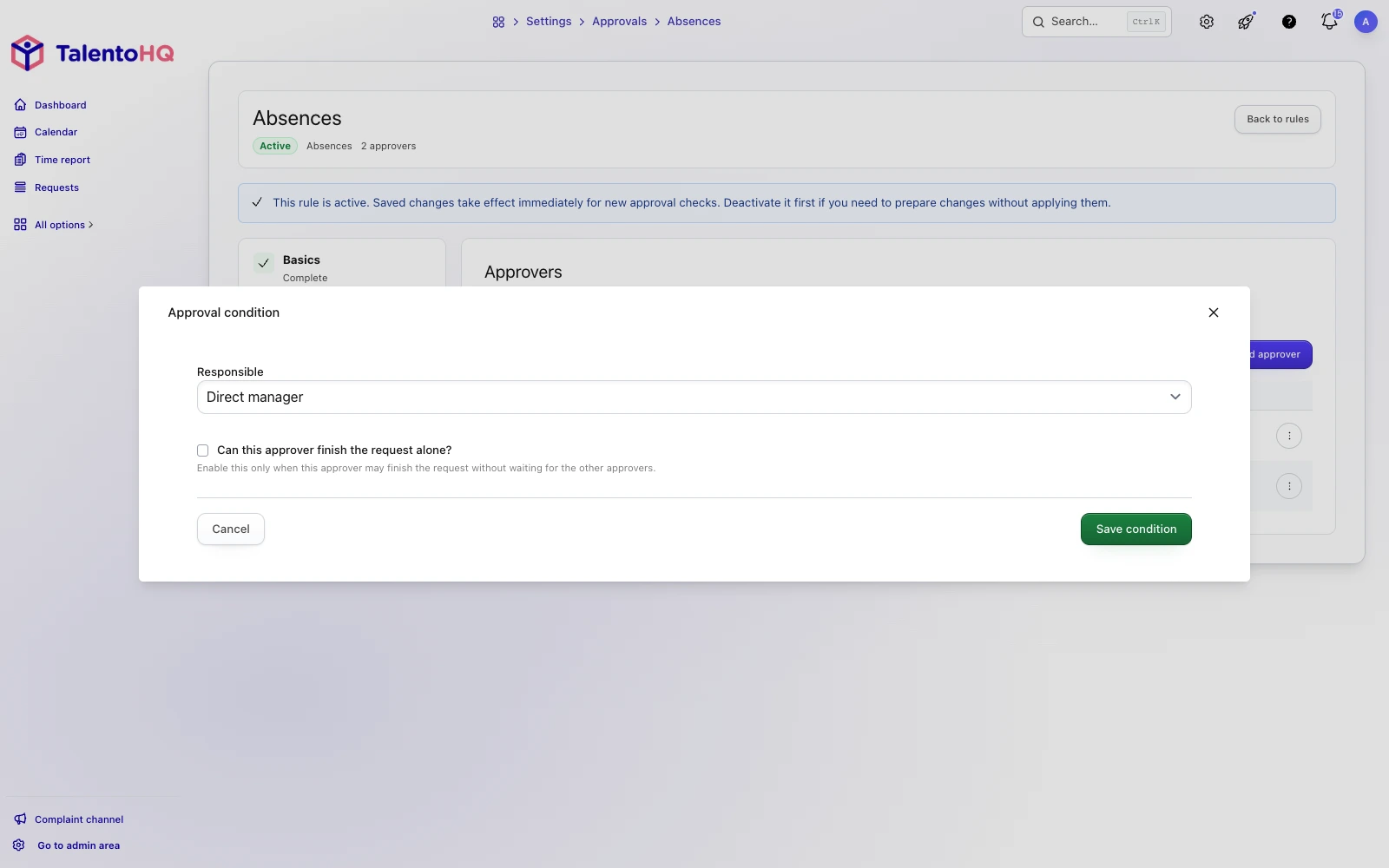
Then name the people who approve. You can require more than one approval, or let one of them close the request on their own.
For example, the direct manager and the office manager both need to approve. The request is granted only when both have said yes.
If the office manager is set to approve automatically, their yes closes the request.
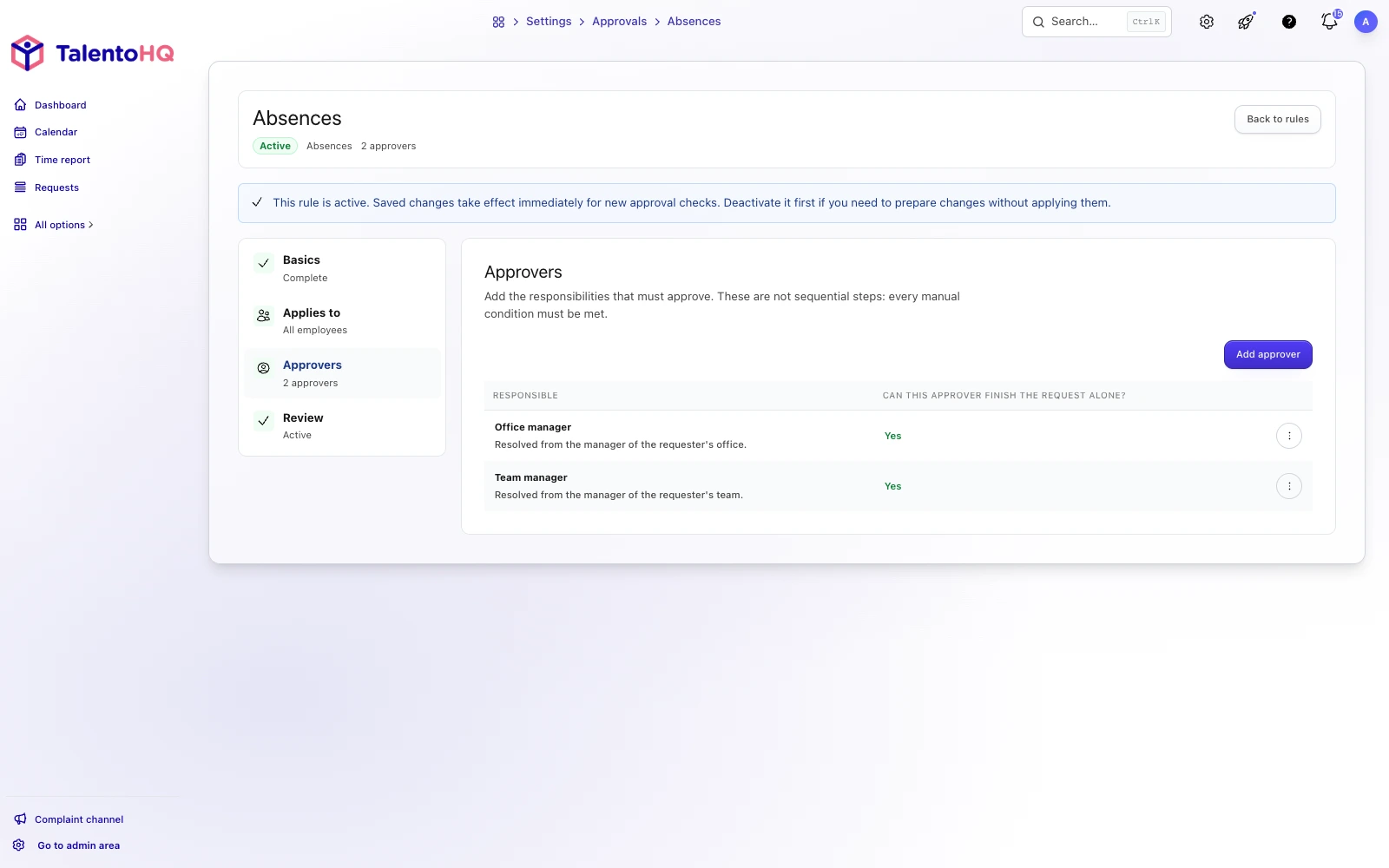
Approvers can be a named person, a role such as any manager above the employee, or a mix of both. Different offices or teams can use different workflows.
Managing time off and overtime
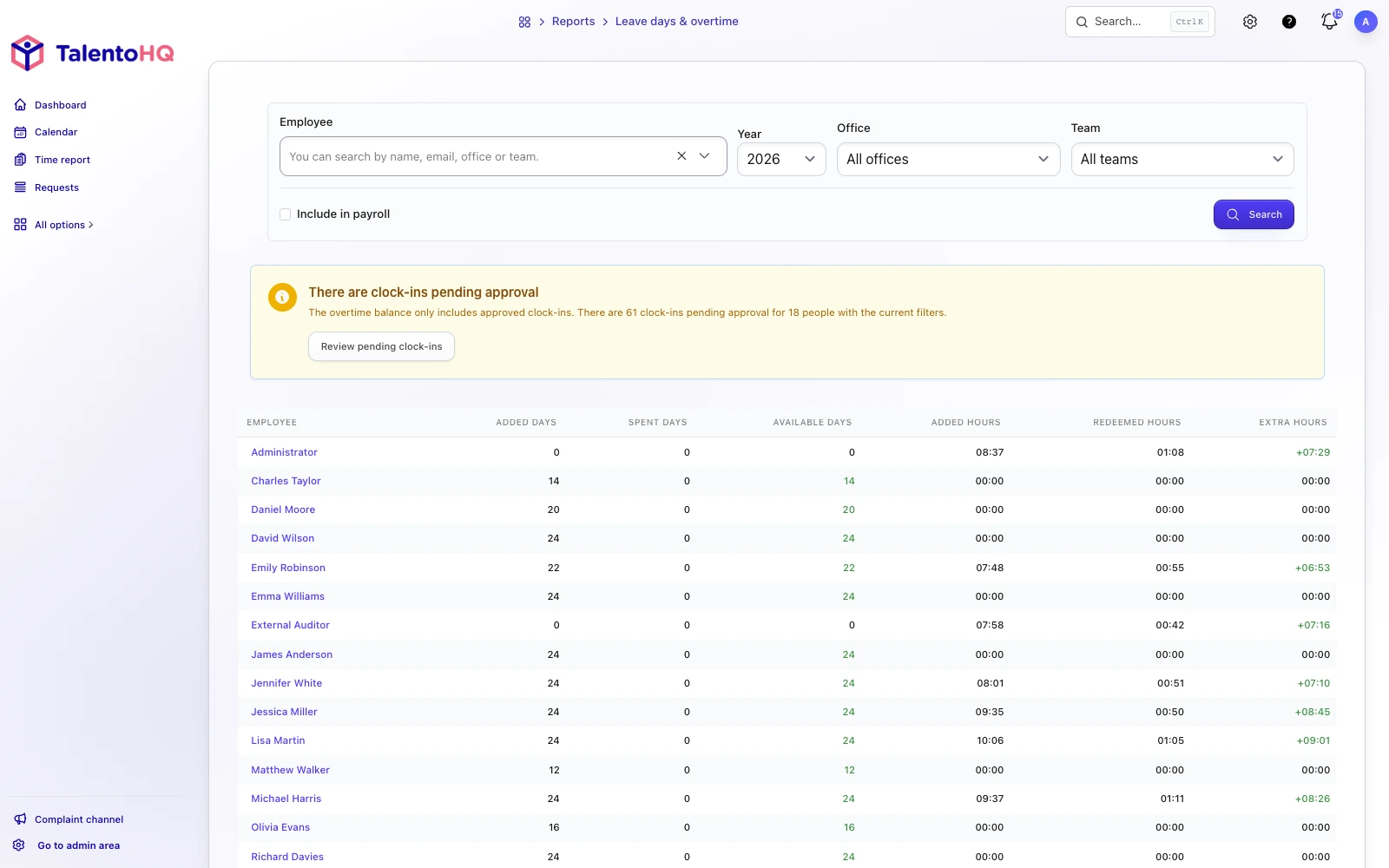
Each employee has a time-off balance. You can add or remove days from that balance.
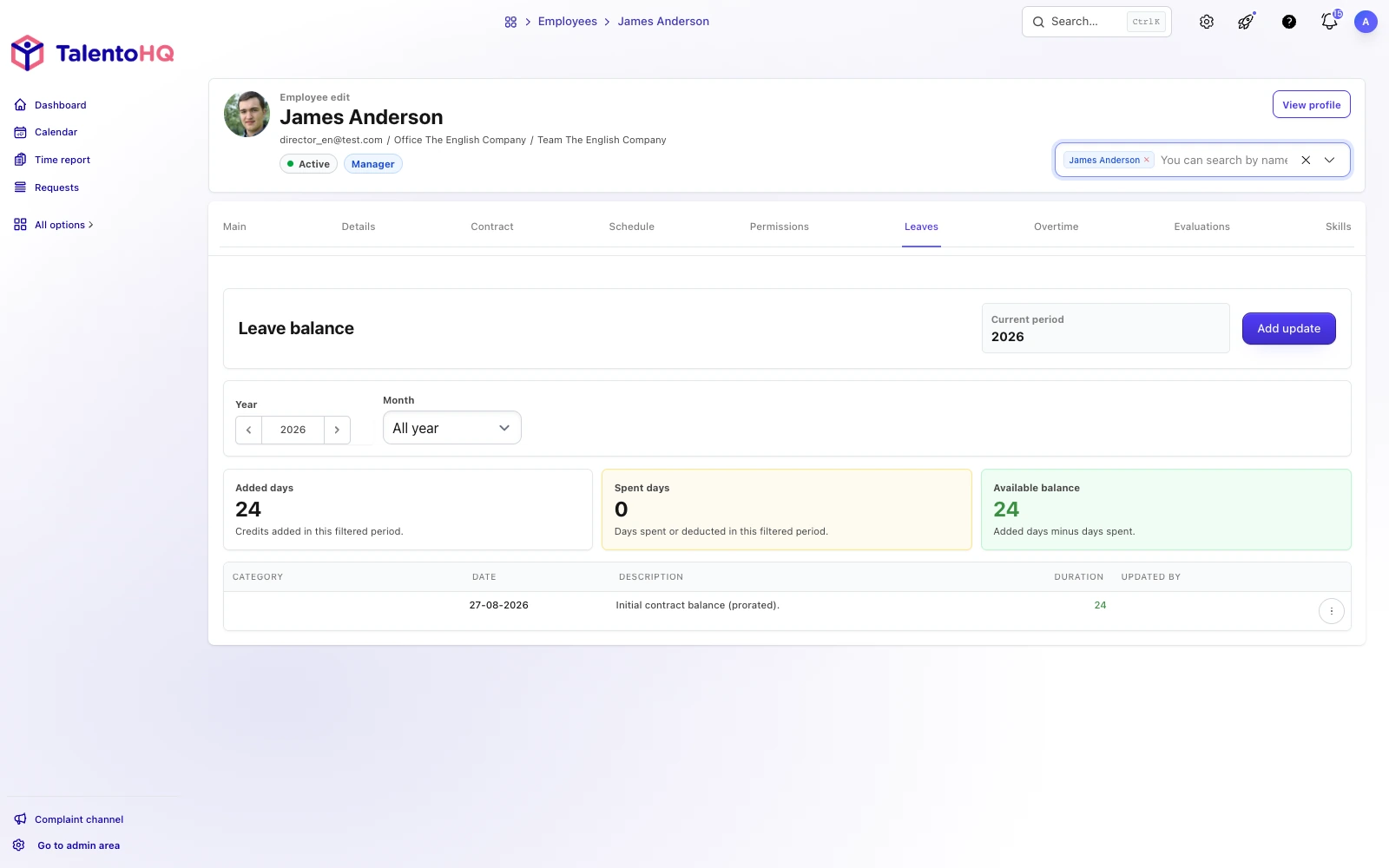
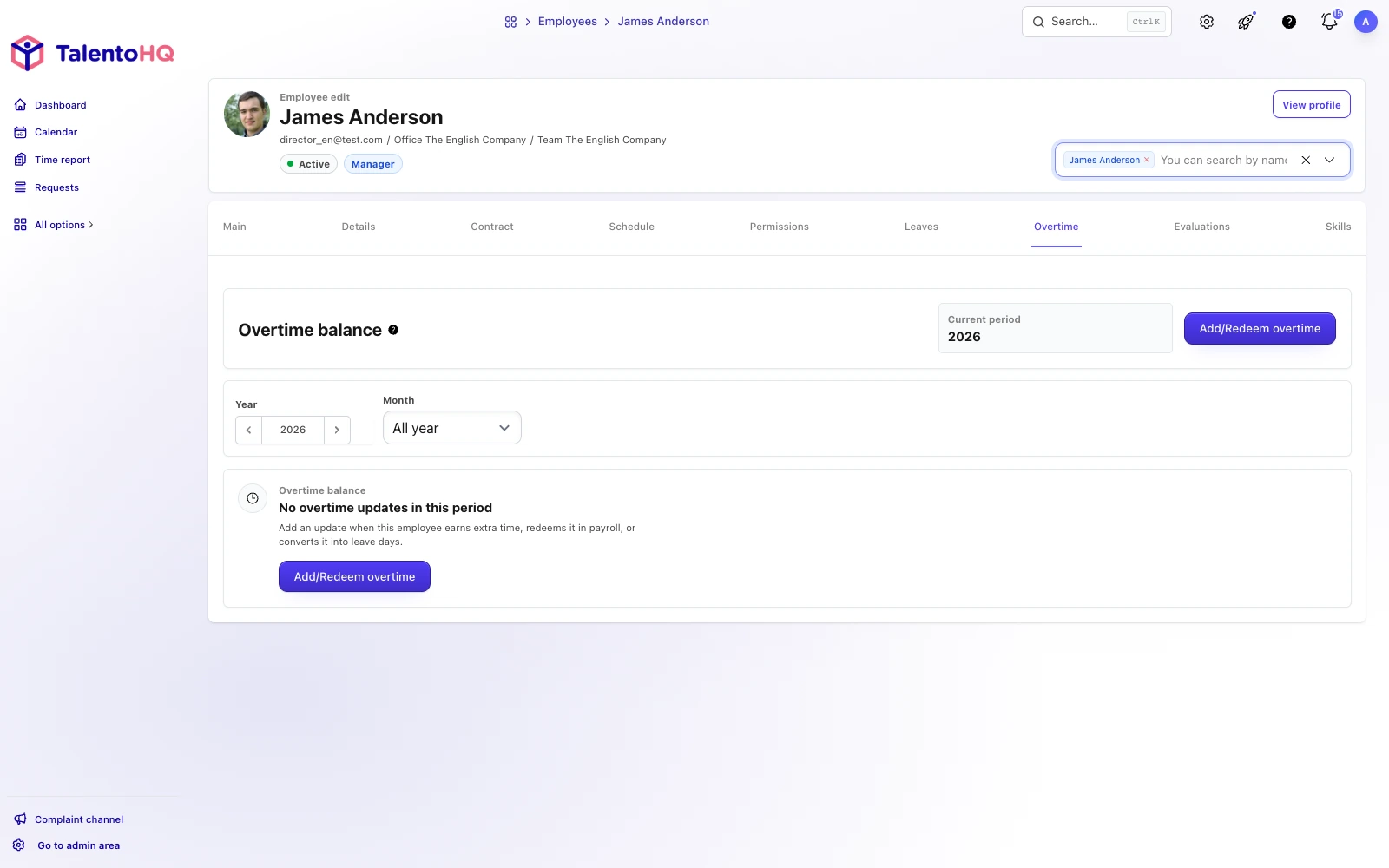
Approved overtime is stored in the same employee record.
You can convert overtime into time off or pay it through payroll.
Availability
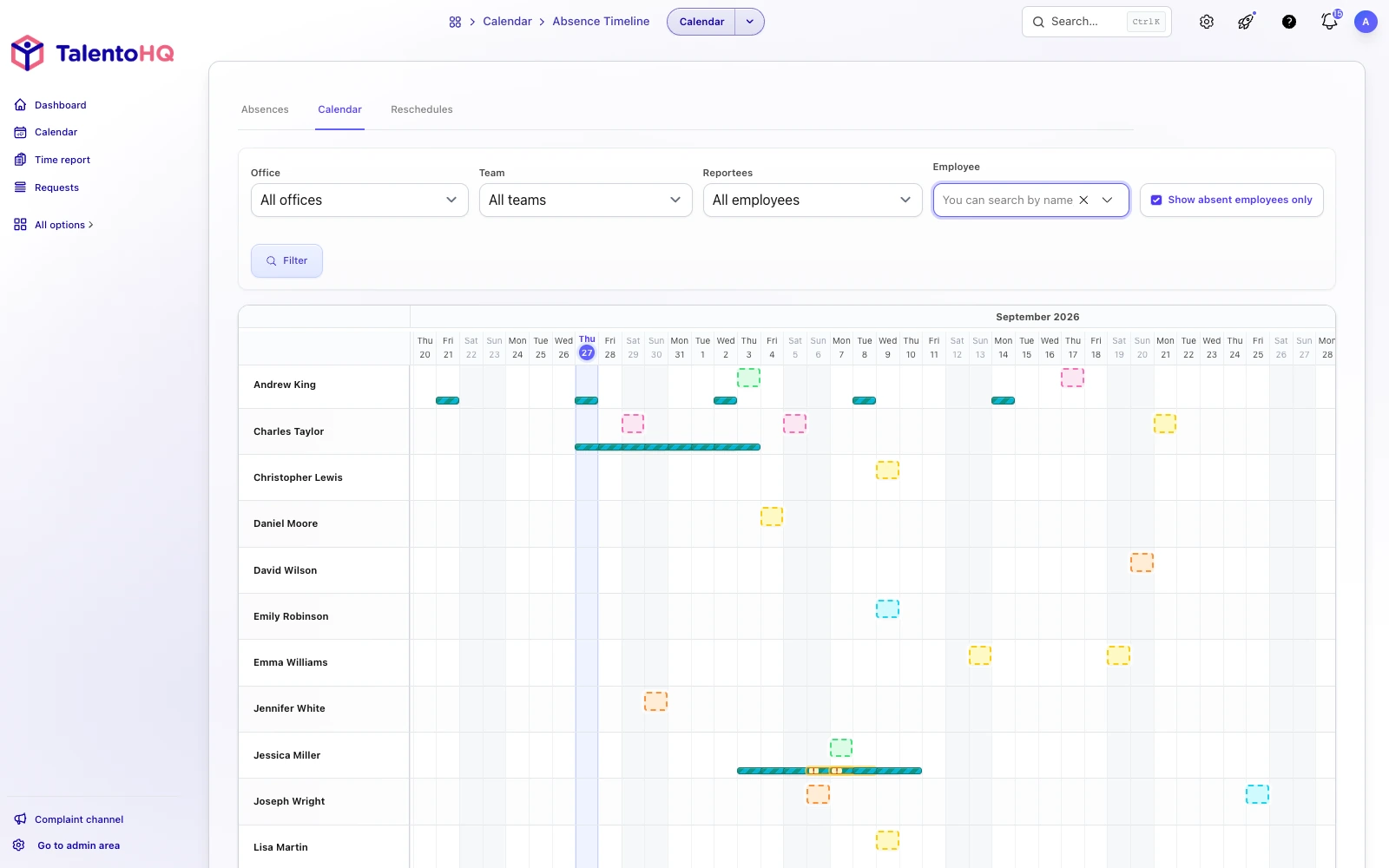
Team and office managers can open a shared calendar and see who is in, who is away, and who is on leave.
Filters narrow the view by team, office or person.
Approving / Denying requests
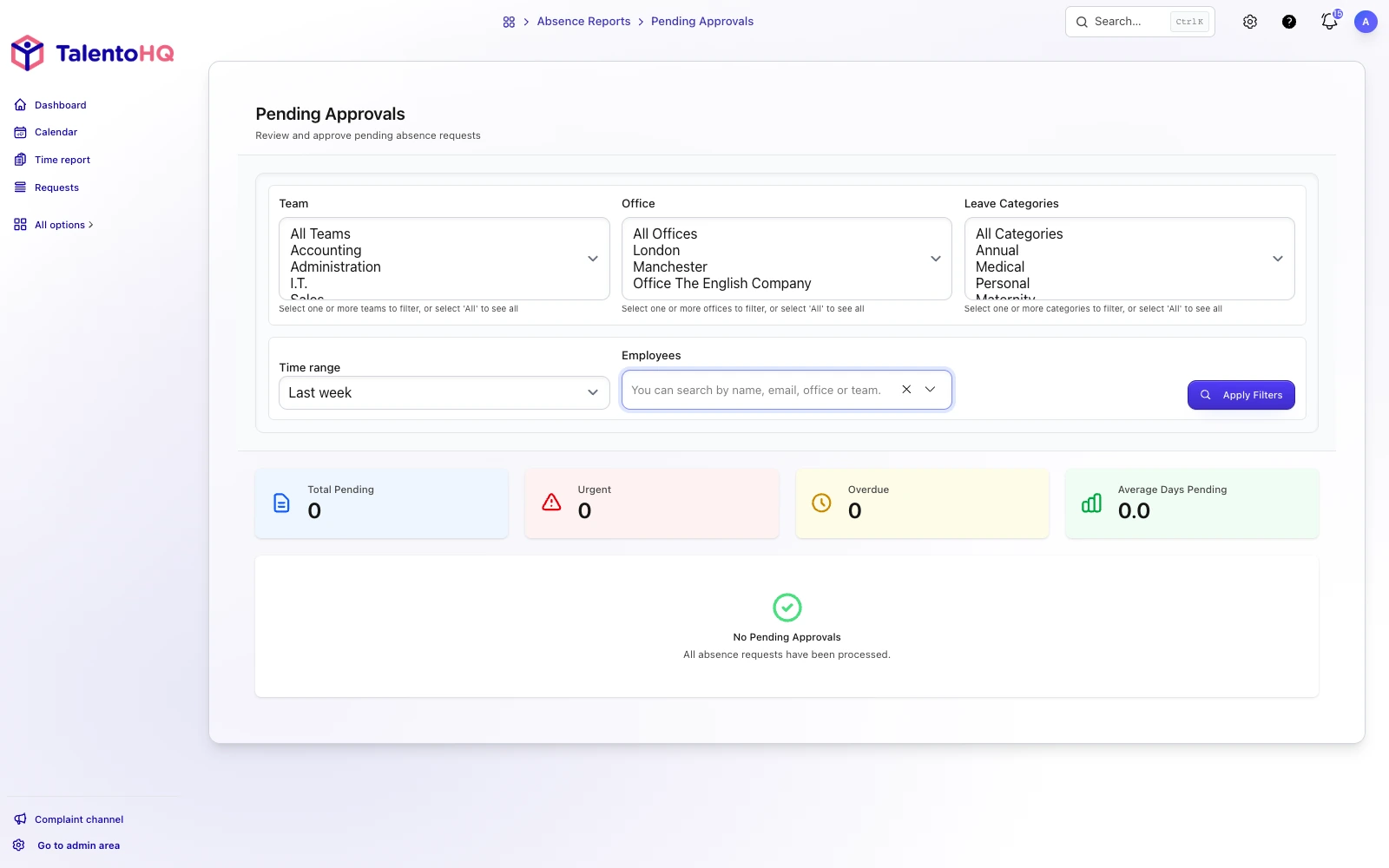
Approvers work from a list of pending requests. They can add a reason; the employee receives an email with the decision.
Request list
Managers can also open a report by team, office or employee: days available, days used, and approved overtime.
Summary
If you have questions, contact us for a demo. You can also try leave and vacation tracking for 14 days, with no credit card.