Moving an SME's working-time records to a digital system should not begin with choosing a clock-in button. It should begin with the employees, schedules, locations, permissions, exceptions, and monthly review process that make those records meaningful.
This checklist is written for employers operating in Spain. It helps organize a digital working-time process; it does not replace legal advice or make the software responsible for the employer's compliance decisions.
Why prepare the working-time process before implementation
If employee data is outdated, schedules are unclear, and nobody owns corrections, digitalization simply produces faster confusion. Preparation gives the company a single active employee list, consistent recording rules, an agreed incident workflow, and reports that managers and payroll advisers can actually use.
It also makes rollout easier for employees. They know when to clock in, which method to use, what to do if a record is missing, and who can see or amend their information.
A digital working-time checklist for SMEs
1. Confirm the active employee data
Review each active employee's name, status, start date, office or workplace, team, manager, schedule, time zone where relevant, and working arrangement. Archive duplicate or former records instead of leaving several versions in circulation.
This list becomes the basis for permissions, assigned schedules, reports, and absence coordination. TalentoHQ maintains those details in the employee record so the same structure can support other HR processes.
2. Map workplaces, remote work, and mobile teams
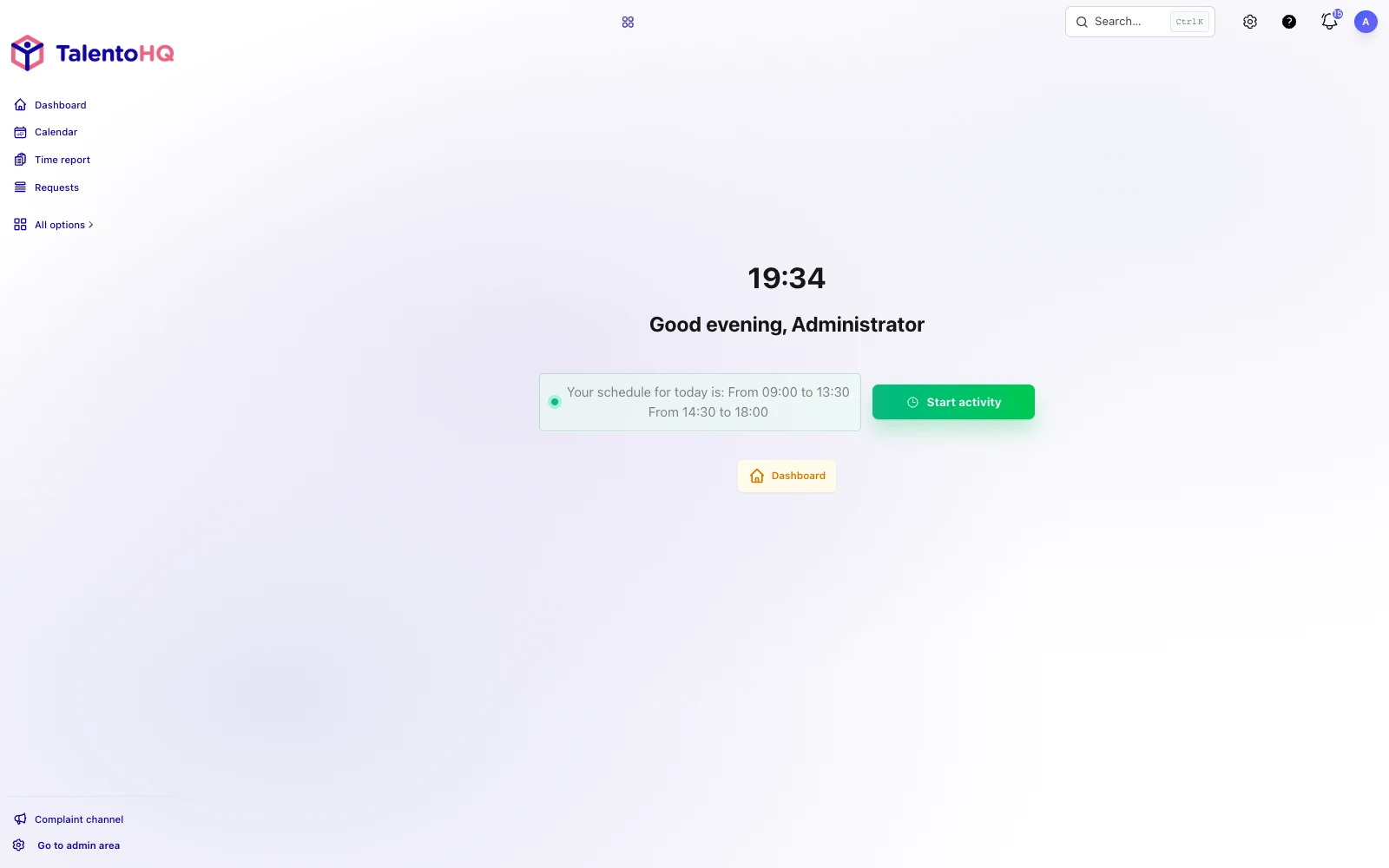
Decide how records should work at each location. Employees may clock in from a computer, mobile device, or shared tablet; some organizations may also choose methods involving a PIN, QR code, or location information where the product and policy support them.
A three-store business, for example, should decide whether employees can record time only at their assigned store, whether managers can cover another location, and how remote administrative work is handled. Any use of location data needs a lawful, proportionate policy and clear information for employees.
3. Document schedules, shifts, and breaks
Record the schedules the company actually uses: fixed, split, rotating, overnight, flexible, or part-time. Define how breaks are recorded and whether the expected schedule changes by day or season.
A useful rule is concrete: “Clock in when work begins, record the unpaid break when it starts and ends, and clock out when work finishes.” Vague instructions such as “remember to log your hours” invite inconsistent records.
4. Choose a practical clock-in method
The best method is the one employees can use reliably in their real work environment. Office teams may use a browser; retail or workshop teams may use a shared device; mobile teams may need a phone. Do not select a method simply because it appears more sophisticated.
Test accessibility, connectivity, shared-device privacy, and the fallback when a device is unavailable. A method that excludes part of the workforce will create manual corrections from the first week.
5. Set roles, permissions, and review responsibilities
Decide who administers the system, who reviews entries, which managers can see their teams, what employees can correct or request, and what information a payroll provider or labor adviser receives. Avoid both extremes: one person as the only bottleneck, or so many editors that the history becomes unreliable.
Permissions should follow responsibility and data-minimization needs. A team manager usually does not need unrestricted access to the whole company.
6. Define the incident and correction workflow
Missing clock-ins, duplicate records, forgotten breaks, incorrect locations, and overnight entries will happen. Agree on a simple route:
- The employee or reviewer identifies the incident.
- The employee provides the correct time and an explanation.
- An authorized person reviews it.
- The correction and its reason are recorded.
- Repeated patterns are reviewed instead of silently rewritten.
7. Connect vacation and other absences
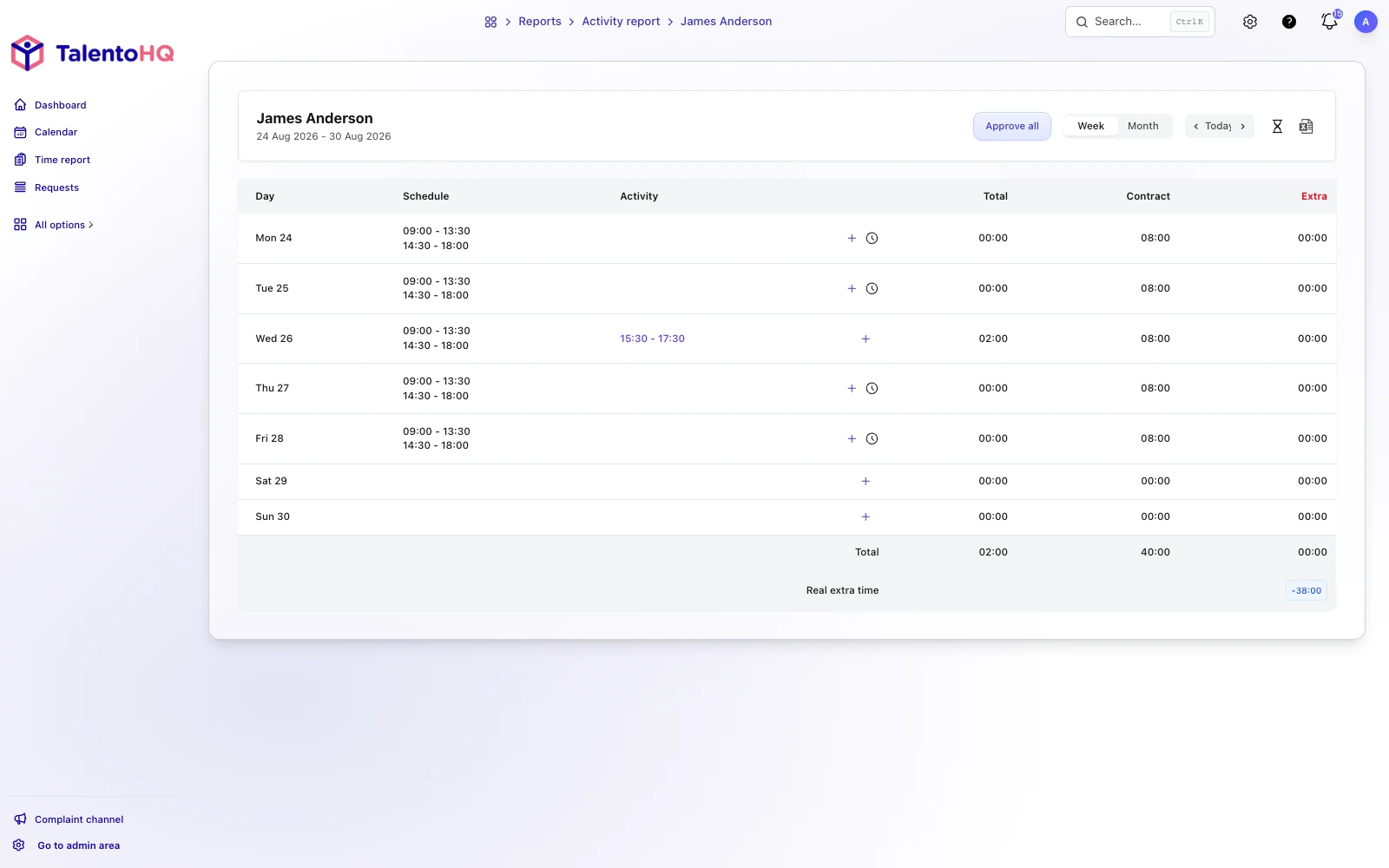
An approved absence explains why a normal entry is not expected. Decide which absence categories affect schedules, balances, or reports and how partial-day leave appears. Otherwise managers may chase employees for a “missing” entry on an approved day away.
TalentoHQ can show absence information alongside scheduling and attendance records, while the company remains responsible for configuring each category correctly.
8. Decide how records will be retained and retrieved
Document who can export records, which format is used, where supporting explanations are kept, and how the company will retrieve the requested period for an internal review or labor inspection. Apply the retention period and access rules required for your organization in Spain; do not rely on an undocumented assumption.
A practical test is whether an authorized person can find one employee's entries, corrections, and relevant schedule for a defined period without rebuilding them from email.
9. Communicate the rules before launch
Employees should receive the start date, approved methods, recording rule, break treatment, correction route, privacy information, and support contact. Managers need separate guidance on review deadlines and respectful follow-up.
For example: “From Monday, record your start, unpaid break, and finish in TalentoHQ. If you miss an entry, submit the correction with the actual time and reason. Your manager reviews requests by the monthly closing date.”
10. Agree on the monthly handoff to payroll or the labor adviser
Set a closing date and report format. Decide who resolves outstanding incidents, who checks overtime or schedule deviations, and whether the external adviser needs direct access or an approved export.
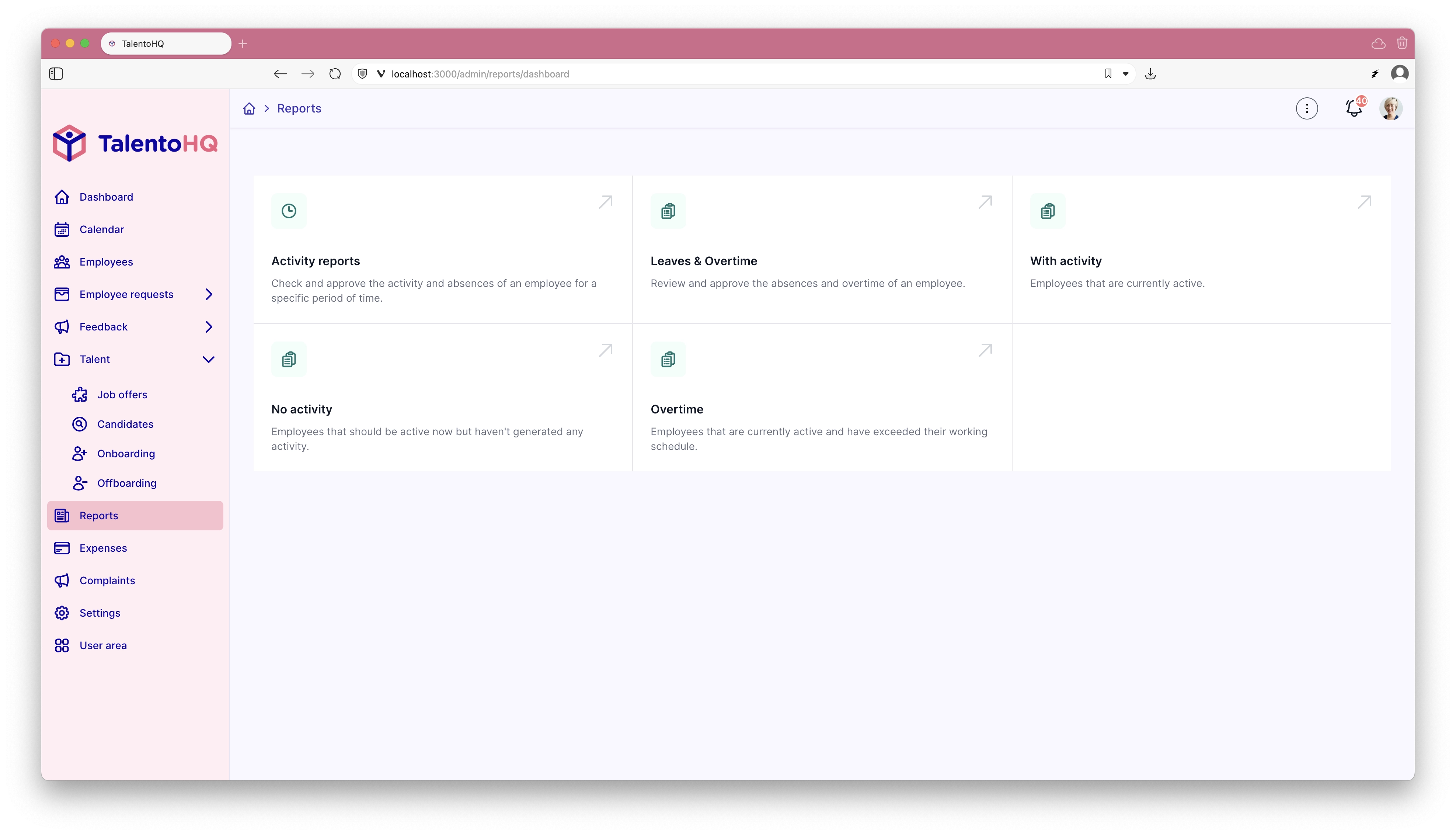
A closed month should not mean that errors are hidden. Late corrections need an explicit route and history.
Signs that an SME is ready for digital time tracking
- There is one current list of active employees.
- Every employee has an assigned schedule or documented working pattern.
- Recording methods have been tested in every workplace.
- Employees know how breaks and overnight work are handled.
- Managers know which records they review and by when.
- Corrections preserve the reason and decision history.
- Approved absences are visible to attendance reviewers.
- The company can retrieve and export a defined period.
Common preparation mistakes
Importing people before cleaning the employee list
Duplicates and former employees produce incorrect assignments and confusing reports.
Assuming every team can use the same device
Test the method with office, store, factory, field, and remote roles that are actually in the company.
Leaving corrections to informal messages
A correction should retain the requested value, reason, reviewer, and outcome.
Waiting until payroll closes to review incidents
Frequent review makes missing information easier to resolve and reduces end-of-month pressure.
Presenting software as automatic legal compliance
A tool can support records, controls, and exports. The employer must still choose a lawful process and verify that it operates correctly.
A working-time template to review this week
- Export and clean the active employee list.
- Assign workplaces, teams, managers, and schedules.
- List every schedule and break rule in use.
- Choose and test a recording method for each context.
- Define manager and administrator permissions.
- Write the missing-entry and correction route.
- Connect approved absences to the review.
- Define retention, retrieval, and export responsibility.
- Send clear instructions before launch.
- Agree on the monthly closing and payroll handoff.
How TalentoHQ organizes digital working-time records
TalentoHQ supports time entry from enabled devices, optional controls configured by the company, schedules and shifts, incident review, traceable corrections, absence context, and reports by employee, team, or office. SMEs can introduce the process in phases instead of changing every HR workflow at once.
Start with one representative team, run a complete closing period, and correct the process before extending it. TalentoHQ supplies the operational tools; it does not determine the employer's legal obligations or validate every schedule automatically.
Related reading on time tracking and SME HR
- Time and attendance management
- Spain's digital working-time proposal: what employers should know
- How to manage vacation and absence in an SME
Conclusion: reliable records start before the first clock-in
A dependable digital record is the result of clear employee data, usable methods, defined schedules, controlled permissions, a fair correction route, and regular review. Prepare those decisions first. The software can then make the process easier to operate and explain without pretending that implementation alone resolves the employer's responsibilities.