In an SME, questions about vacation, payslips, documents, personal details, and working-time entries often arrive through different channels. An employee portal brings these routine tasks into one space, where each person can find the information and actions available to their role.
Since 2019, employers in Spain have been required to keep daily working-time records. The rules currently in force do not impose one general digital-only format. A portal can make recording, review, retrieval, and retention easier alongside other HR work, but the employer remains responsible for choosing and operating a process that meets its legal and collective-agreement duties.
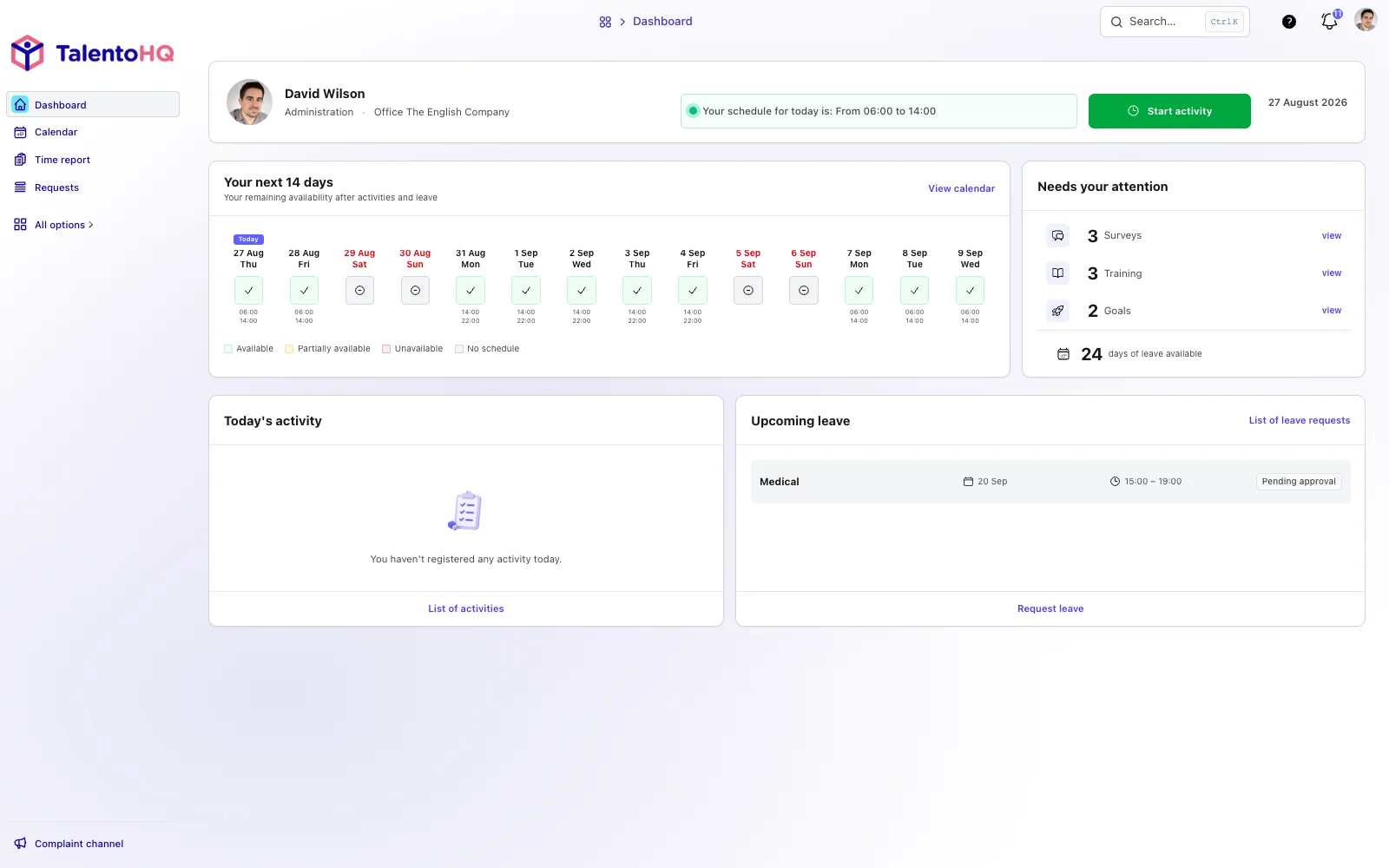
What an employee portal is and why SMEs use one
An employee portal is a digital space where team members can handle permitted HR tasks: check vacation balances, request time off, download available payslips and documents, record working time, update selected personal information, or read company announcements.
It does not need to be a large corporate intranet or a complex ERP. For many SMEs, its value is simpler: employees have a consistent route for routine tasks, while HR and managers can focus on exceptions and decisions.
Mobile access can support office, cleaning, warehouse, factory, workshop, and field teams. Implementation still needs to consider available devices, accessibility, privacy, connectivity, and clear instructions for each work setting. A phone alone does not guarantee that a process works for everyone.
Spain's current working-time framework
Royal Decree-Law 8/2019 introduced Spain's general duty to keep a daily record showing the specific start and finish times of each employee's working day. Records must be retained for four years and made available under the conditions set out by the law.
The duty is to maintain adequate daily records—not, under the rules currently in force, to use one universal digital format. A portal with integrated time and attendance can support clock-ins, incident review, corrections, reports, and retrieval. It does not make every entry correct, prevent fines automatically, or guarantee that the company is ready for an inspection.
Employers should validate configuration, employee information, schedules, access, retention, and review procedures under the applicable law and collective agreement. Current official information is available from Spain's Ministry of Labor and Social Economy.
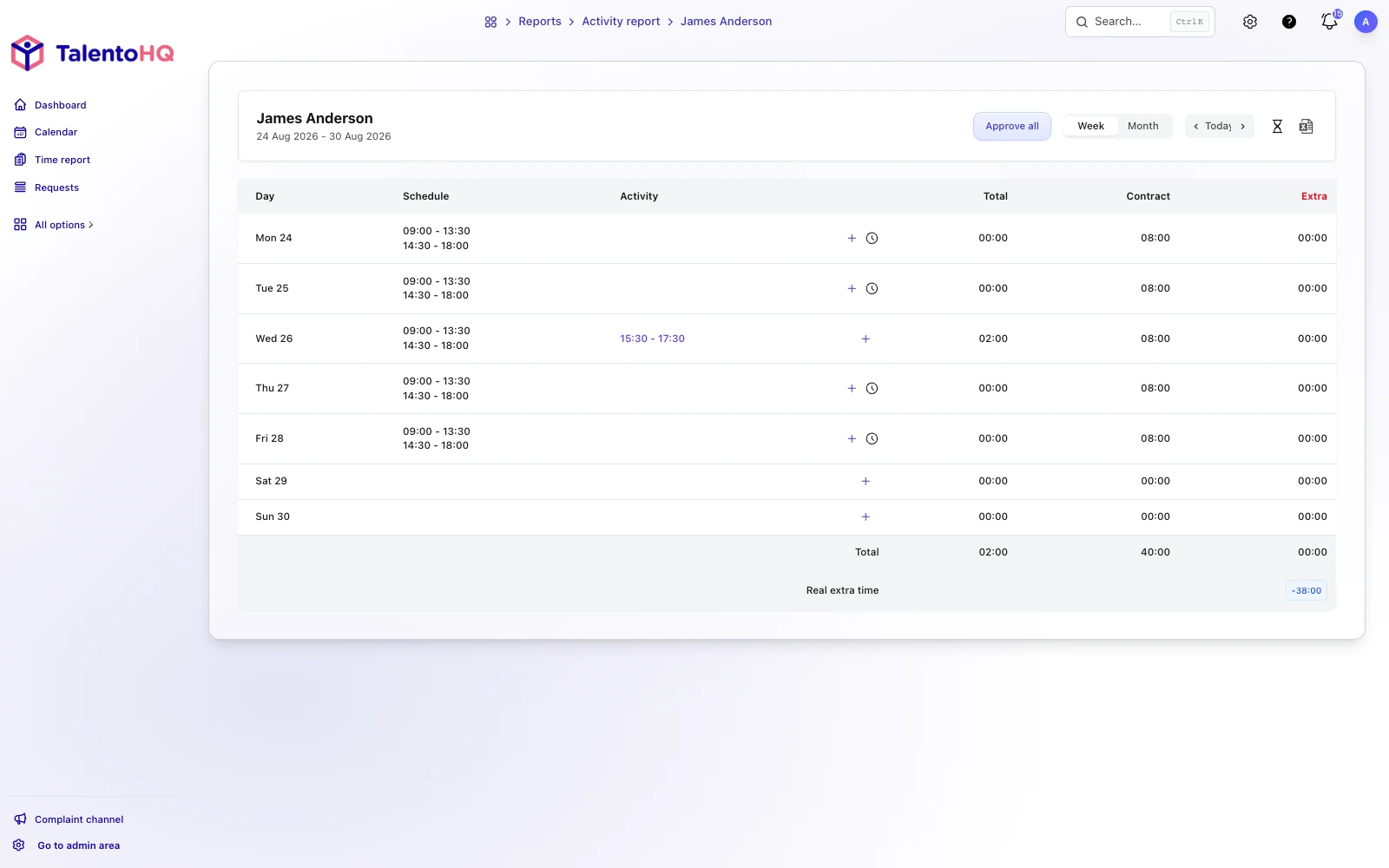
Five useful employee-portal functions for SMEs
- Working-time records. Employees use the method enabled for their work setting, while authorized people review incidents and traceable corrections. The employer defines the lawful process.
- Vacation and absence management. Employees submit requests, see their balance and status, and managers review the shared calendar before recording a decision. See the guide to vacation and absence tracking.
- Access to payslips and documents. Employees can retrieve the documents made available to them without asking HR to resend the same file.
- Internal communication. Policies, company news, and relevant notices live in a consistent work channel rather than an informal chain of personal messages.
- Current employee data. Employees can review or update selected details, while sensitive or administratively controlled changes continue through the appropriate approval route.
Start with the functions that remove genuine friction. Performance, training, or advanced reporting can follow when the underlying employee data and permissions are dependable.
How TalentoHQ supports employee self-service
TalentoHQ combines the employee portal with HR, time-management, document, and communication workflows for SMEs. Employees use a focused personal view; administrators and managers see only the wider information authorized for their responsibilities.
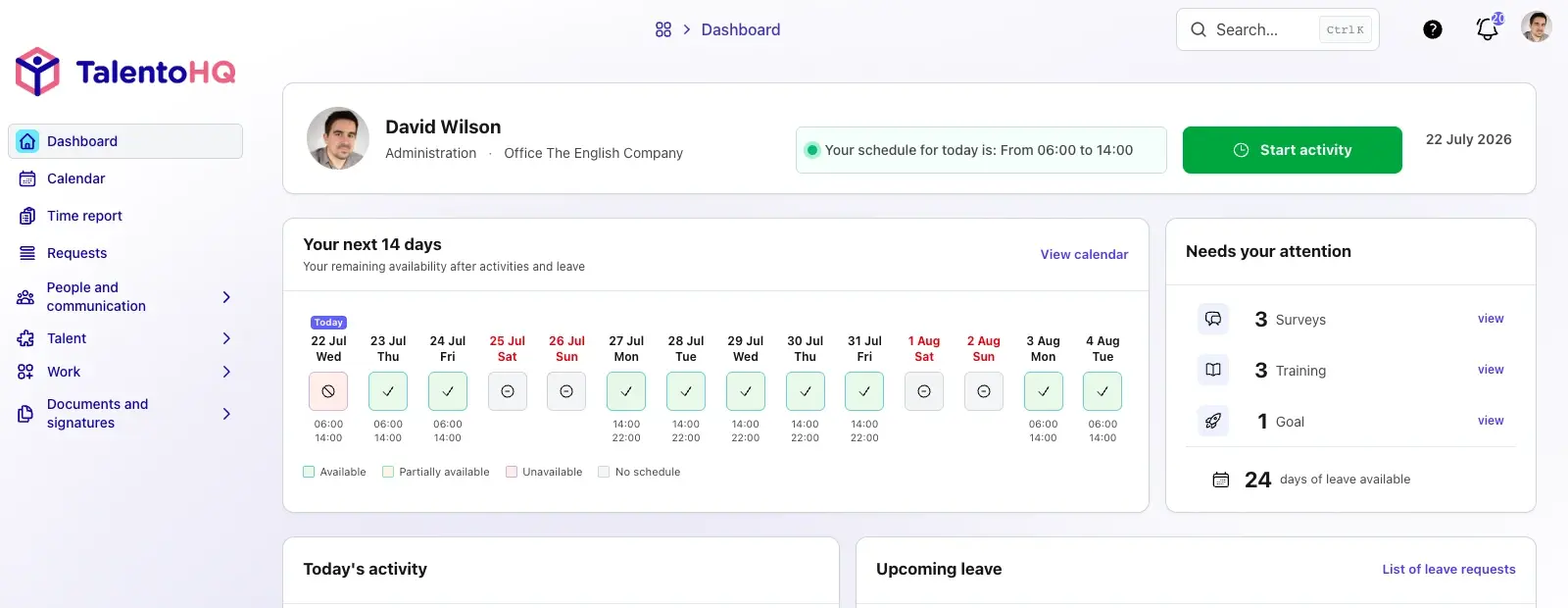
Time tracking and attendance
- Mobile and browser recording. Companies enable suitable methods for their teams and provide a fallback for missed or unavailable entries.
- Optional location controls. Where location data is enabled, the company must assess necessity, proportionality, legal basis, and employee information. Location is context, not infallible proof of identity or work performed.
- Reports and exports. Authorized reviewers can examine entries and retrieve defined periods. The company must still resolve incidents and confirm that the records are complete and accurate.
- Attendance context. Managers can review expected schedules, approved absence, and recorded activity to support daily coverage.
Absence, documents, and communication
- Vacation and absence requests. The employee submits a request, the configured approver records a decision, and the status and calendar remain visible.
- Payslips and employee documents. Authorized administrators upload files to the relevant employee record and define who can access them.
- Company communication. Notices and policies can be published in one approved channel, with acknowledgment behavior where configured.
- Personal information. Employees can maintain selected contact and profile fields, while payroll or contractual changes receive the necessary review.
Practical benefits of using TalentoHQ as an employee portal
- Access from mobile and desktop. Short, role-appropriate workflows can support people in different work environments when configuration and instructions are adapted to them.
- Fewer repetitive requests. Self-service can reduce routine questions about balances, documents, and status. The actual time saved depends on the company, adoption, and process quality; TalentoHQ does not promise a fixed number of hours.
- Pricing designed for SMEs. Review the current plans and pricing rather than relying on figures preserved in an older article.
- Configuration without a dedicated IT department. The product is designed for guided setup, although employee data, policies, roles, and permissions still need careful decisions.
- Integrated AI assistance. Where available and authorized, employees can use conversational actions for supported HR tasks. Normal permissions and company configuration continue to apply.
- Transparency and traceability. Employees can see the information enabled for their profile, and authorized teams can review workflow history. That evidence supports administration; it is not an automatic compliance certification.
A sustainable employee portal starts with a clear process
An employee portal is valuable when it removes avoidable intermediaries while preserving human support for sensitive or exceptional cases. Choose the initial workflows, clean employee data, define access, test with people in different roles, and run a complete monthly cycle before expanding.
The portal can organize information and make routine work easier. Legal responsibility, respectful management, accessible implementation, and the quality of the underlying decisions remain with the company.