Moving to time tracking or a full HR system usually starts with a practical problem: how do you get every person into the new account without typing each record by hand?
TalentoHQ imports employees from an Excel template. Administrators download the file, fill it in, and upload it. The platform creates the profiles and emails a result report.
If you would rather not do that yourself, we can set up the account and load the first file. Contact us if you want that help.
How it works
1. Template download
Administrators download a standard Excel template from the platform. It includes the fields used to create each person, such as:
First and last name, work email, start date, office, team, ID number and job category.
2. Fill in the data
Complete the template with your people. The columns are already set, which reduces mismatched names, missing offices and duplicated emails.
3. Automatic import
After you upload the file, TalentoHQ creates the employee profiles from those rows. When the import finishes, it sends an email with the result, including any rows that need a correction.
4. Centralized management
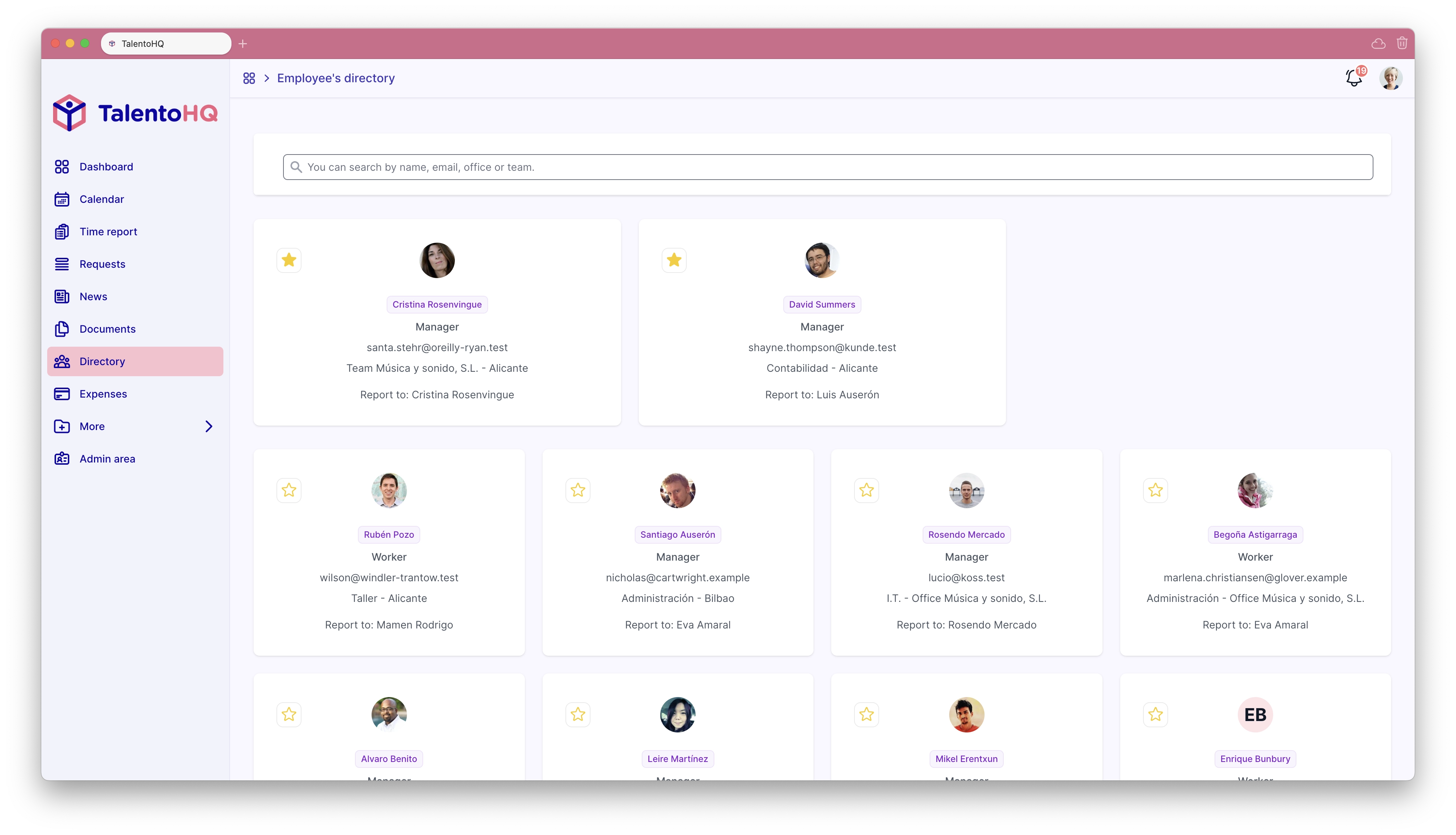
Those people are then in the directory. They can sign in and use the workflows you have enabled: time tracking, leave, documents, reviews and training.
What this avoids
- Manual retyping: dozens or hundreds of people can be loaded from one file.
- Broken rows: the template keeps offices, teams and required fields in a fixed layout.
- Follow-up work: the import can also attach contracts, offices and teams when those columns are filled.
- Later hires: the same file can be used again for a subsidiary, a seasonal intake or a new office.
When teams use it
- A first TalentoHQ account: load the current workforce and start with a complete directory.
- A new subsidiary: add that group without recreating each profile.
- Seasonal hiring: add a batch of people for a peak period.
Next step
The import is useful because it gets the directory ready before the first clock-in or leave request. Missing offices or emails show up in the result email instead of weeks later in payroll.
You can try the import on a 14-day trial, or ask us to load the first file.
Frequently asked questions
- What file format is used for the import?
An Excel file. Download the template from TalentoHQ and keep the column headings as they are.
- What data is required to import an employee?
The minimum fields are full name, email, team and office.
- Can I also import the social security number or contract type?
Yes. The template has columns for social security number, contract type and related details.
- What happens if there's an error in the template?
TalentoHQ checks the file during import and lists the rows that need a correction before those people are created.
- What if I need to import more data than the template includes?
Contact us if you need extra fields loaded with the first file.