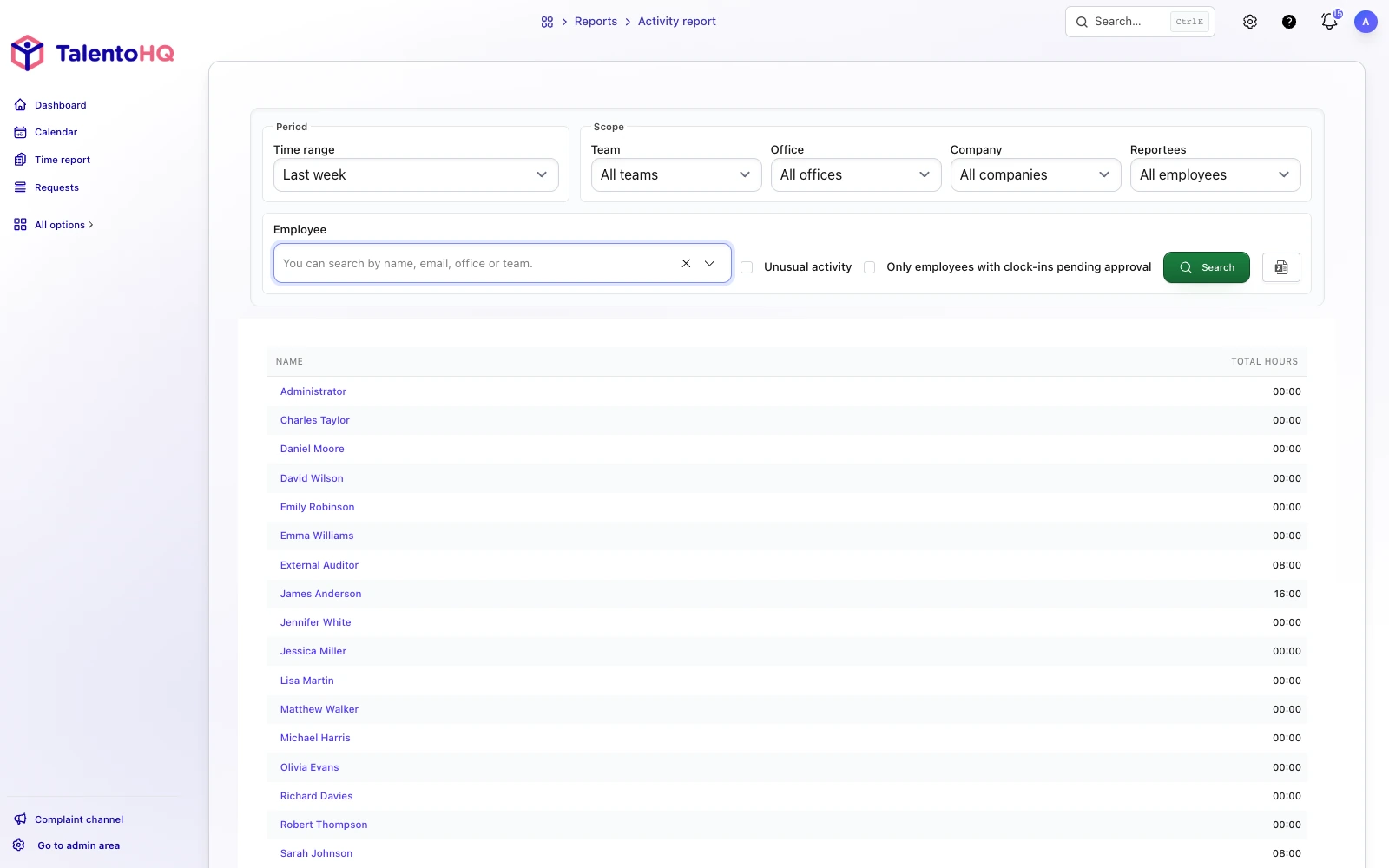
TalentoHQ records starts and finishes and lets authorized users review exceptions, shifts and reports in one environment. Employees can look up their own hours; the company retains the history and corrects records with the relevant context. The system must be configured for the applicable collective agreement and company arrangements: the tool organizes the process but does not replace that review.

The value appears in specific reviews
The operational benefit becomes clear when there is a real question to resolve. If a clock-in is missing, the manager sees the exception and its history instead of rebuilding events from messages. If an absence has already been approved, they can interpret the calendar and working-time report without cross-checking two files. When information needs to go to payroll or an external adviser, it comes from a centralized, reviewable record.
How the process is organized in TalentoHQ
- Recording: employees clock in using the method enabled by the company.
- Reminders: each employee can receive a reminder at the start or end of their configured schedule.
- Review: managers and HR look up exceptions, corrections and reports according to their access.
- Context: approved absence and shifts help explain the recorded working day.
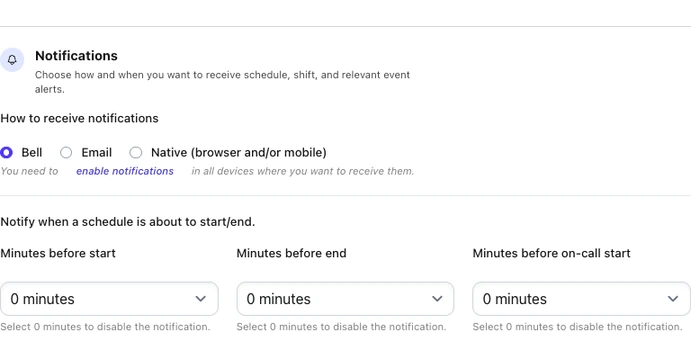
Before configuration
Start by defining who records time, which method they use, who reviews exceptions and which reports payroll or the external adviser needs. Configure those steps in TalentoHQ, then confirm with employees that the record reflects their real working time.