In TalentoHQ, an objective can belong to one employee, a team, an office or the whole company. Each objective has a timeframe, responsible people and one or more metrics. Updates stay in the same record so participants can understand progress without rebuilding it from presentations or email.
For example, a team wants to reduce its average response time. It creates the objective, adds a metric with its initial and target values, and schedules update requests. If the result does not improve, the conversation uses the metric history and pending actions instead of a generic assessment of “progress”.
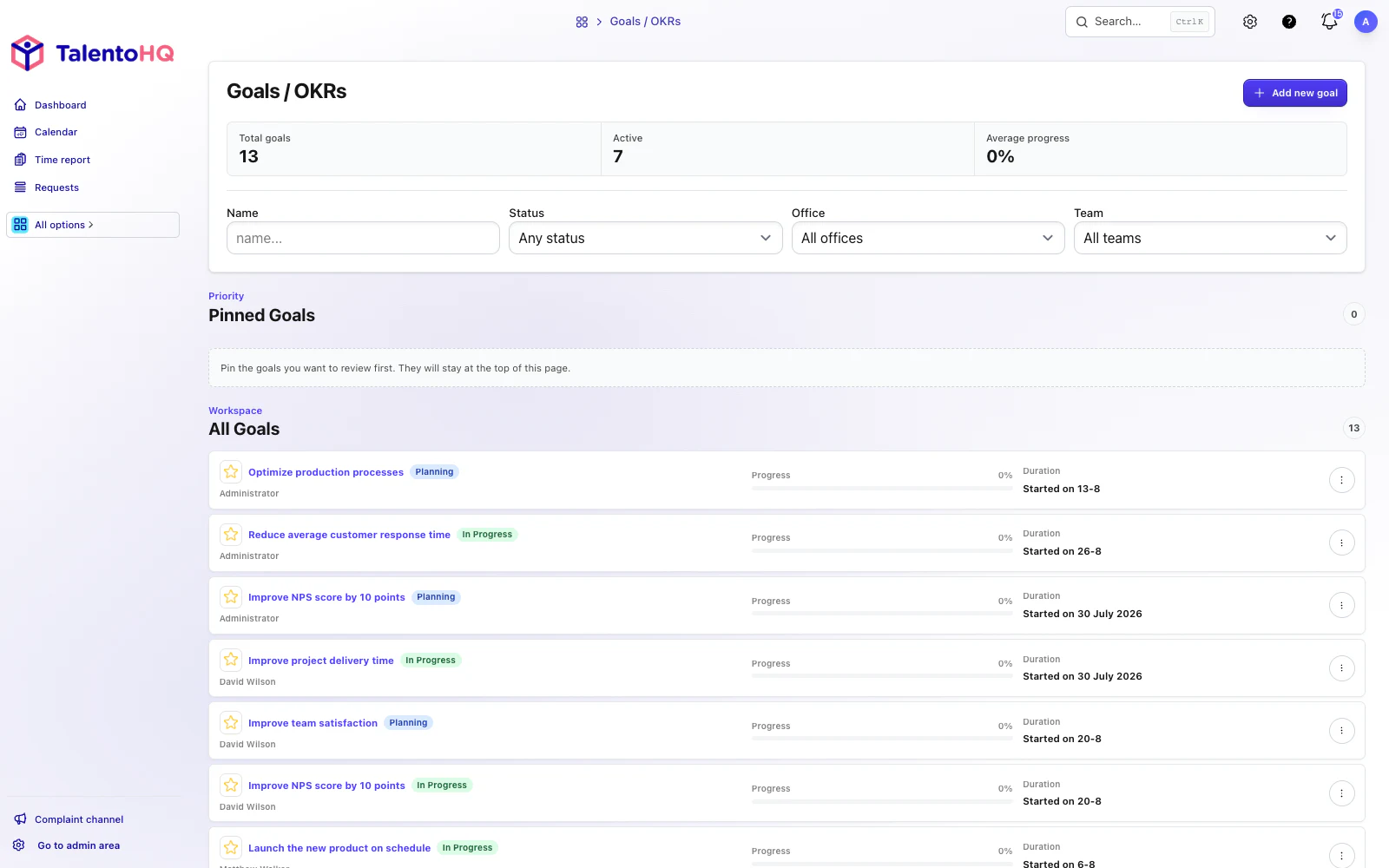
Define useful objectives and key results
A useful objective names the expected change and has a review date. Key results need to be updated with observable data. If the team cannot explain who updates a metric or where its value comes from, TalentoHQ will store numbers but cannot solve the definition problem.
Create objectives
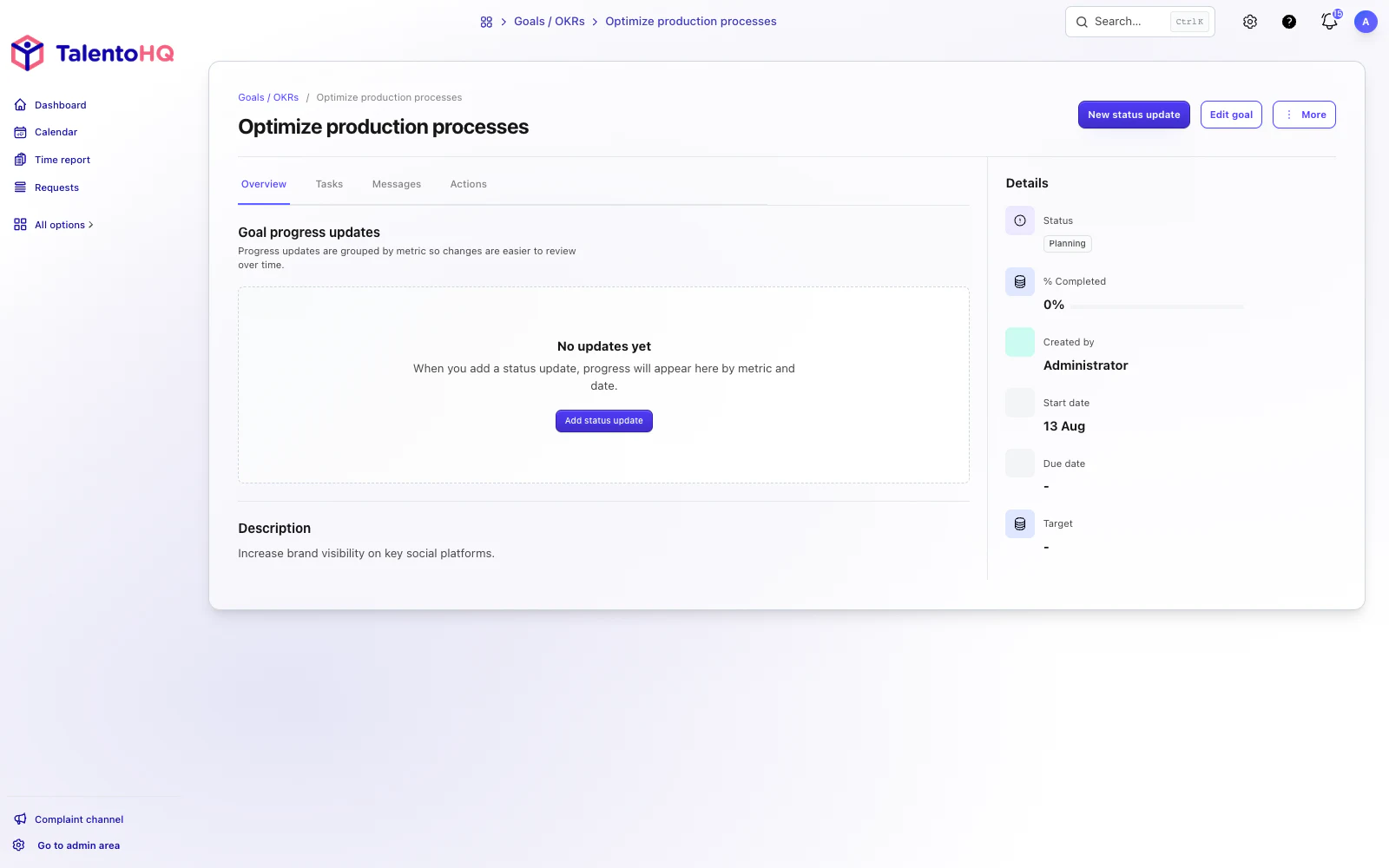
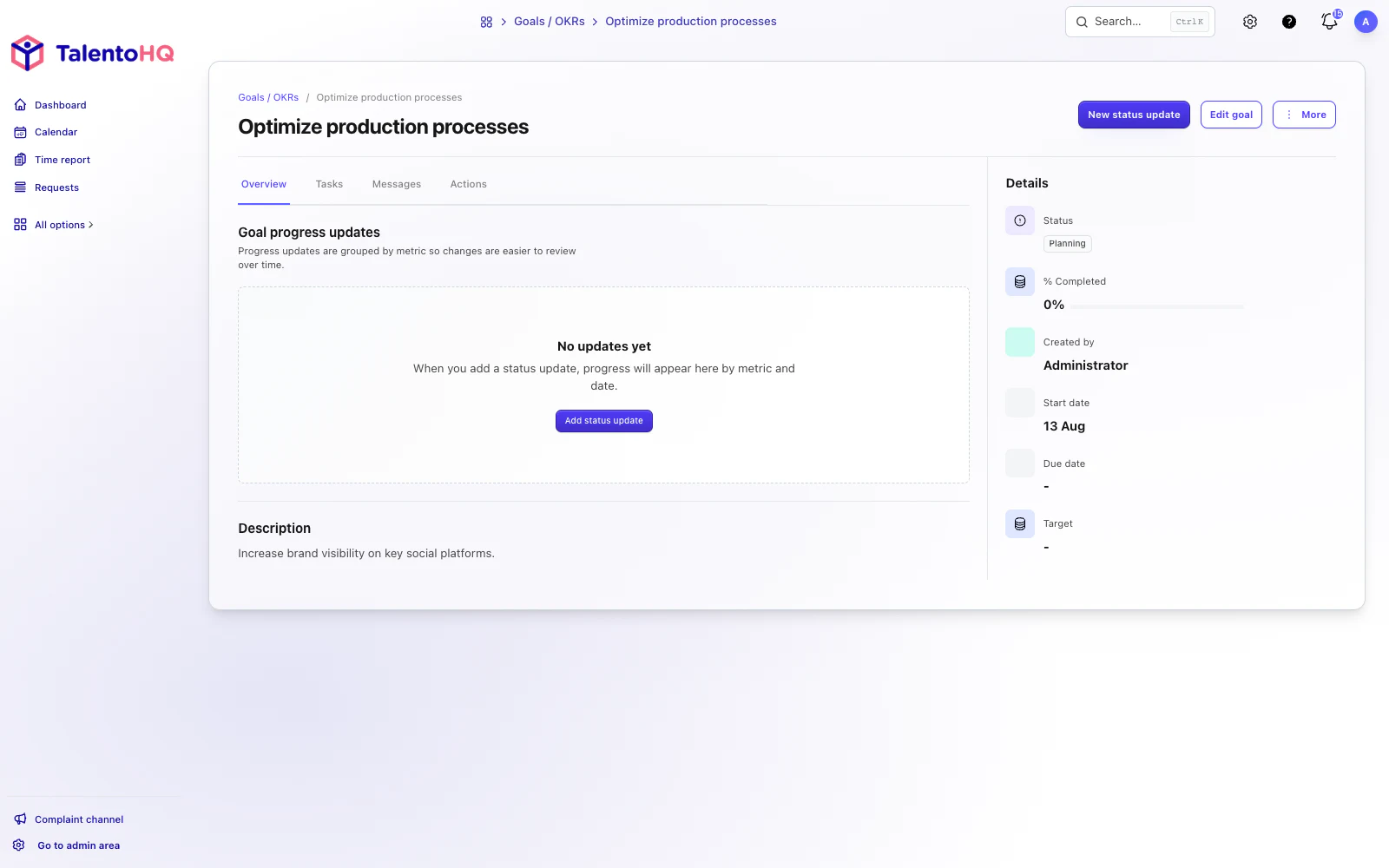
Define the objective's name and duration, add the metrics used to measure it and assign the employees, teams or offices responsible for the outcome.
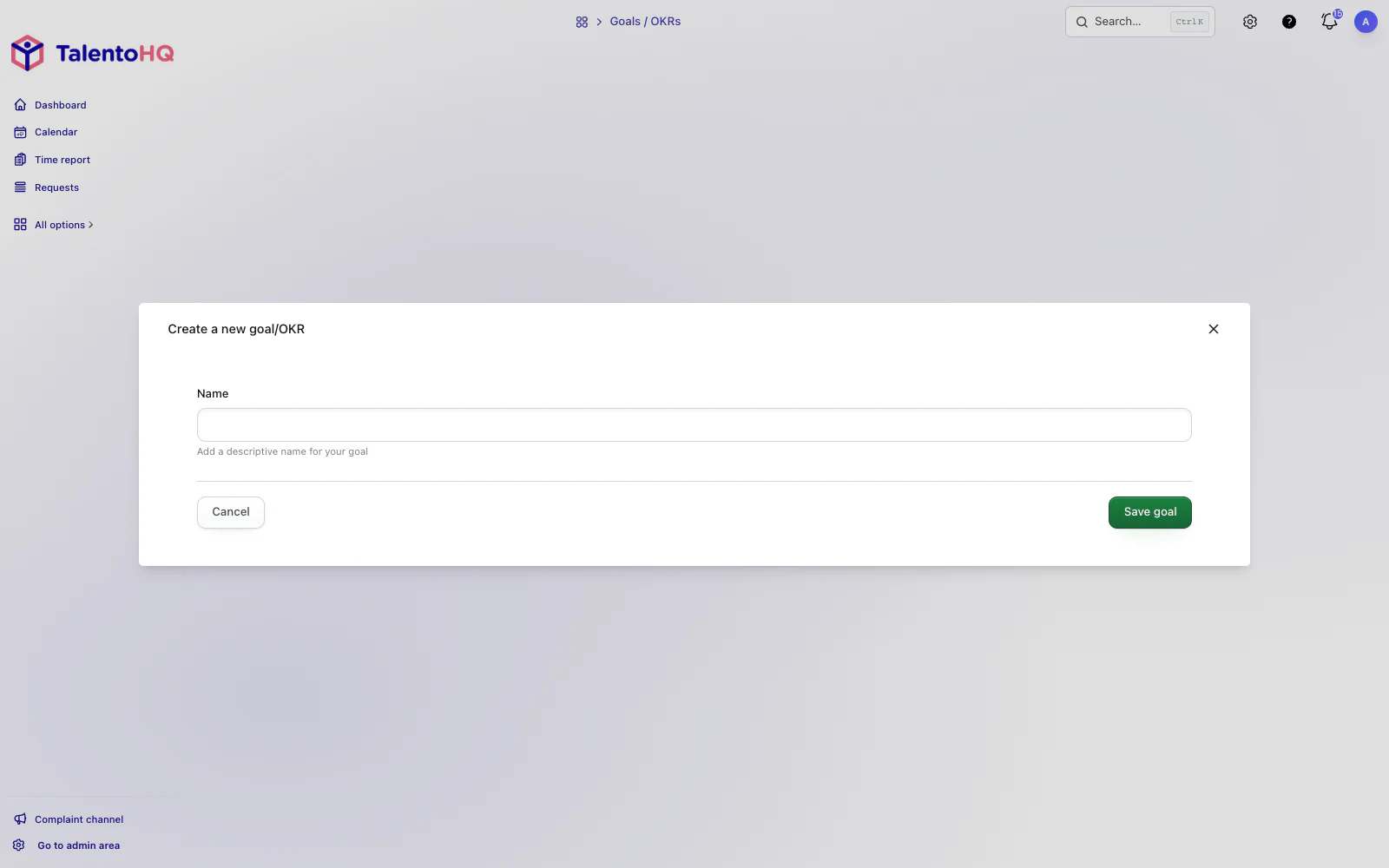
An optional description can preserve the context behind the objective. TalentoHQ can also schedule update requests, so responsible participants receive a message asking them to enter the relevant indicator instead of waiting for a separate follow-up.
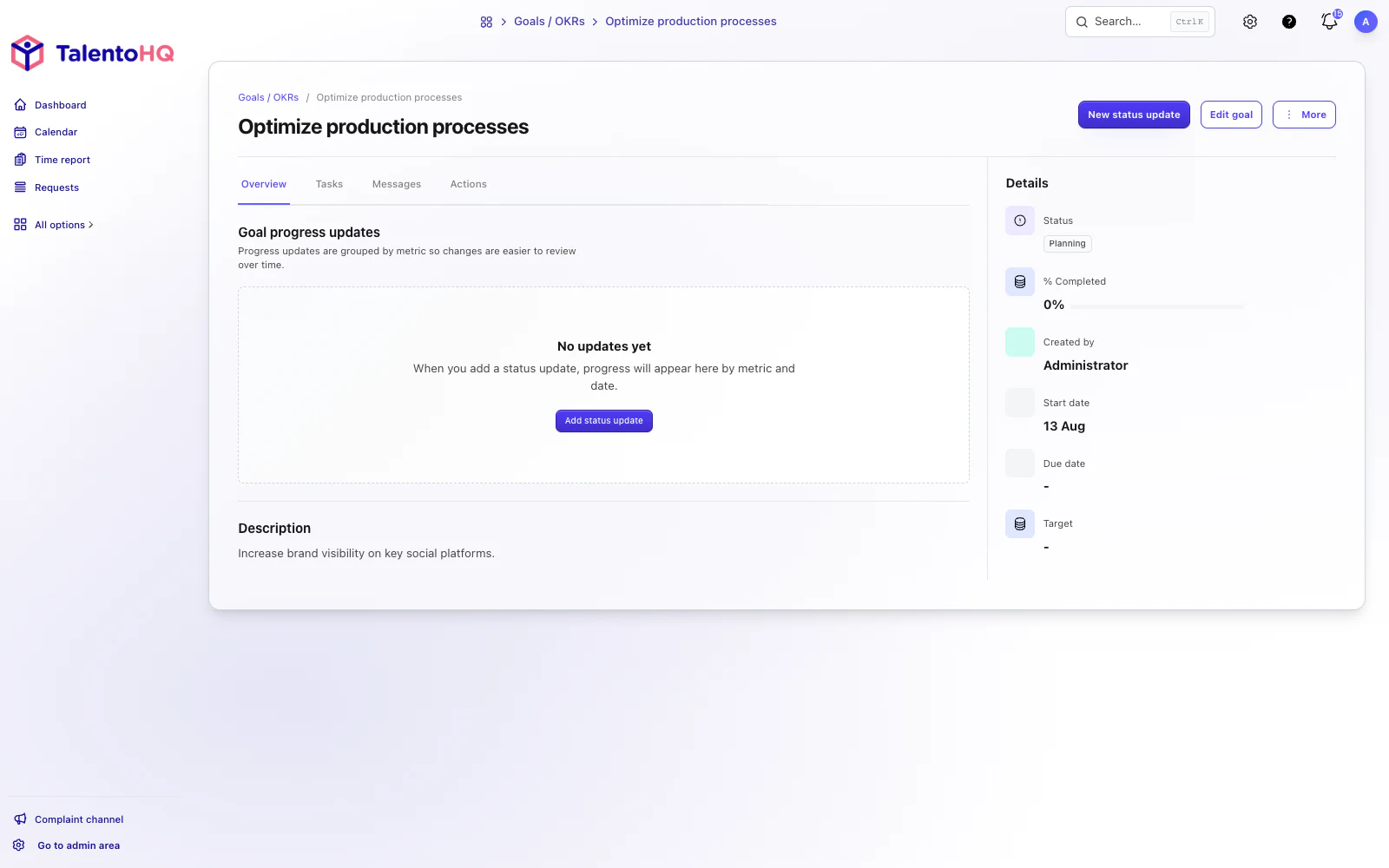
Update progress
Once the objective and participants are defined, the important work is measuring progress. Clear metrics show how the result is changing and provide evidence for decisions about the actions needed next.
Participants can enter progress whenever new information is available; they do not need to wait for the scheduled notification.
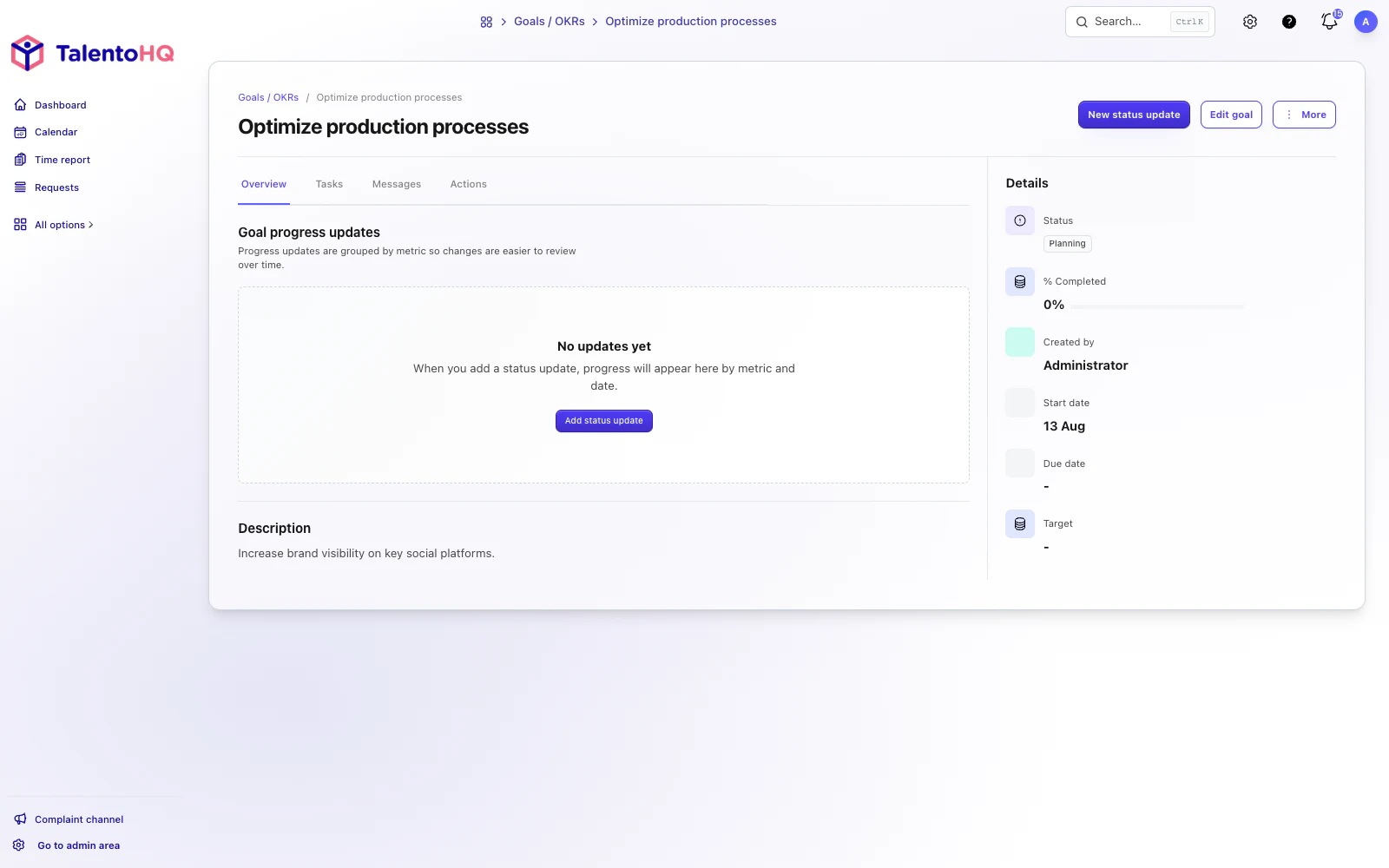
Track objectives and actions
A shared message area keeps relevant exchanges and progress notifications with the objective. For complex work, action lists can divide the plan into tasks with individual owners and due dates.
Objectives in one-to-one meetings
Managers can review an employee's assigned objectives within the meeting workflow. The current metrics, progress history and open actions provide shared context for discussing support and next steps.
Summary
TalentoHQ supports objectives with multiple metrics, scheduled update requests and action lists. Connecting them with one-to-one meetings keeps progress, evidence and responsibilities in the context of each person.
The All-Inclusive plan brings these workflows together with the rest of the platform for a clear per-user price, without separate module purchases.