Internal bookings
Create, edit, and delete bookings for accessible resources with dates, times, full-day status, and a description.
Check availability, create dated or timed bookings, and prevent conflicts. You can also publish booking links so customers or candidates can request appointments.
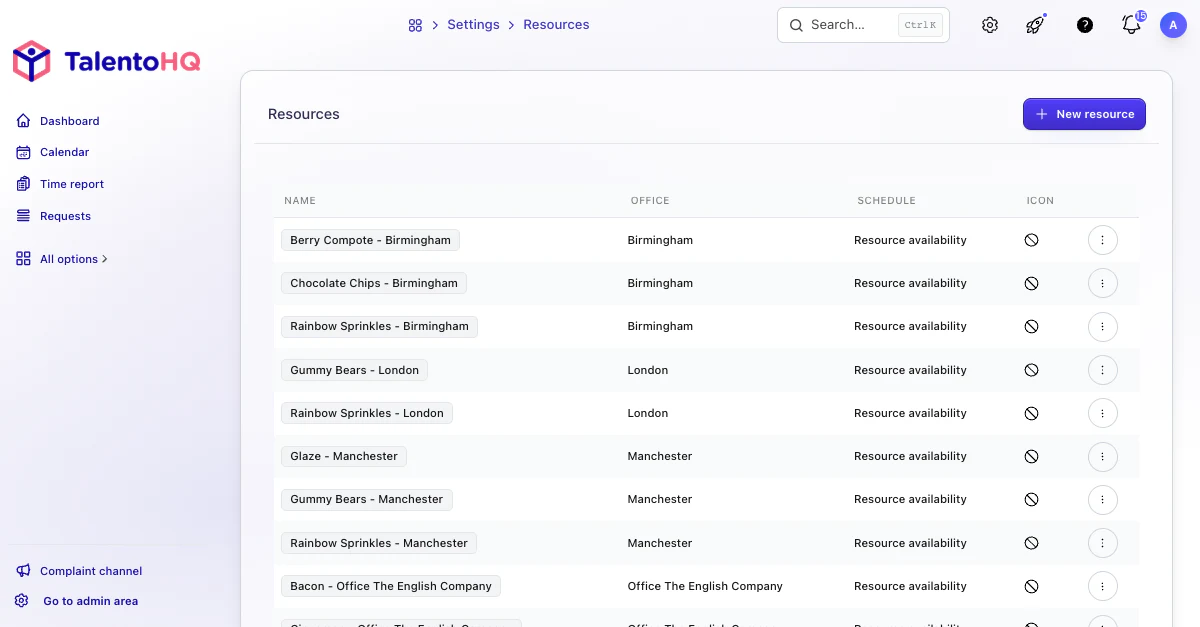
From resource to calendar
The workflow connects resource selection, available time, and the team calendar. Internal reservations and public booking pages retain the context needed to coordinate spaces, equipment, and appointments.
Choose the resource, date, time or full day, and add a description when useful.
TalentoHQ checks strict availability, days without a schedule, and overlapping bookings for the same resource.
The booking appears in the internal calendar or, for public calendars, through a guest-facing URL.
The feature supports internal resource reservations and external appointment calendars. Each user works only with the resources, hosts, and calendars they can manage.
Create, edit, and delete bookings for accessible resources with dates, times, full-day status, and a description.
Check conflicts against existing bookings and strict resource schedules before confirmation.
Publish pages with duration, buffers, booking horizon, time zone, and introductory content.
Use one host, require every host, or rotate appointments with round-robin assignment.
Collect text, number, rating, or selection answers when an appointment needs more context.
Review invitations, confirmed bookings, selected hosts, source, and status.
Teams reserve resources for daily work and can publish calendars so other people choose an available time. TalentoHQ keeps internal permissions, calendar settings, and booking follow-up distinct.
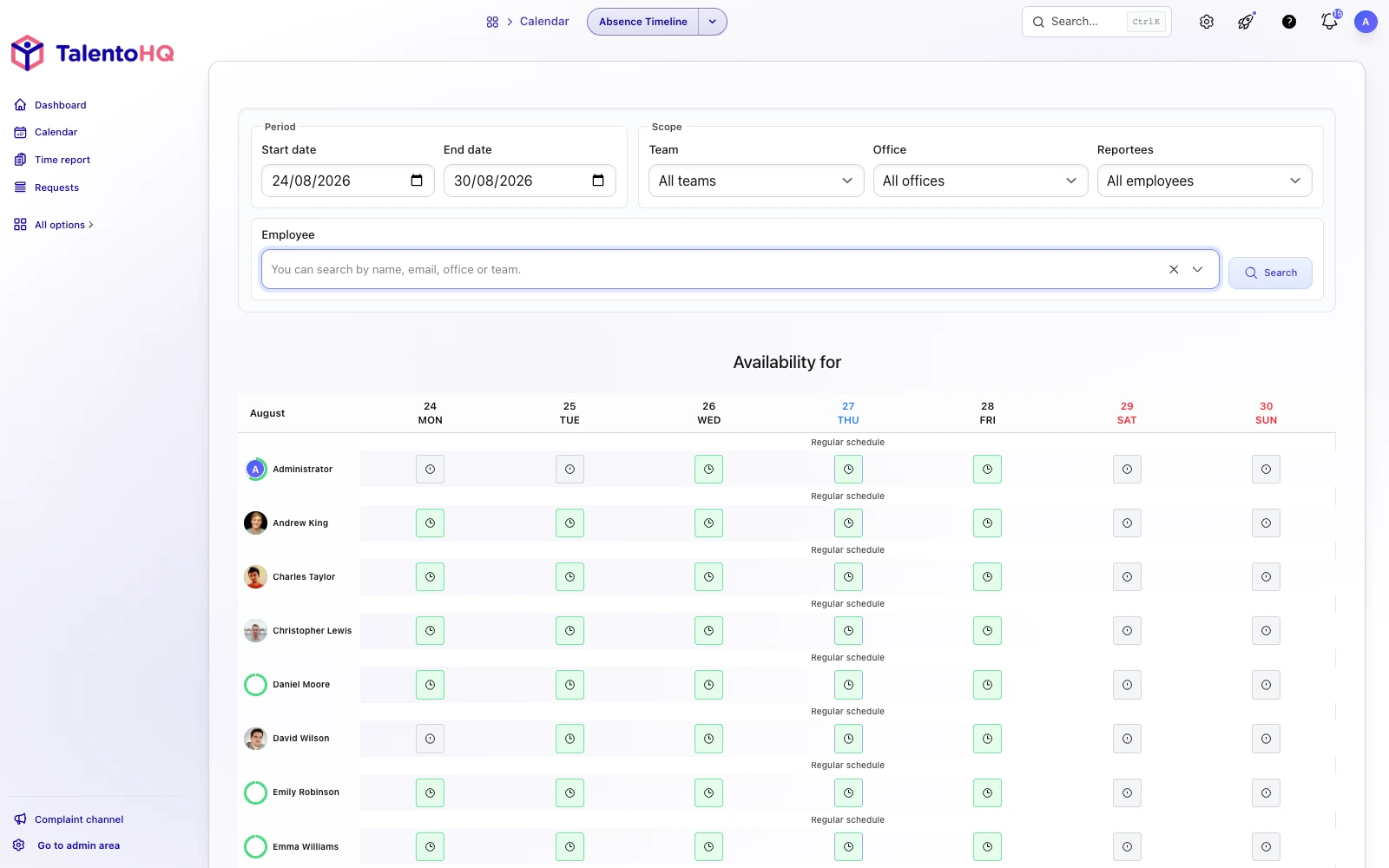
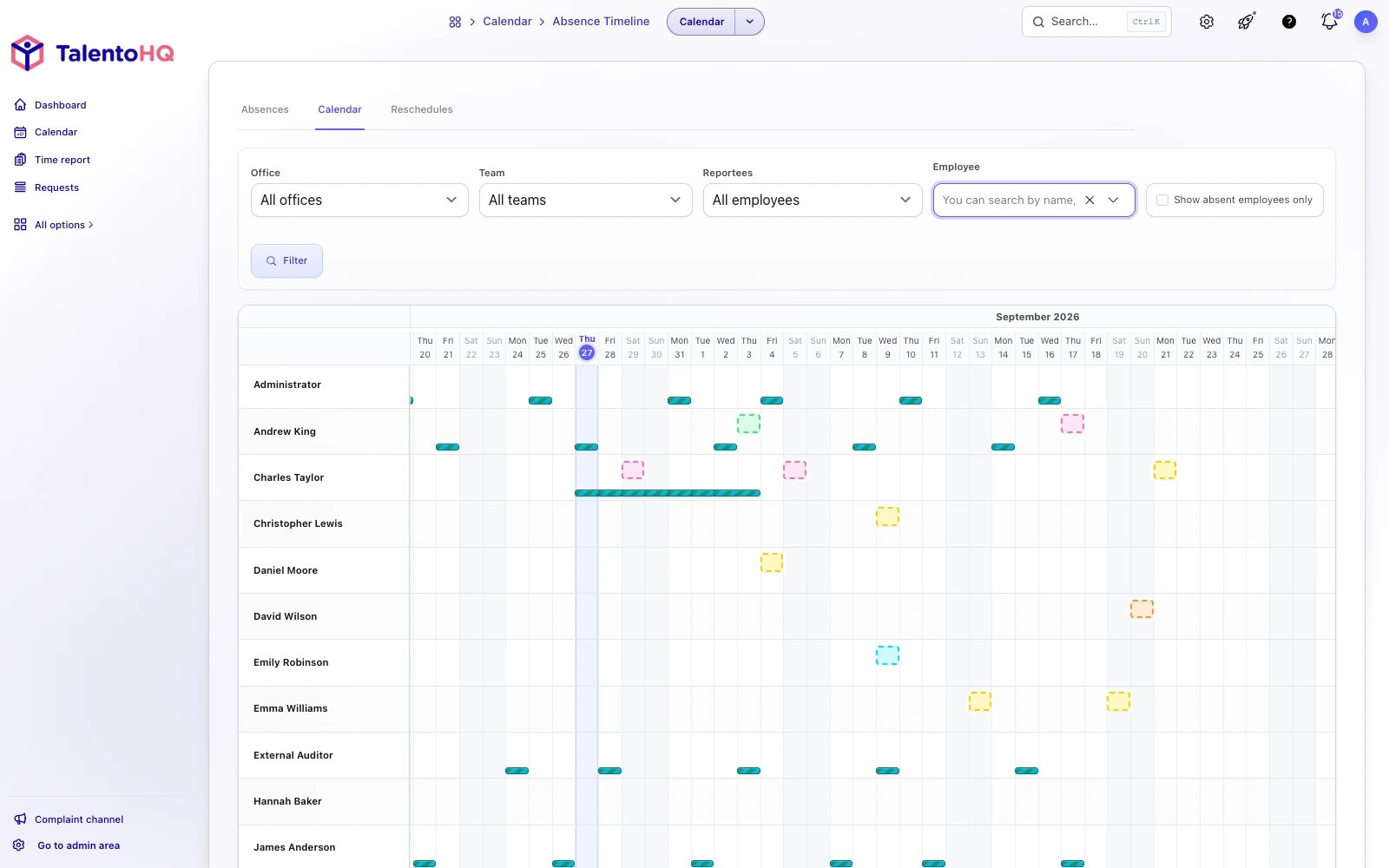
Straightforward planning
A reservation becomes a record with a resource, schedule, description, visibility, and follow-up. Offices, shared equipment, and appointments use a consistent process.
Explore resource managementFrequently asked questions
Rooms, vehicles, equipment, or other internal resources that the company has created and made visible to the user.
Yes. It checks existing bookings and the resource schedule when strict availability is enabled.
Yes. Booking calendars can provide a public page with duration, availability, hosts, questions, and invitations.
Bookings are included in All-Inclusive: €2 per user/month annually, or €3 monthly.
Yes. The trial does not require a credit card. You can check how bookings fit your team, or contact us with questions.
Try TalentoHQ with your team or contact us to see how resources, calendars, and appointments fit your way of working.