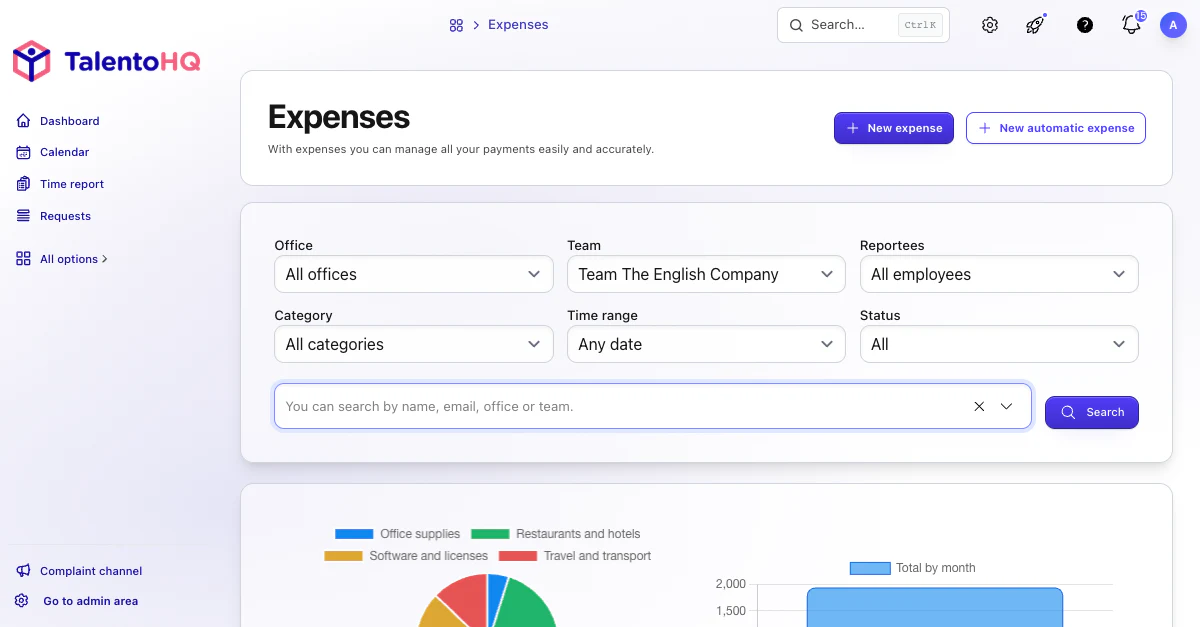
An employee records an expense from a mobile device with its description and total, and can attach a photo of the receipt or invoice. They can also select the category and project. The supporting document stays with the expense, so the approver does not have to request it by email at month-end.
The company defines who approves each employee's expenses: a named person, the direct manager, or the owner of that team or office. During review, they can check the evidence, tax information and category, and apply limits associated with the project.
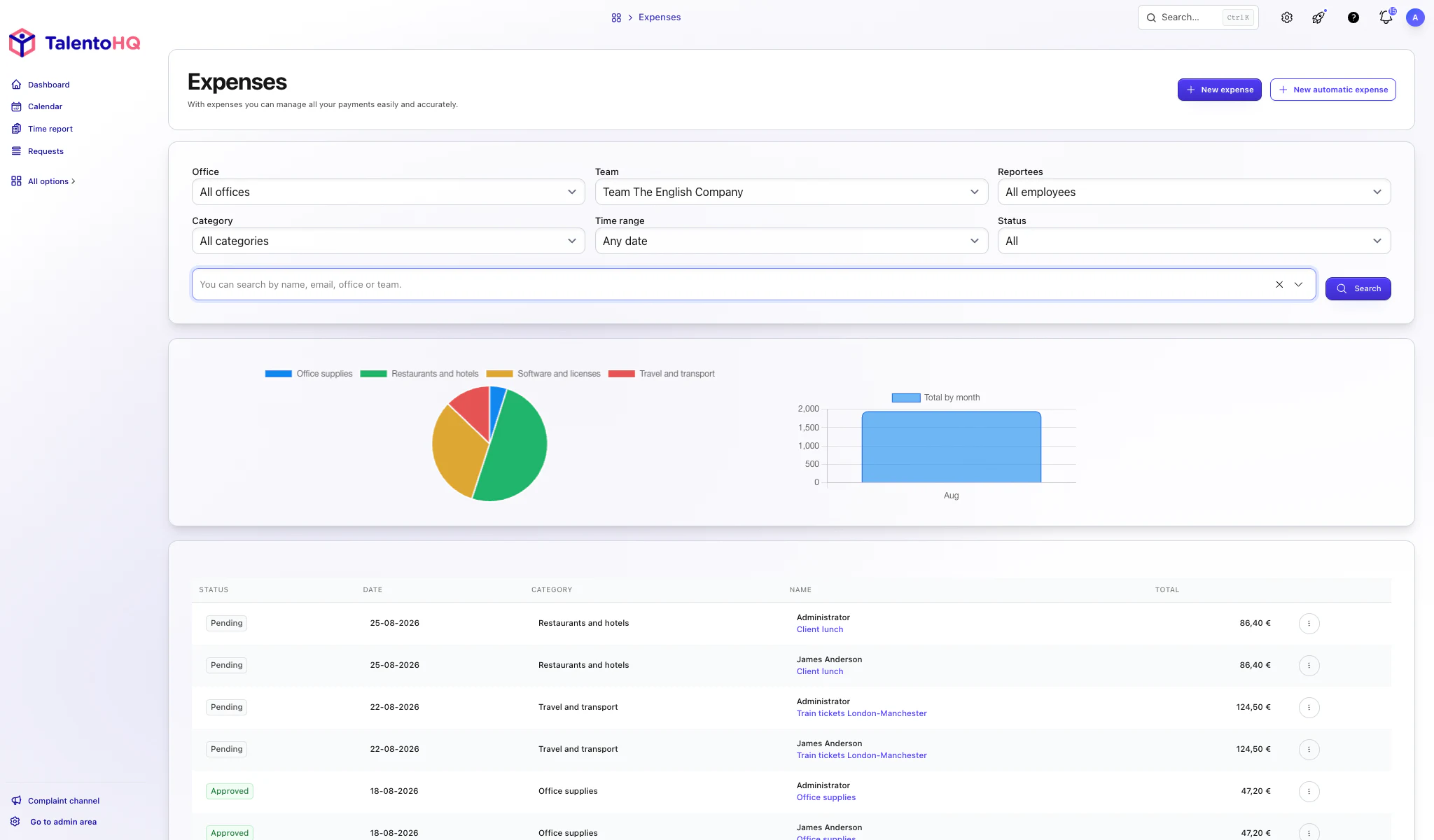
What each expense record contains
The description and total are required. The employee can add supporting evidence from a mobile device or computer, choose a category and associate the expense with a project so the approver receives all the information together.
Who reviews and approves
The company can assign approval to a named person, the employee's direct manager, or whoever manages the team or office. The expense status lets administration distinguish between pending, approved and correction-required records.
Reports by date, team and category
Reports can filter expenses by date range, company, team, office or category, with supporting documents available from the same record.
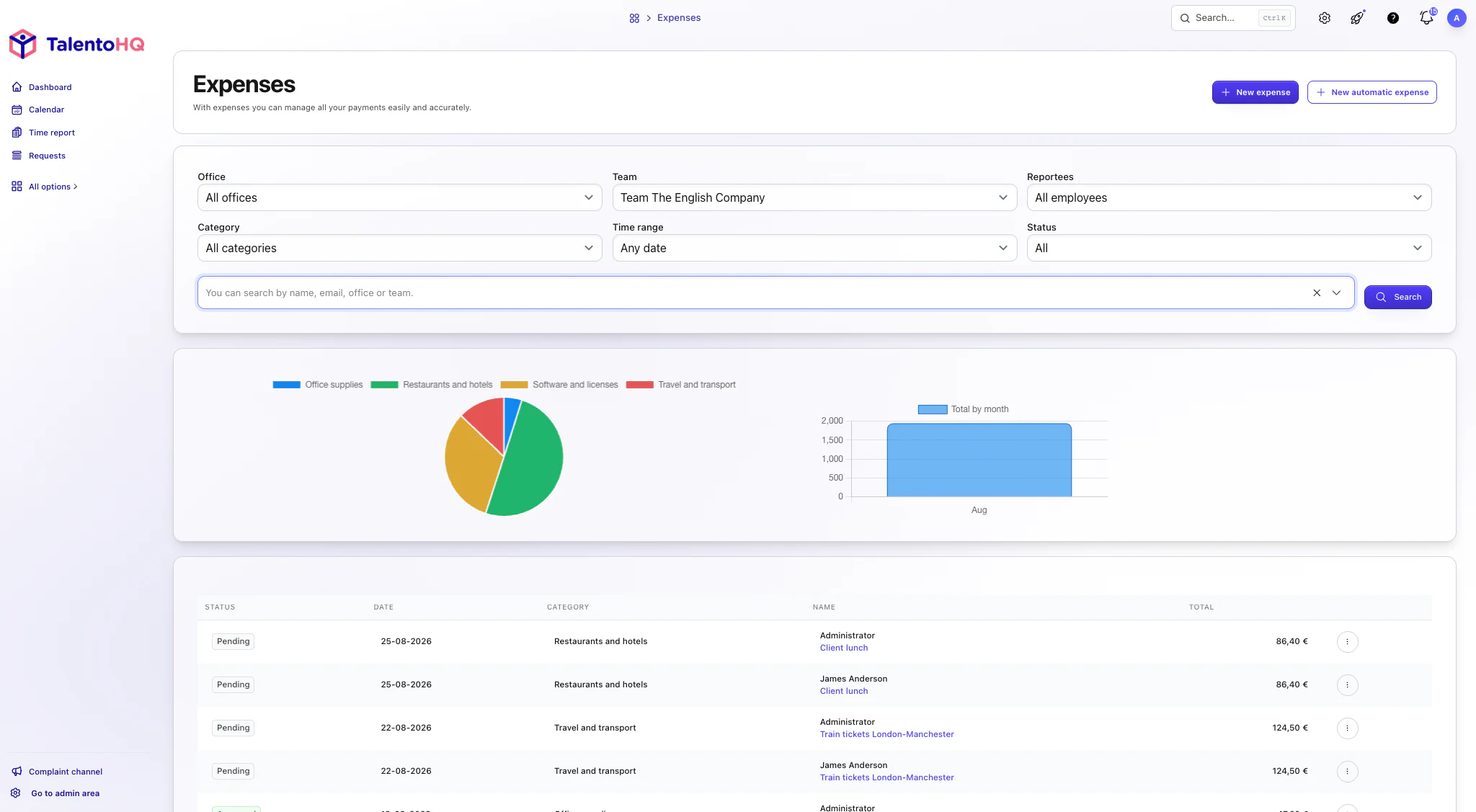
A closing process without parallel spreadsheets
The workflow is complete when the employee submits an expense, the approver reviews it and administration can see its status and evidence. If information is missing, correct that record instead of opening a parallel spreadsheet to “close” the month.