Question types
Text, number, rating, single or multiple selection, and required questions.
Configure questions, anonymity, and participants; distribute a survey through employee access, a public link, or a QR code; and review participation, answers, and results in TalentoHQ.
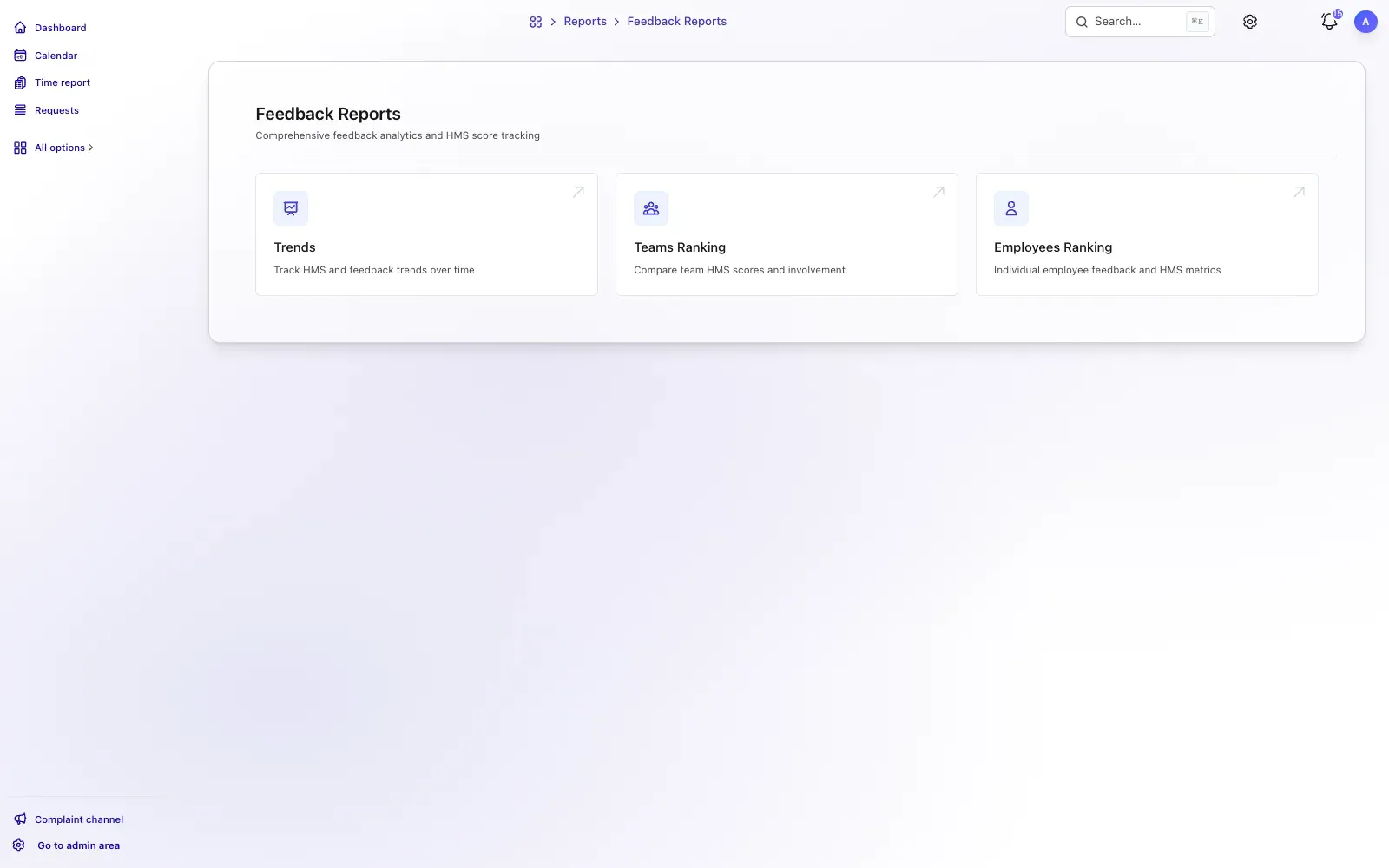
From question to insight
The process connects survey creation, sections, questions, visibility, activation, participation, and results. Public anonymous links allow people to respond without signing in.
Set the name, description, dates, anonymity, sections, questions, options, and visibility.
Employees complete survey sections with a pending, in-progress, answered, or no-questions status.
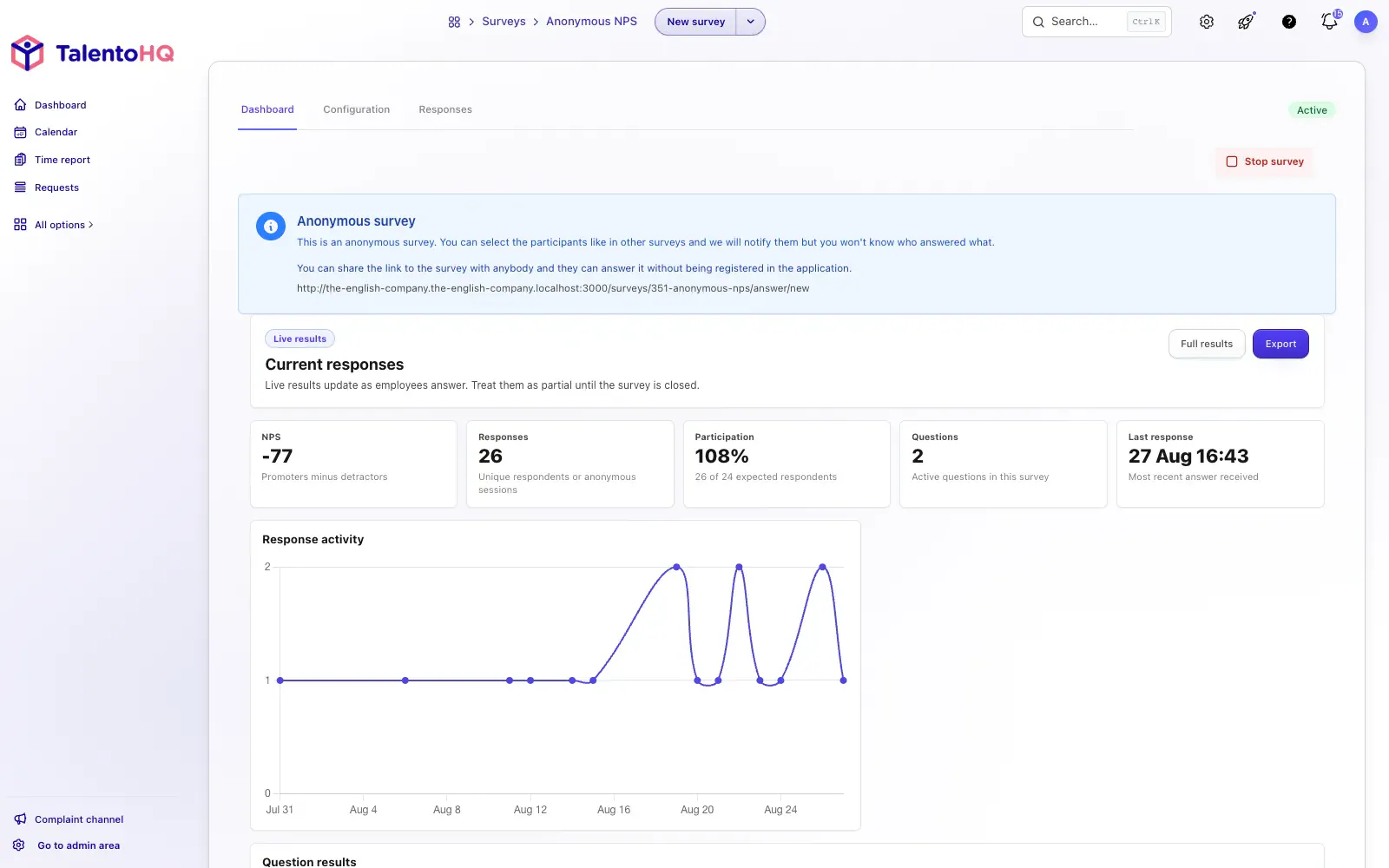
Review progress, trends, distributions, NPS, individual answers, and Excel exports.
The feature supports internal surveys, anonymous public links, NPS, graded tests, participant progress, and aggregated results.
Text, number, rating, single or multiple selection, and required questions.
Manage draft, scheduled, active, and closed surveys with clear editing rules.
Choose which employees can access a survey and share a direct link when permitted.
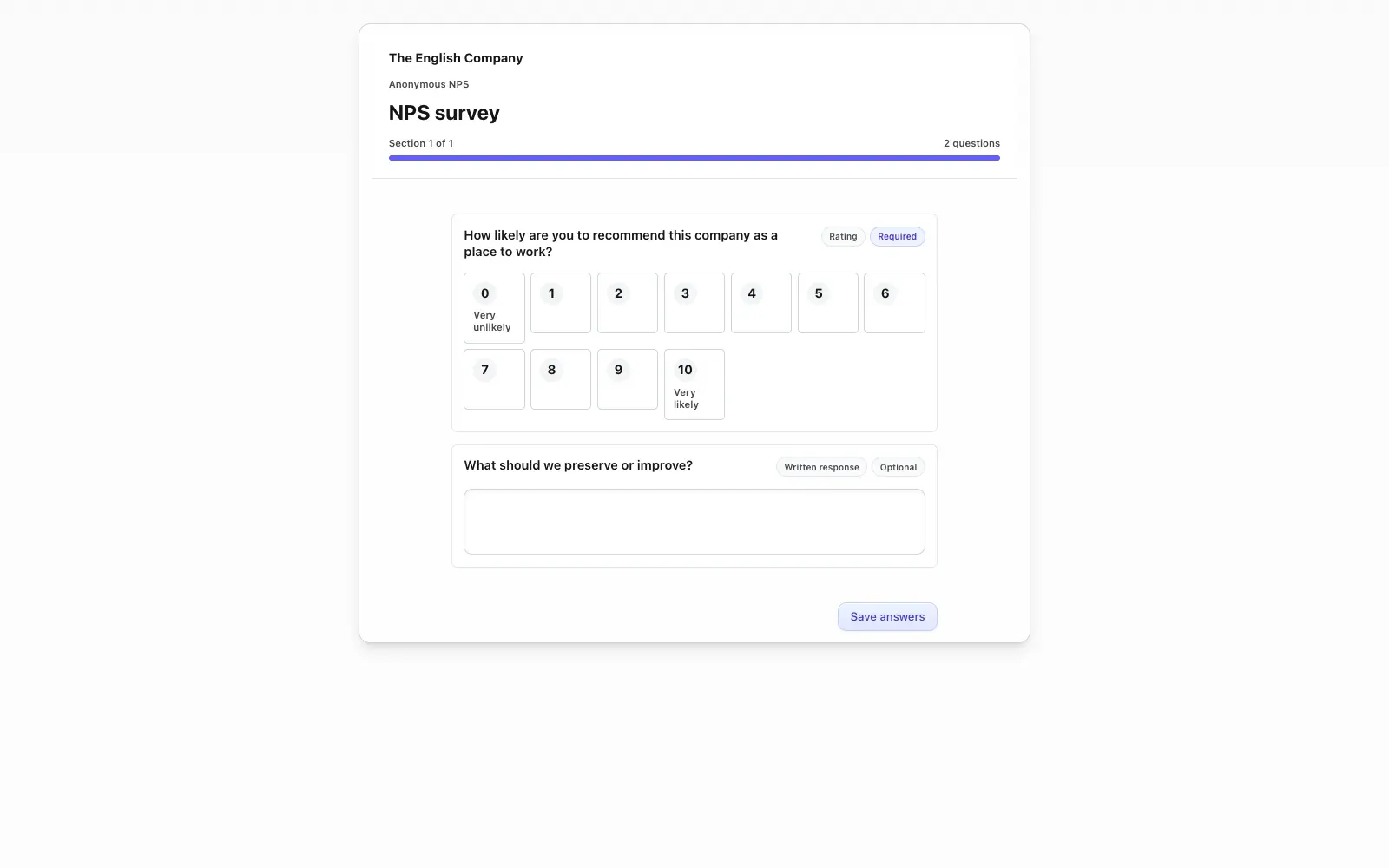
Create NPS surveys with an optional comment and results prepared for interpreting satisfaction.
See who is pending, in progress, or complete when the survey is not anonymous.
Share a URL or QR code for anonymous responses on a company-branded page.
Employees respond from their active survey list or a public link. Administrators review participation, dashboards, answers by question, and exports.
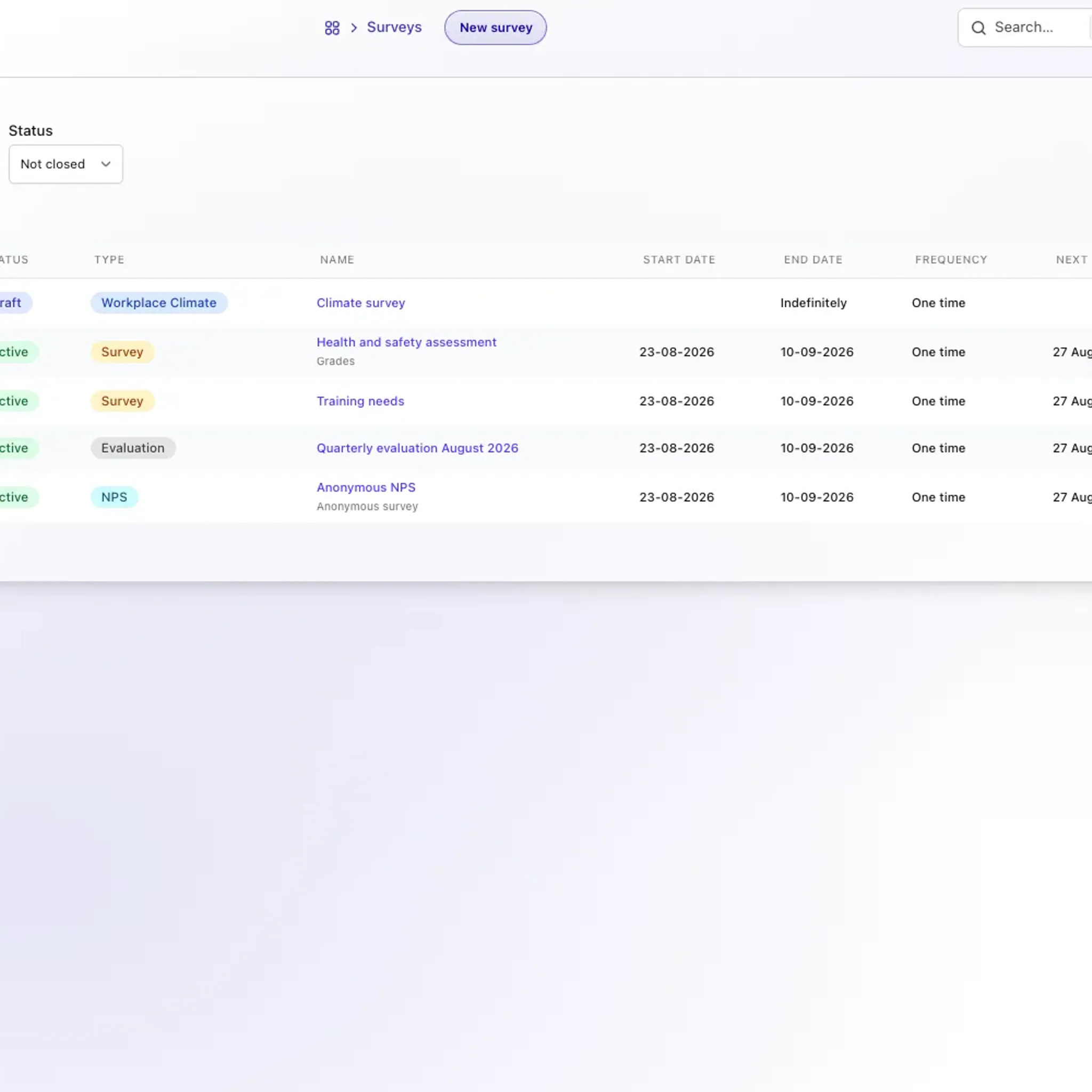
Structured listening
Surveys work best when questions are organized, participants know what to answer, and HR can review the results without rebuilding the data manually.
Explore the employee portalFrequently asked questions
Create an NPS survey, choose the participants or share a public link or QR code, and review the NPS result, distribution, and answers by question in TalentoHQ dashboards.
Yes. You can enable anonymity and use public links when a survey is intended for responses without sign-in.
Text, numeric, rating, and selection questions, with required fields, multiple responses, and scoring values for graded tests.
Yes, when the survey is configured to let employees review responses. Administrators continue to work through their own dashboards and permissions.
Surveys are included in All-Inclusive: €2 per user/month annually, or €3 monthly.
Yes. The trial does not require a credit card. Contact us if you have questions.
Try TalentoHQ with your team or contact us to see how questions, participation, and results fit together.