Template-based vacancies
Create job posts with role details and a reusable starting process.
Create vacancies with a public page and required skills, receive applications, and organize candidates by stage, rating, match, and activity until the process closes.
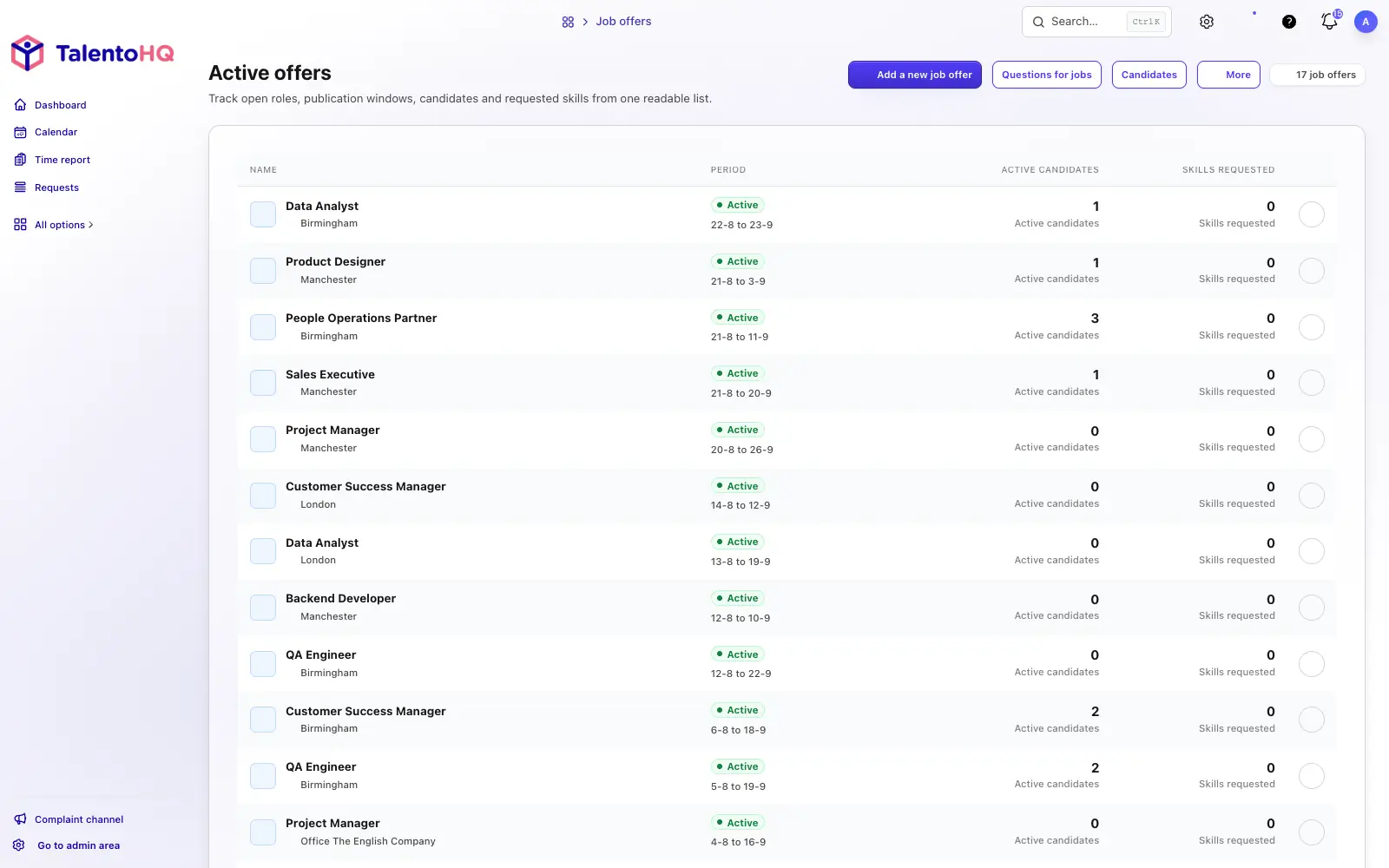
From vacancy to candidate
Create the vacancy, publish it on the company's careers page, receive applications, and work with each candidate inside the process defined by the selected template.
Start with a template and complete the job description, terms, office, dates, skills, and visibility.
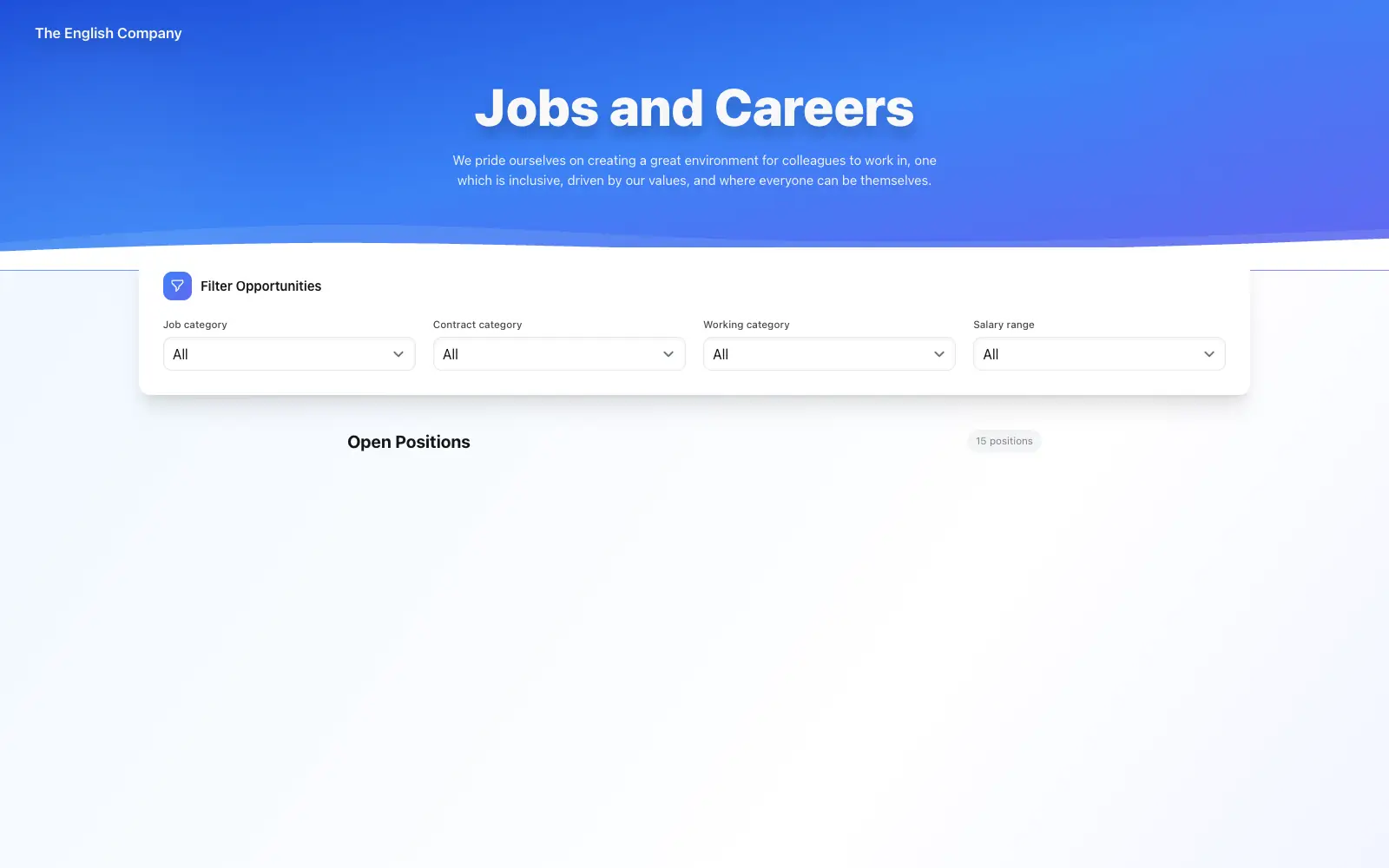
Open the vacancy on the public careers page, share its link, or generate a QR code.
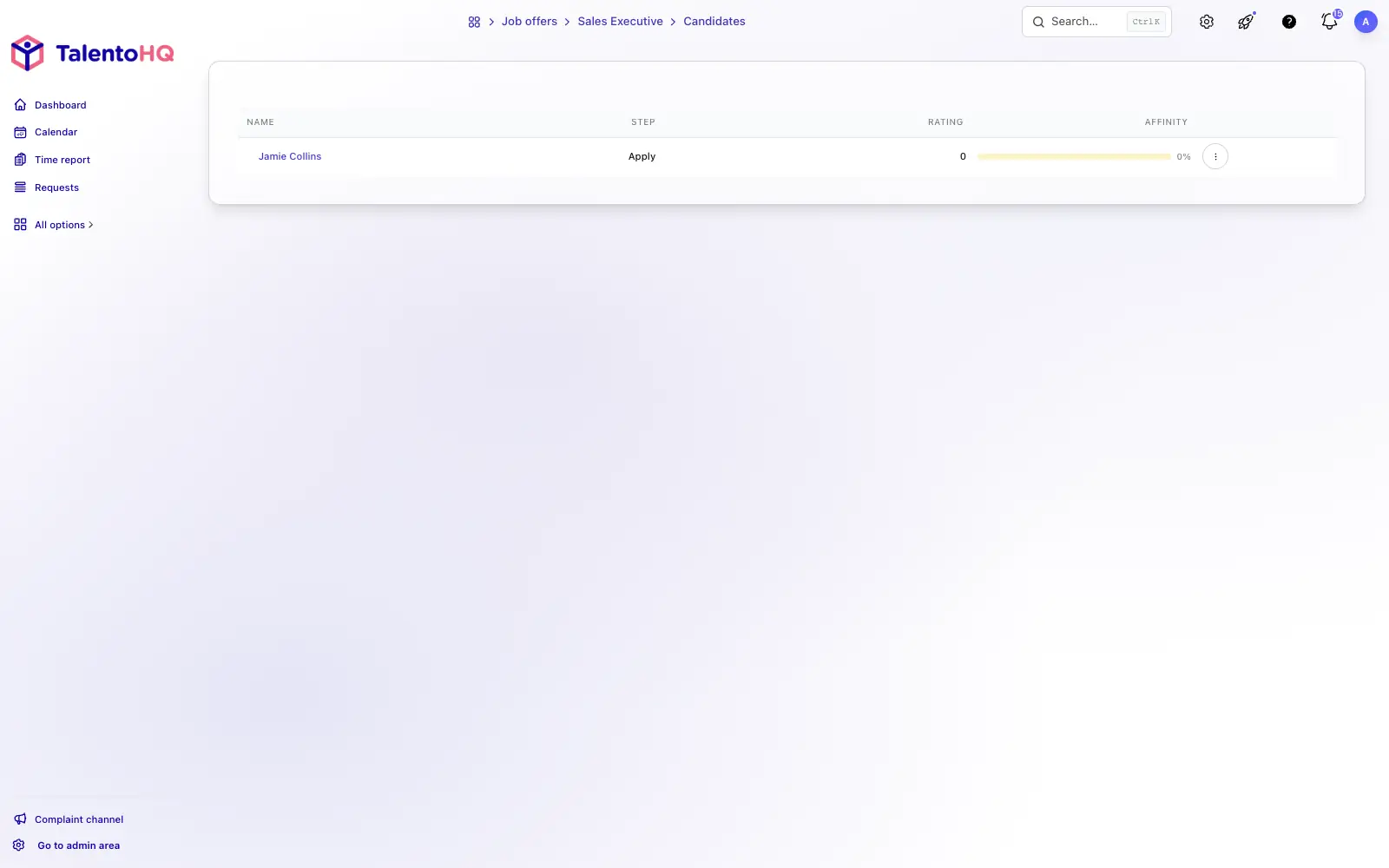
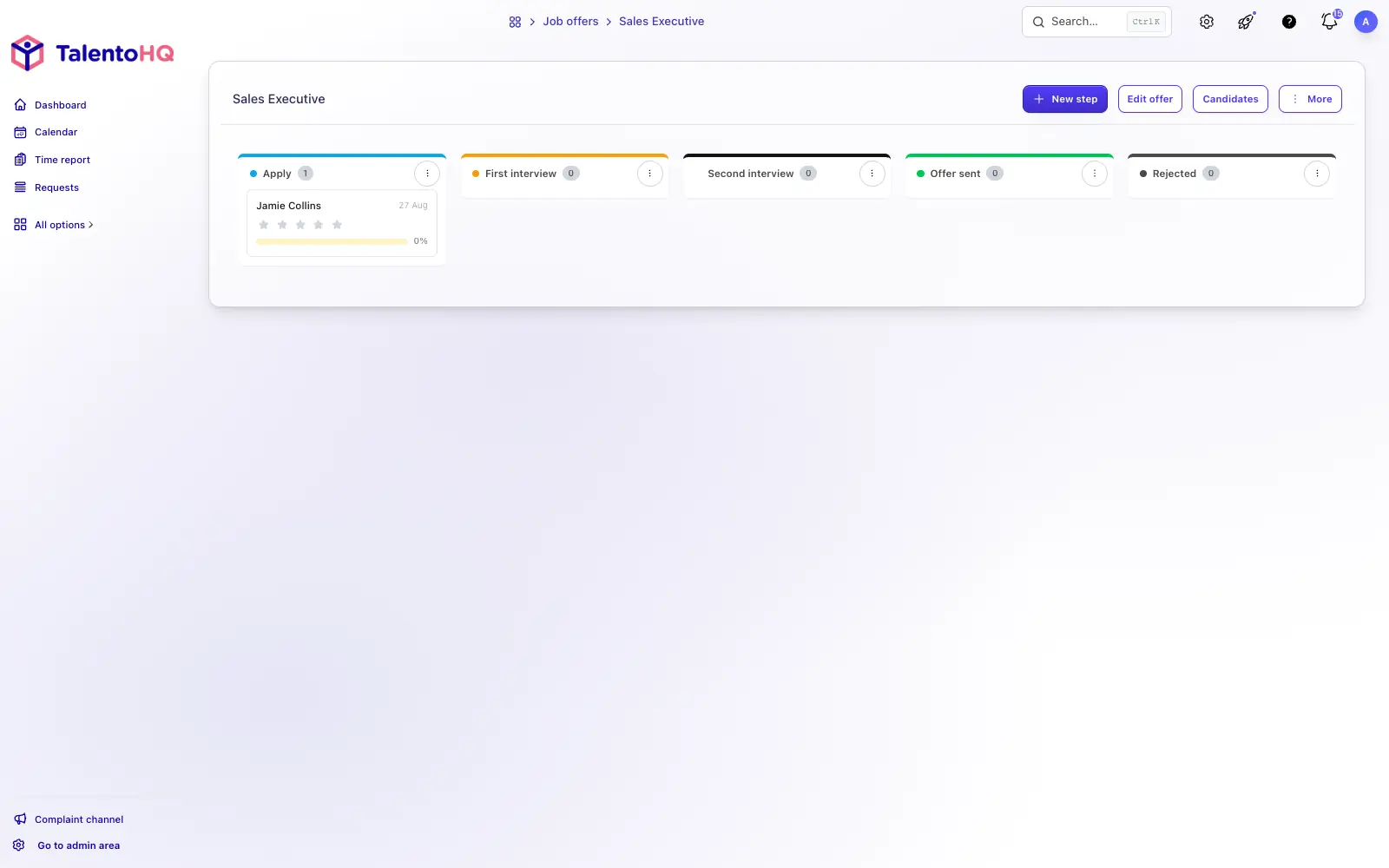
Move candidates through stages and review their résumé, comments, ratings, match, and history.
The feature covers both the applicant's public experience and the hiring team's internal workspace.
Create job posts with role details and a reusable starting process.
Display active vacancies with company branding, filters, job details, and an application form.
Group candidates by stage so the team can review and advance the process.
Review contact details, cover letter, résumé, skills, comments, rating, match, and activity.
Define each stage with a name, description, color, notifications, and email template.
Schedule invitations with recruitment booking calendars when the process calls for them.
Candidates apply on a clear public page, while the team works in TalentoHQ with stages, candidate profiles, ratings, and process activity.
An orderly hiring process
TalentoHQ connects the careers page with internal follow-up, so the vacancy, applications, and decisions remain in the same process.
Explore talent managementFrequently asked questions
Yes. Applications submitted through the public page are attached to the vacancy and ready for the hiring team to review.
Yes. Stages come from reusable templates and can include a name, description, color, notifications, and a custom email.
The verified public form is intentionally concise: name, email, phone number, résumé, and an optional cover letter.
Recruitment and job postings are included in All-Inclusive: €2 per user/month annually, or €3 monthly.
Yes. The trial does not require a credit card. Contact us if you have questions.
Try TalentoHQ with your team or contact us to see how vacancies, candidates, and selection stages fit together.