Reviewer roles
Use self-review, direct manager, team manager, office manager, or a specifically selected reviewer.
Create templates, define competencies, and assign reviewers and participants. Each person sees what they need to complete, the cycle status, and only the results they are allowed to view.
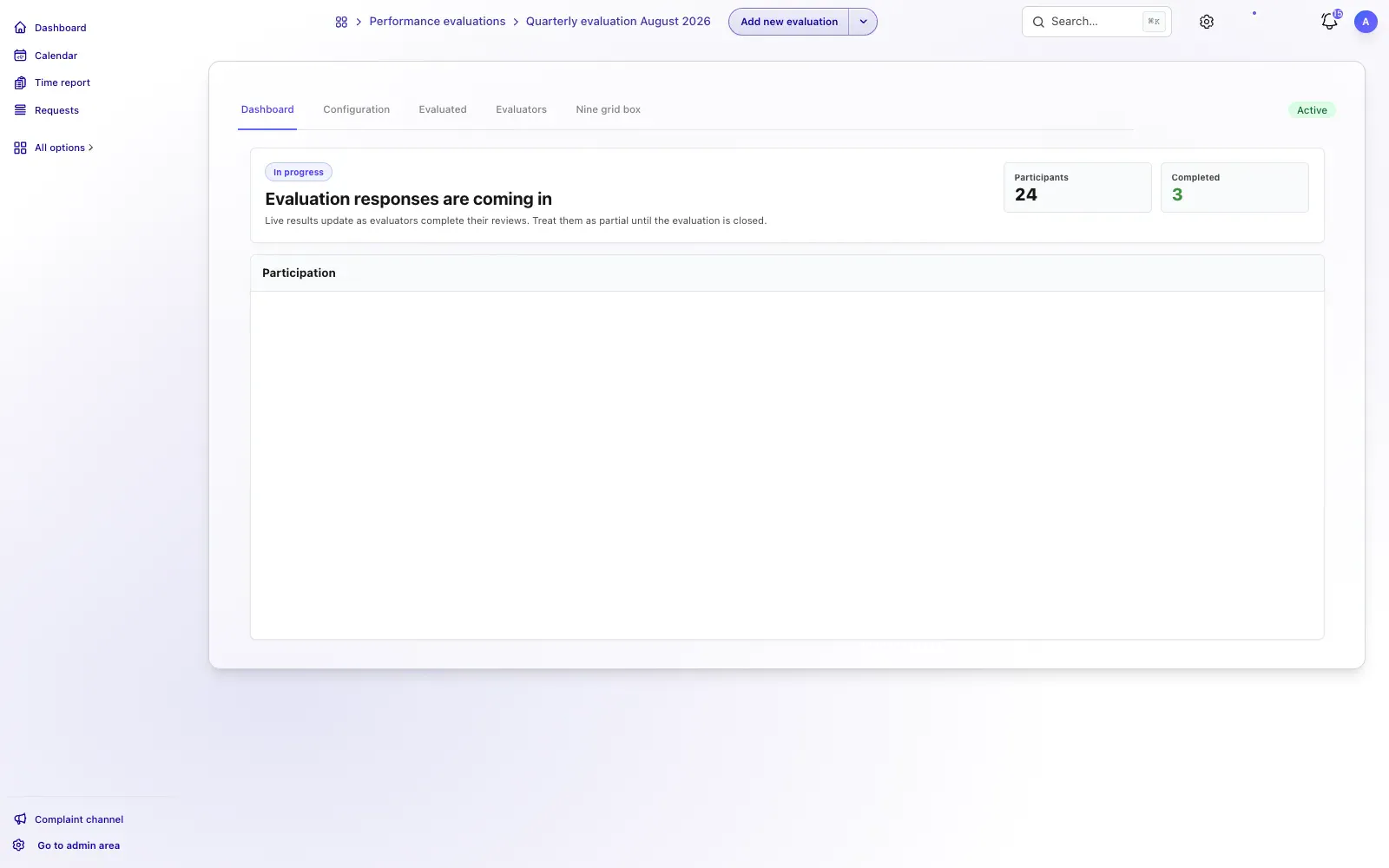
From cycle to result
The process connects setup, visibility, competency-based questions, participation, and results. Each review cycle has a clear structure, and each person works only with the tasks and data assigned to them.
Set the name, dates, frequency, participants, reviewer roles, and rules for sharing results.
Employees answer active reviews with clear statuses and the questions available for each person being reviewed.
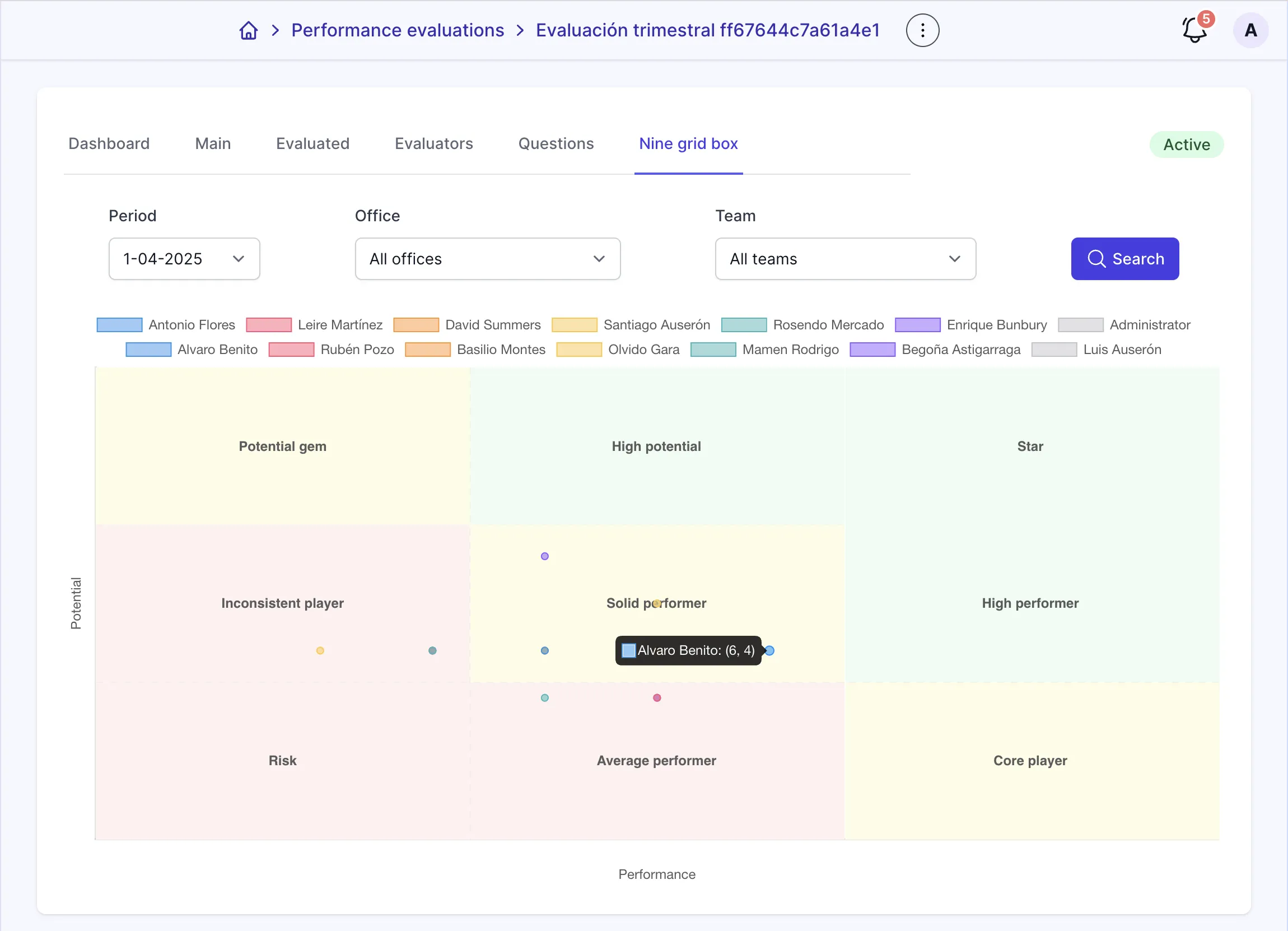
Check participation, answers, radar charts, and history once the cycle contains results.
TalentoHQ connects the participant experience with cycle administration while keeping permissions, visibility, and results under the company's control.
Use self-review, direct manager, team manager, office manager, or a specifically selected reviewer.
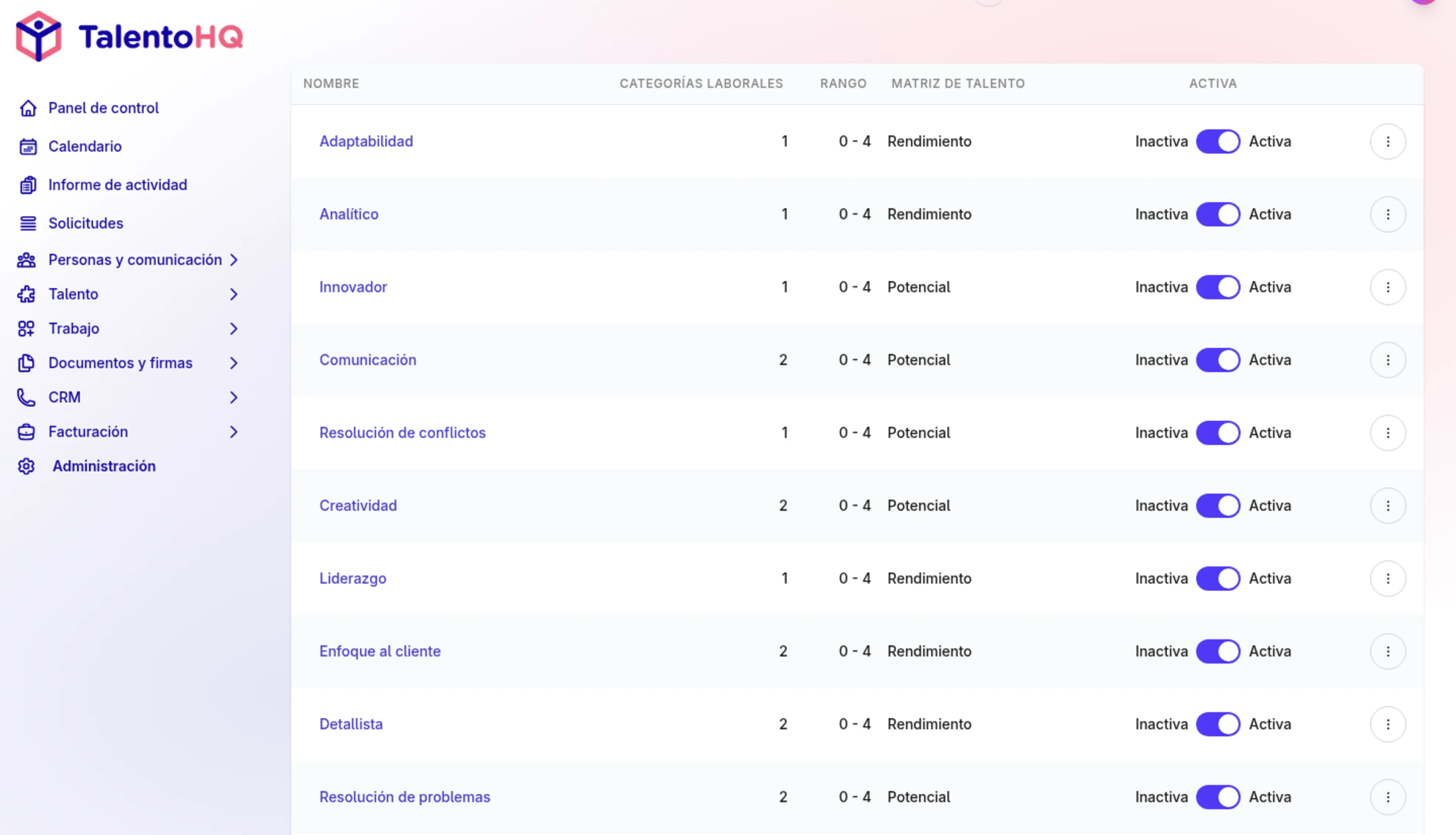
Generate rating questions from role competencies when they have been configured.
Show reviews as pending, in progress, completed, closed, or without questions.
Add survey sections and questions before activating the cycle.
Track participant progress while the cycle is active and after it closes.
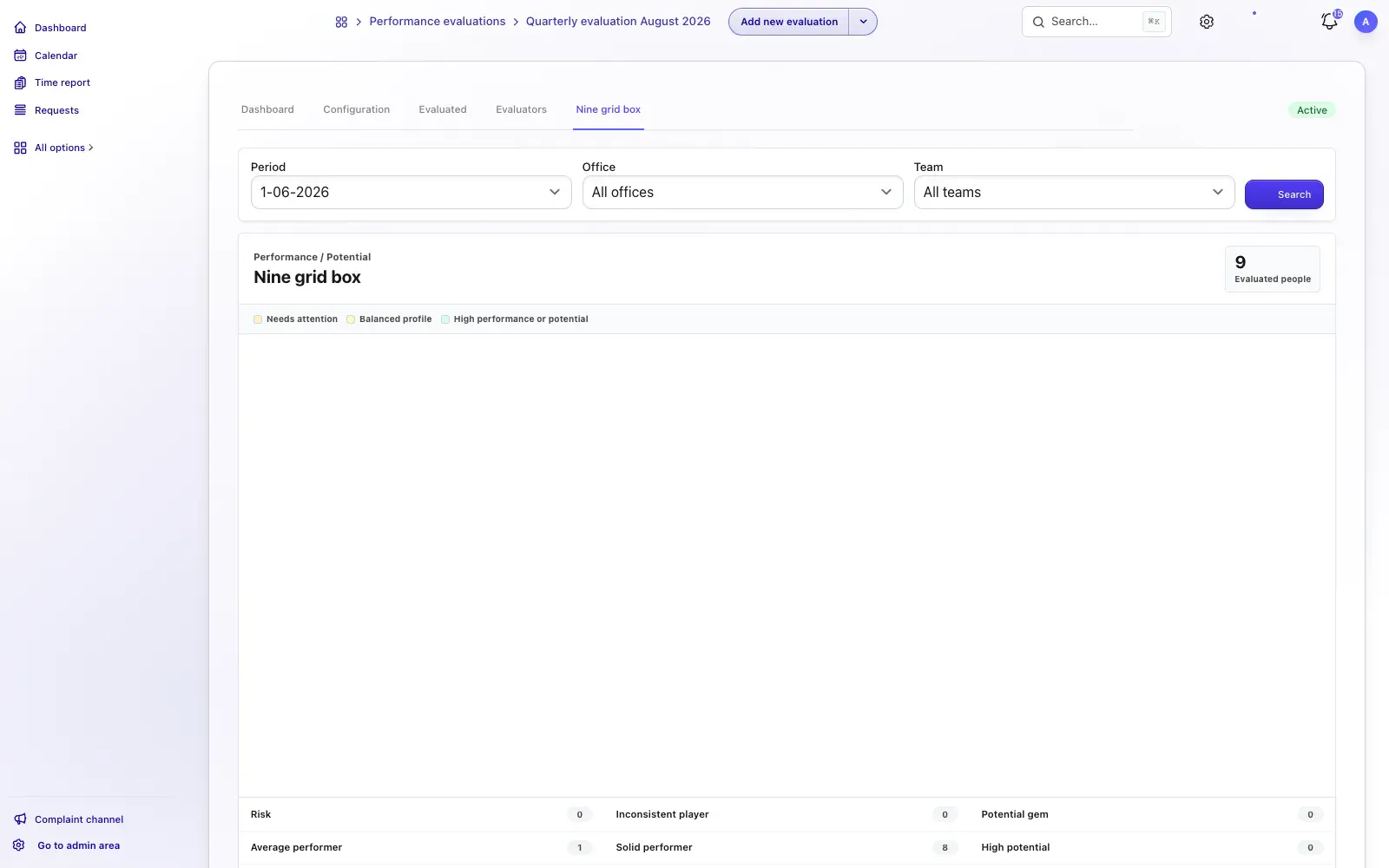
Review answers, history, radar charts, and the nine-box grid when data is available.
Reviews are part of the talent system: answers, competencies, and results can inform performance conversations, skills reviews, and development decisions.
Feedback you can use
Review cycles work best when instructions are clear and HR can track participation and results without rebuilding the process in separate spreadsheets.
Explore talent managementFrequently asked questions
You can combine self-review, direct-manager review, team or office managers, team members, and specifically selected reviewers.
TalentoHQ can generate competency questions when an employee's role category has competencies attached to it.
Yes, when the cycle status and result-sharing settings allow it. Visibility is controlled in the review configuration.
Performance reviews are included in All-Inclusive: €2 per user/month annually, or €3 monthly.
Yes. The trial does not require a credit card. Contact us if you have questions.
Try TalentoHQ with your team or contact us to see how competencies, participation, and results fit together.